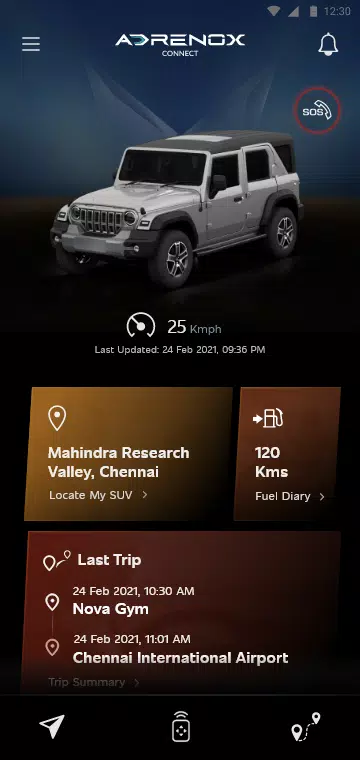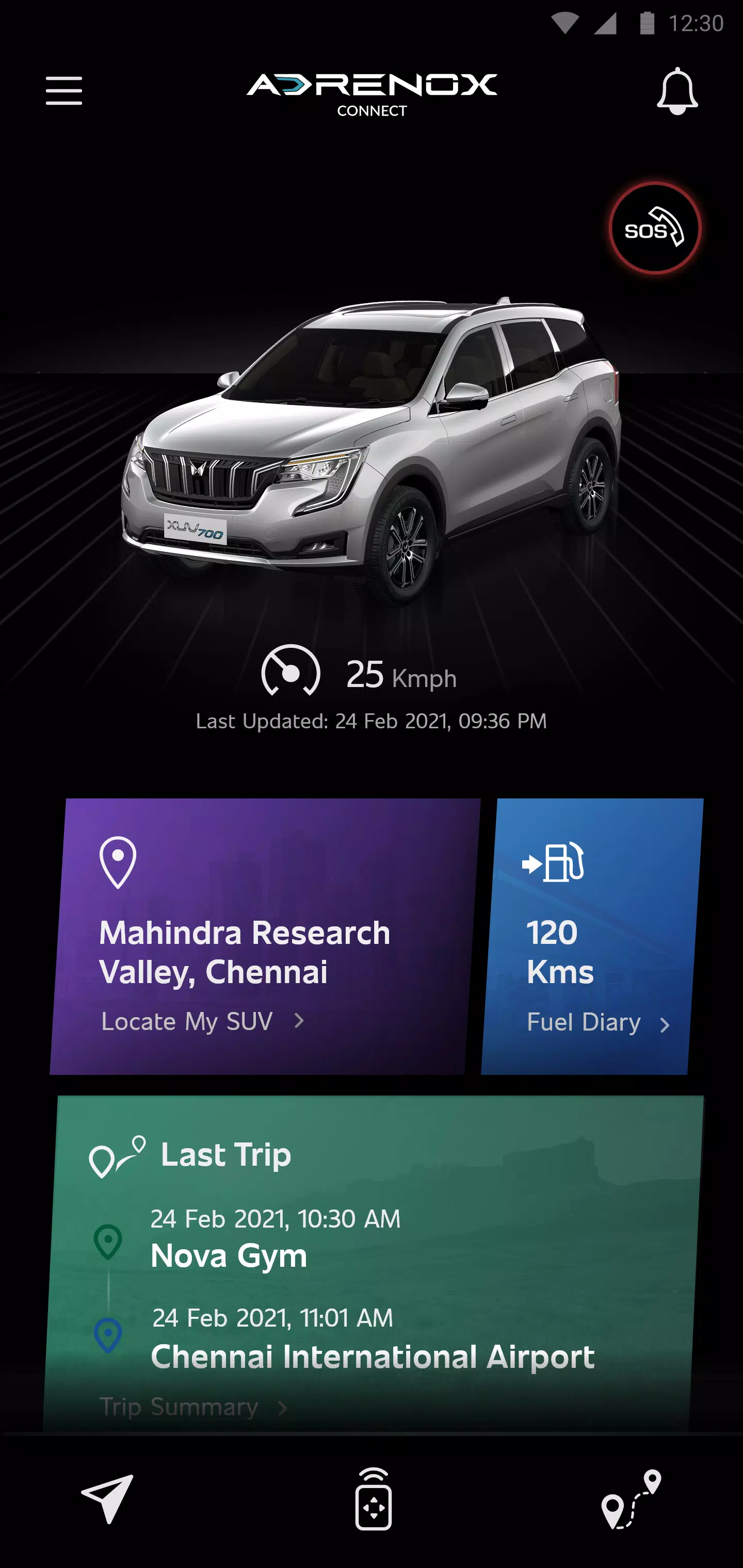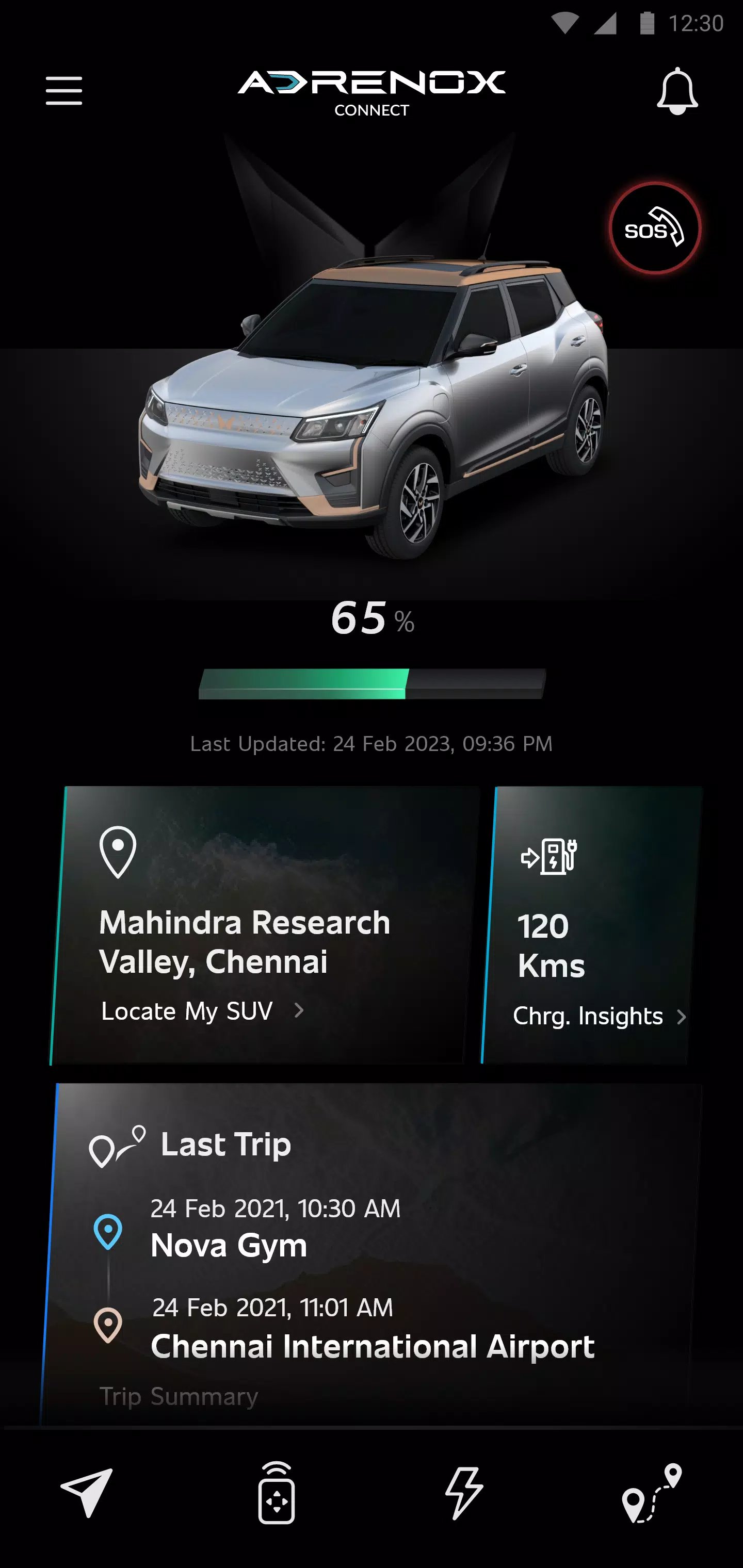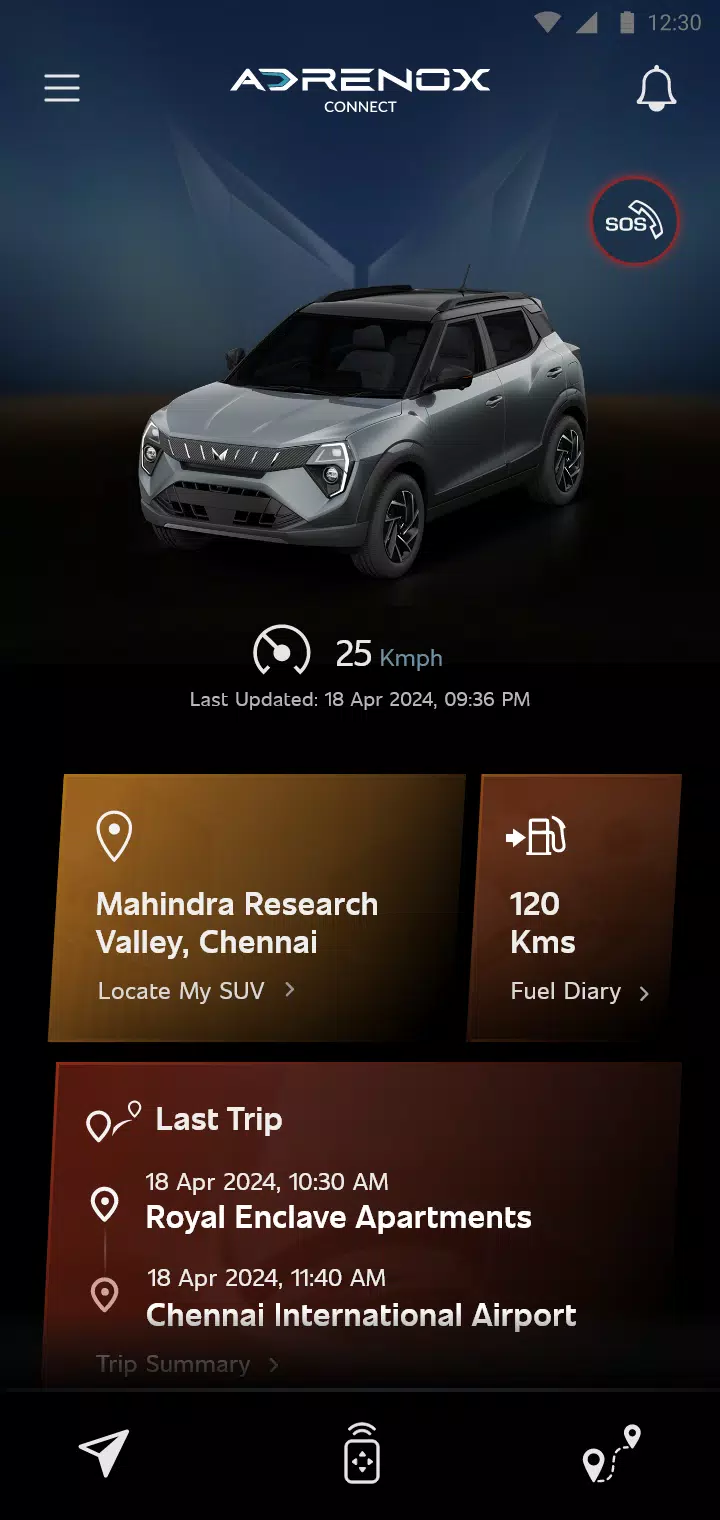
Adrenox Connect is a connected solution designed to keep you in touch with your vehicle.
Adrenox Connect, Mahindra's connected SUV solution, keeps you connected to your vehicle.
Adrenox Connect unlocks a completely new experience through your smartphone.
Get ready to elevate the adrenaline with intelligent technology at your fingertips. Track your vehicle in real time, lock and unlock it, turn on the AC remotely, and much more—all with just a few taps on your smartphone or smartwatch screen.
Alerts
Vehicle Information
Remote Functions
Safety Functions
Location-Based Services
Partner Applications
Steps to use Wear OS:
1. Download the "Adrenox Connect" app on your phone and log in using the provided credentials.
2. Connect your smartwatch to the phone via the "Wear OS" app.
3. Open the Play Store on your smartwatch and search for the "Adrenox Connect" app.
4. Download and install the "Adrenox Connect" app on your smartwatch.
5. Open the "Adrenox Connect" app on your smartwatch after a successful login from the mobile app.
6. The splash screen, home screen, and read screen can be viewed on the smartwatch.
Tags : Auto & Vehicles