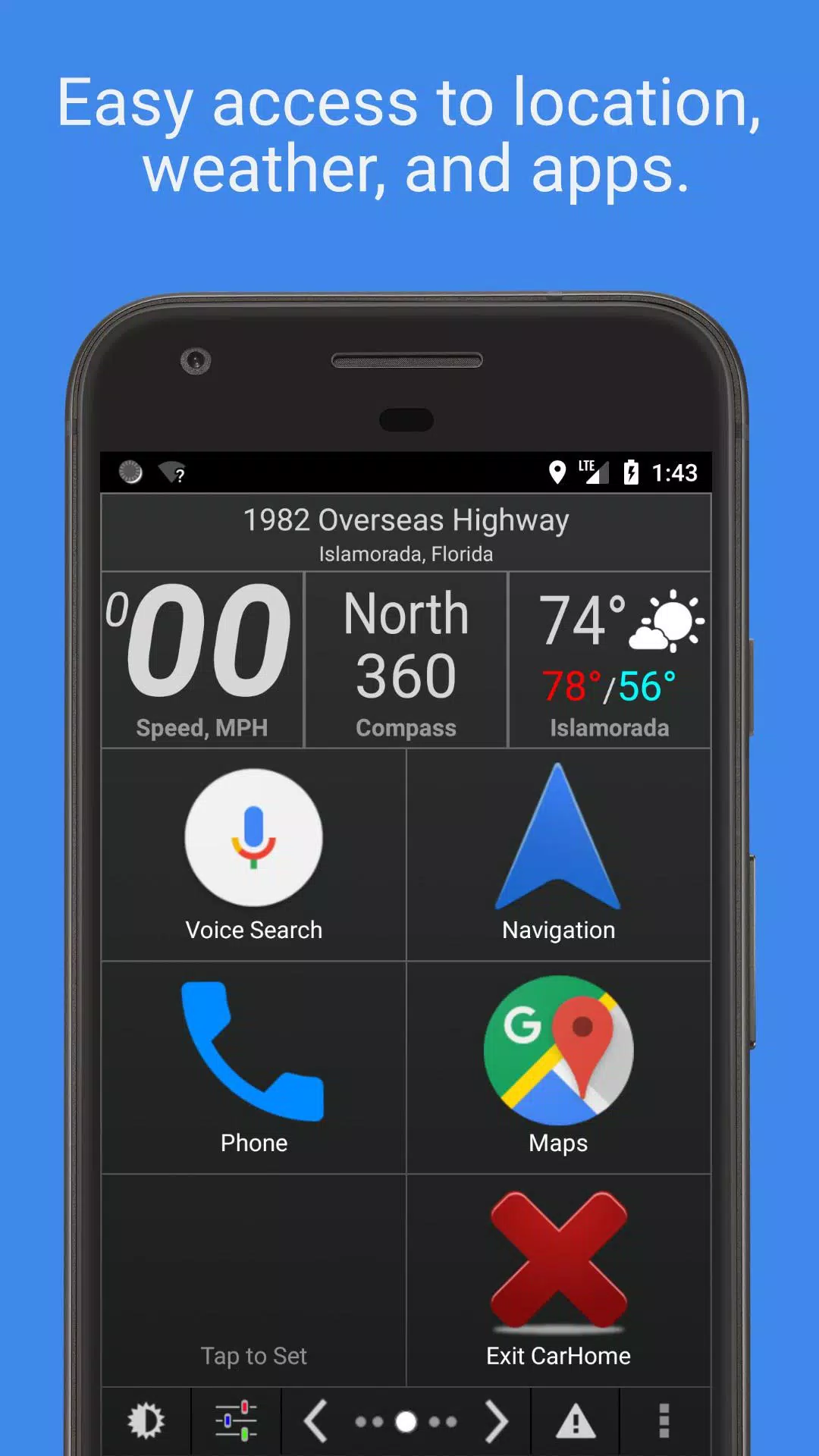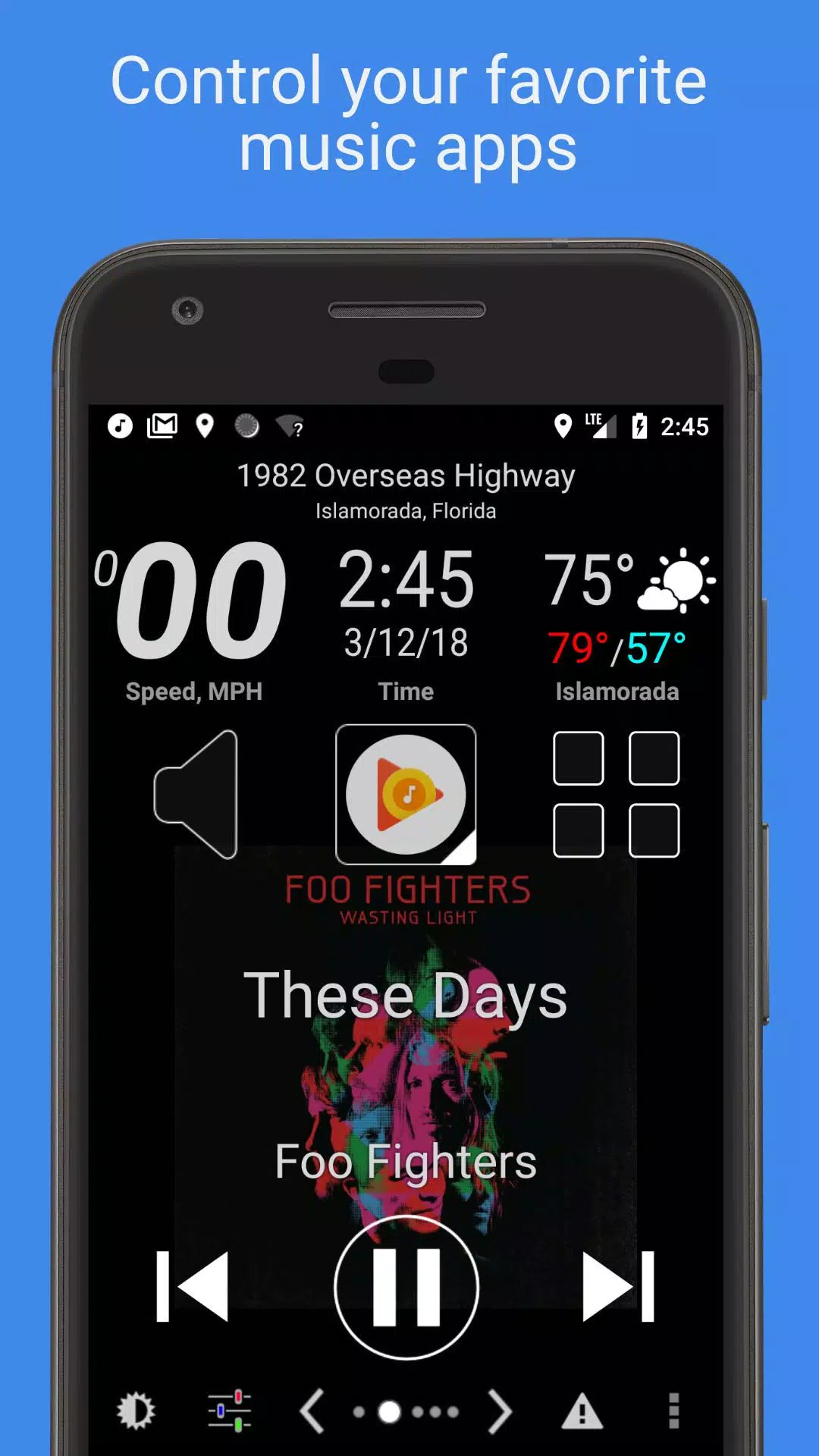
A car dock application designed to simplify music listening and phone management while driving.
Car Home Ultra is a car docking app that streamlines phone management for safer, more convenient in-car use.
It launches automatically when your car's Bluetooth is detected. You can also return to CHU anytime by tapping the home button or the overlay button (see Settings → Startup Options).
Car Home Ultra includes powerful automation features to configure your phone for driving, such as Auto Startup, Display Brightness control, volume adjustment, and WiFi settings.
Additional Features:
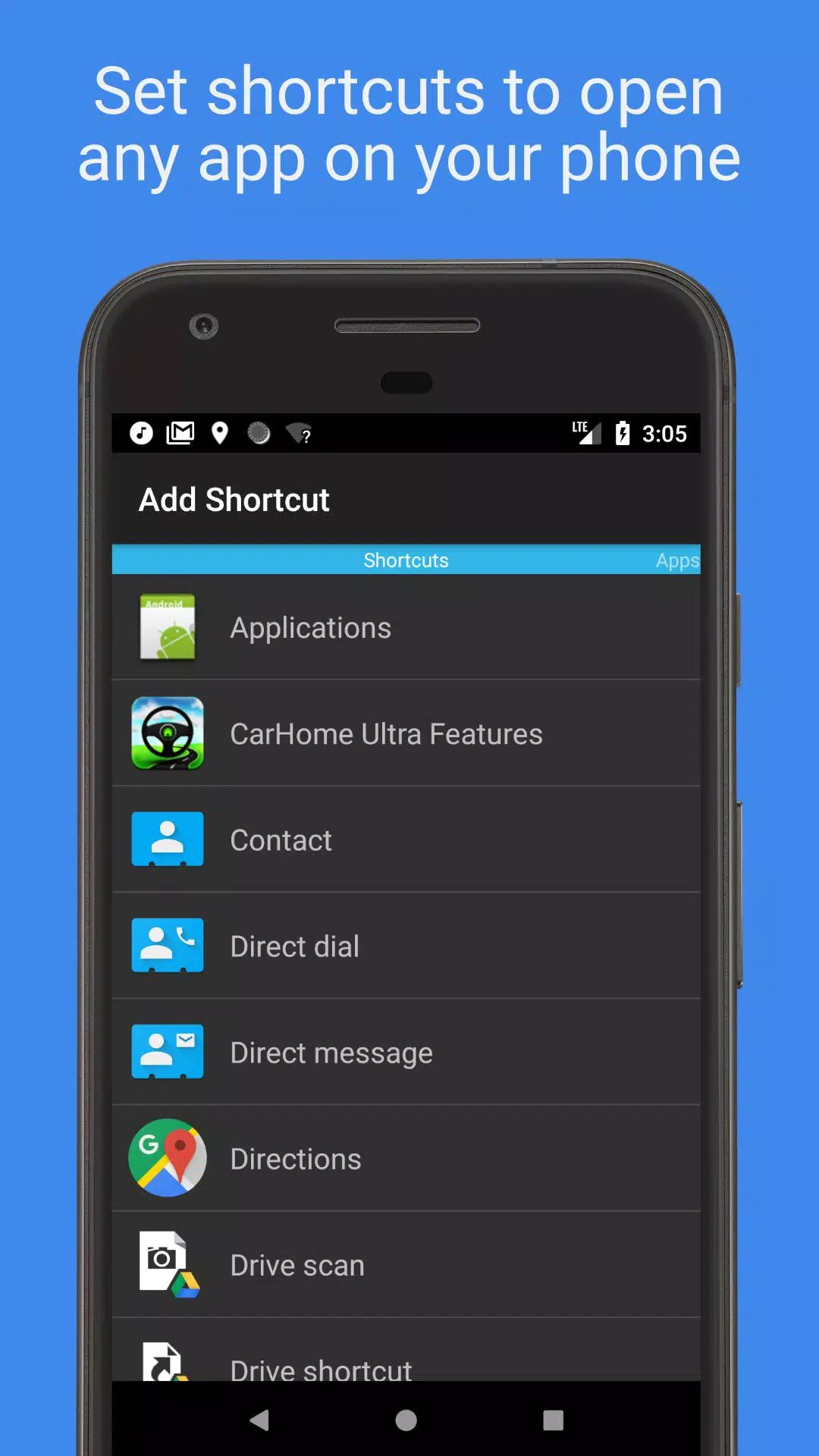
• Create unlimited custom shortcuts to launch apps, dial numbers, or navigate to specific destinations.
• Control any music or podcast app using the easy-to-read media controller with large, accessible buttons.
• Stay informed with built-in data widgets showing speed, location, weather, altitude, and more.
• Choose from multiple skins and color schemes for hundreds of unique looks.
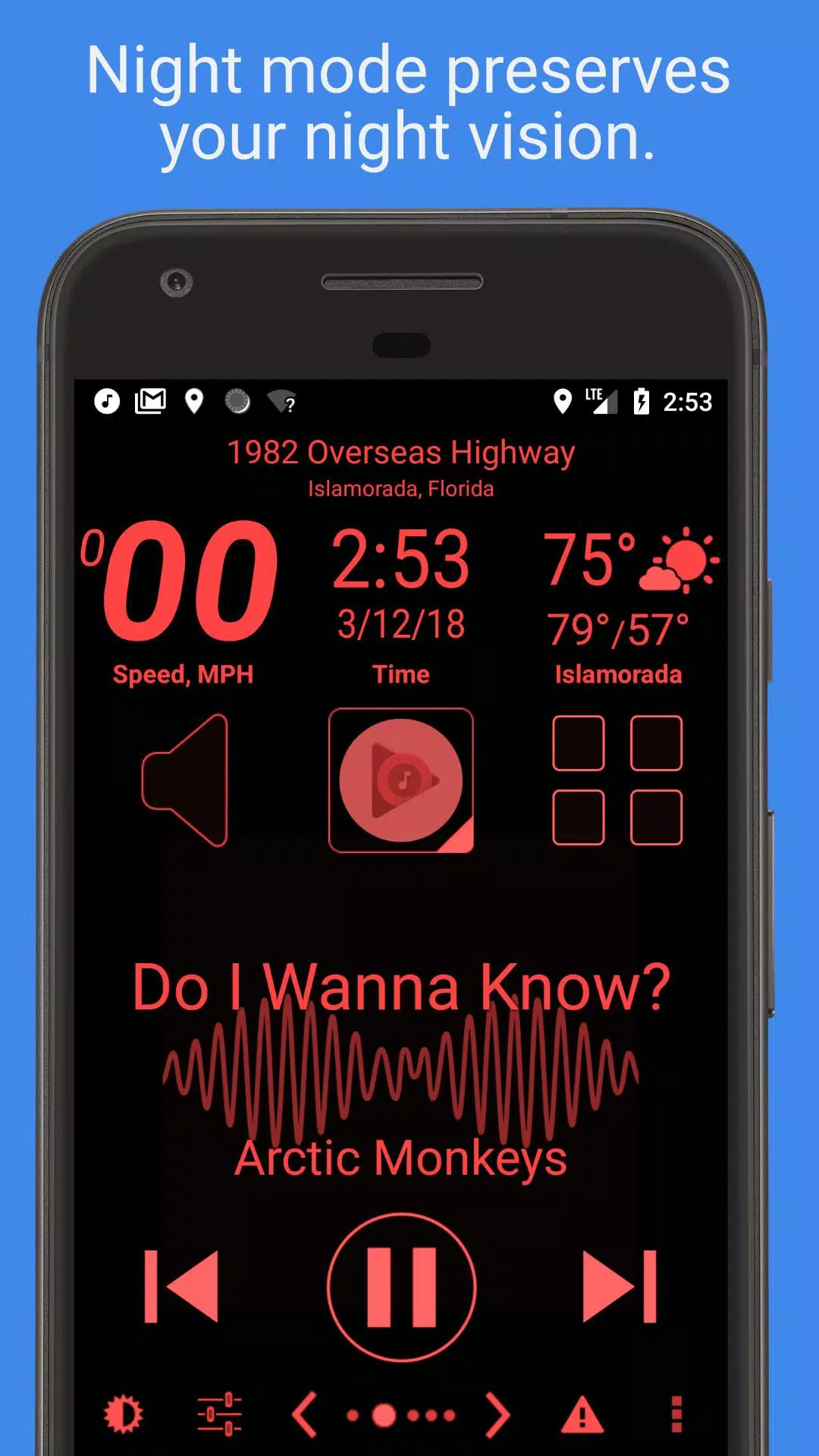
• Automatic Day and Night themes help preserve night vision while driving after dark.
• Automatic SMS replies let you stay focused on the road.
• Speed alarm helps prevent speeding tickets.
• Full feature list provided below.
Mark the Geek: "CarHome Ultra for Android - The Perfect Car Dock Companion"
https://www.youtube.com/watch?v=9g-Aonh645Y
Android 4.2+ users can enable Google Voice Commands for a completely hands-free experience. Learn more here: https://support.google.com/websearch/answer/6031948?hl=en
**This is a 30-day trial. To continue using the app beyond the trial period, please purchase the CarHome Ultra License.**
Data Widgets:
- Speedometer (speaks when pressed)
- Compass
- Altimeter
- Battery Meter
- Clock
- Current Weather Conditions (speaks when pressed)
- Current Location (speaks when pressed)
Other Features:
- Integrated Media Controller (Play/Pause, Next, Previous, Artist, Title)
- Unlimited custom shortcuts
- Location alerts
- Custom Day/Night color schemes
- Multiple skins and color schemes
- Automatic Day/Night switching based on sunrise and sunset
- Optional speakerphone mode when docked
- Auto-launch when Bluetooth connection is detected
- Enable Bluetooth automatically in Car Mode (optional)
- Disable Bluetooth when exiting Car Mode (optional)
- Toggle Wi-Fi automatically with Car Mode (optional)
- Display speed in KPH or MPH
- Show temperature in Celsius or Fahrenheit
- Full Screen Mode
- Icon Pack support
- Lock Screen Rotation (landscape, portrait, reverse landscape, reverse portrait)
- Android 5 Material Design
- Brightness and Display Mode controls
- Volume controls
- Tactile Button Response
- Mute Alerts
- Three page layouts: 6-button, 8-button, and media controller
- Sleep Mode for power saving and reduced heat
- Keep Display On until app exit
- Stop music/media on exit
- Partially inspired Android Auto (yes, that’s true)
NEED HELP? Email us at: [email protected]
App Permission Details:
Device & App History – Required for the Media Controller to identify supported media players and send playback commands.
Contacts/Calendar – Needed to set up direct dial shortcuts (Calendar access is bundled with Contacts).
Location – Enables GPS features like speedometer, compass, altimeter, and weather updates.
Phone – Required for Direct Dial shortcuts.
Photos/Media/Files – Used for the Debug Log feature (photos/media access is bundled; not used by the app).
Camera/Microphone – Microphone access supports future voice features and current audio visualization (camera permission is bundled; not used).
Wi-Fi Connection – Allows the app to enable/disable Wi-Fi automatically.
Tags : Auto & Vehicles