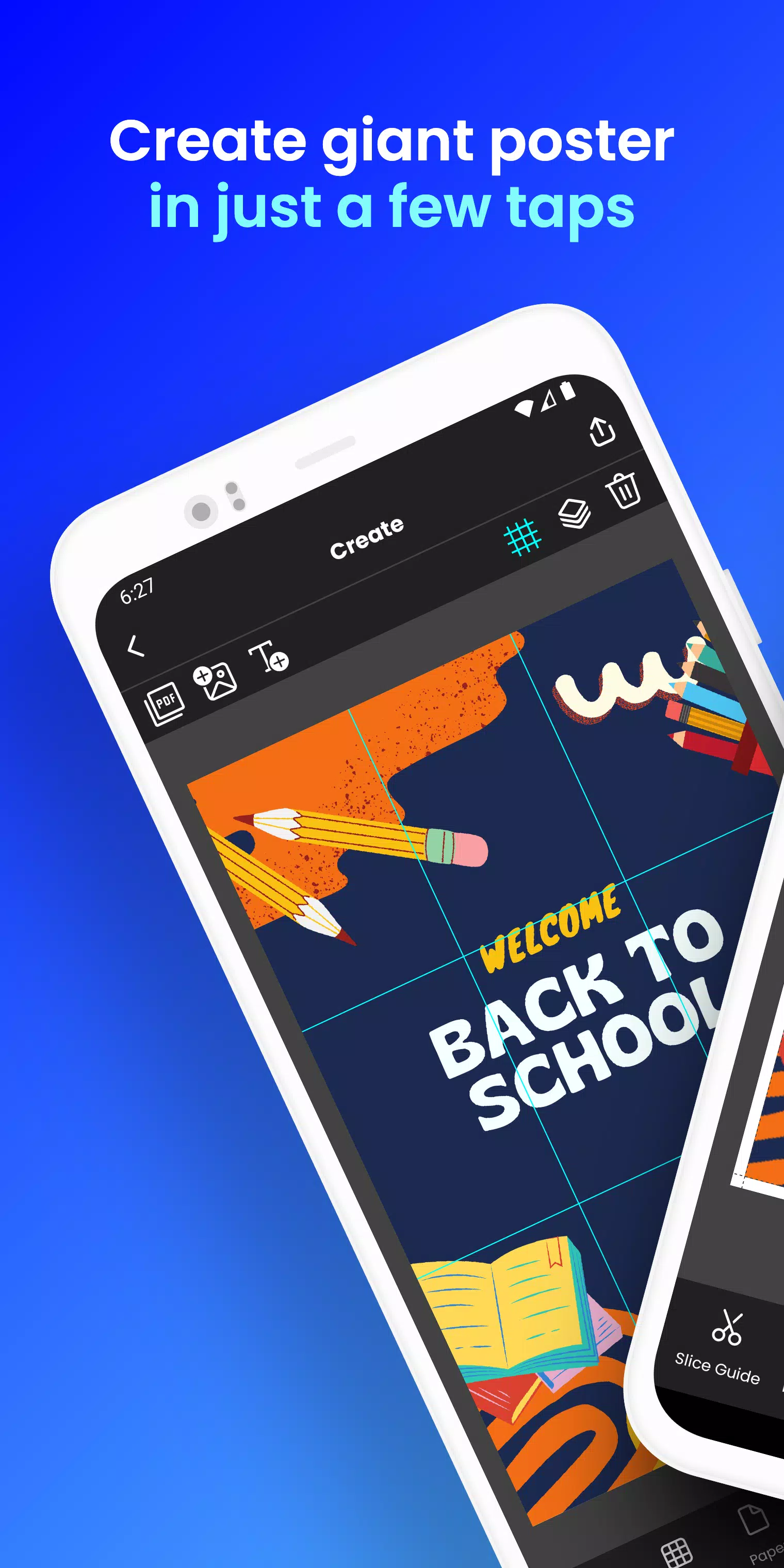
Print giant posters directly from your phone. Create a block poster in just a few taps!
Want to create massive posters, banners, or wall art without needing a large-format printer?
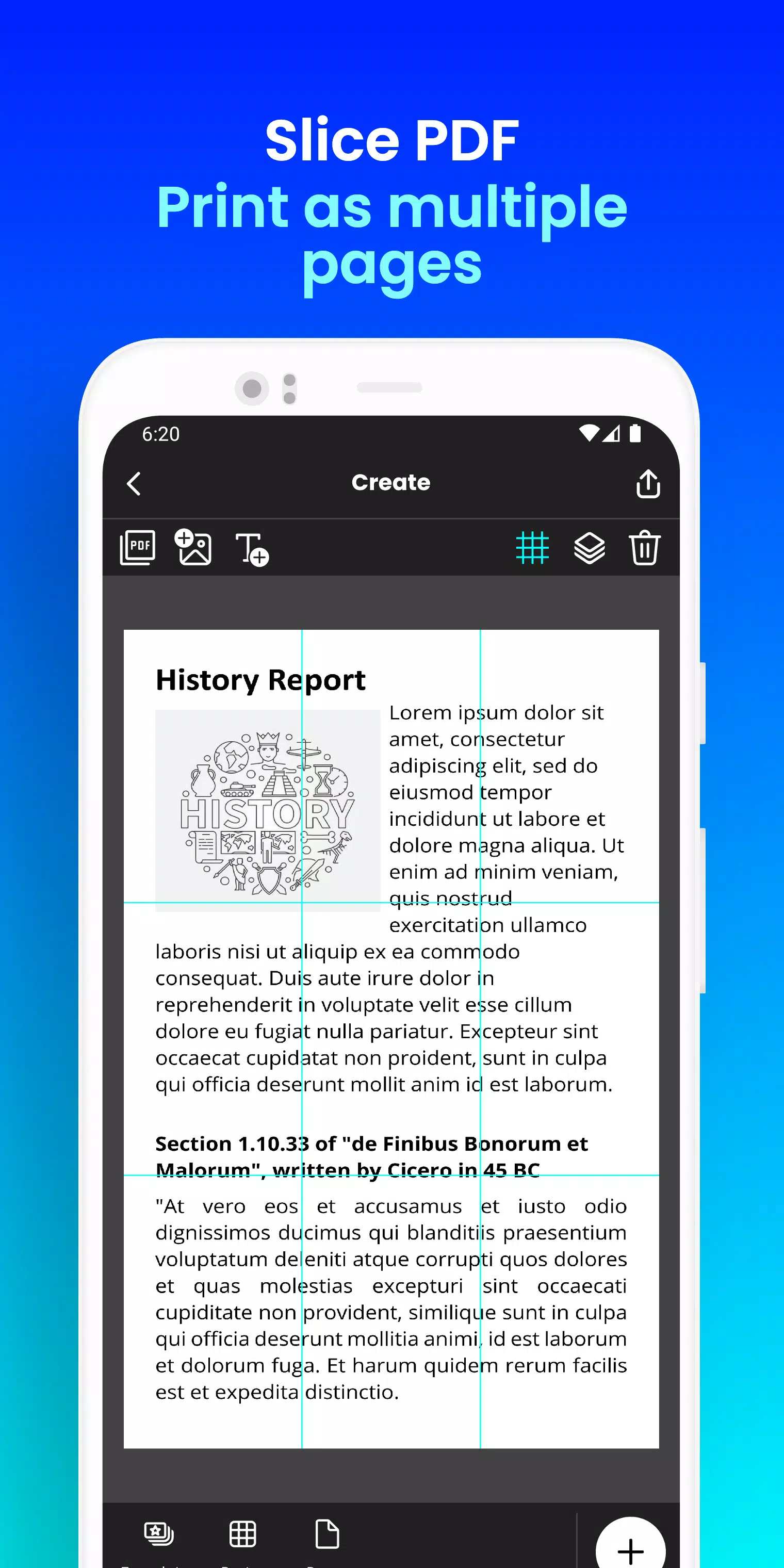
Docuslice transforms any image or PDF into a stunning, multi-page masterpiece using your standard home printer. Tiled printing has never been easier!
How it works:
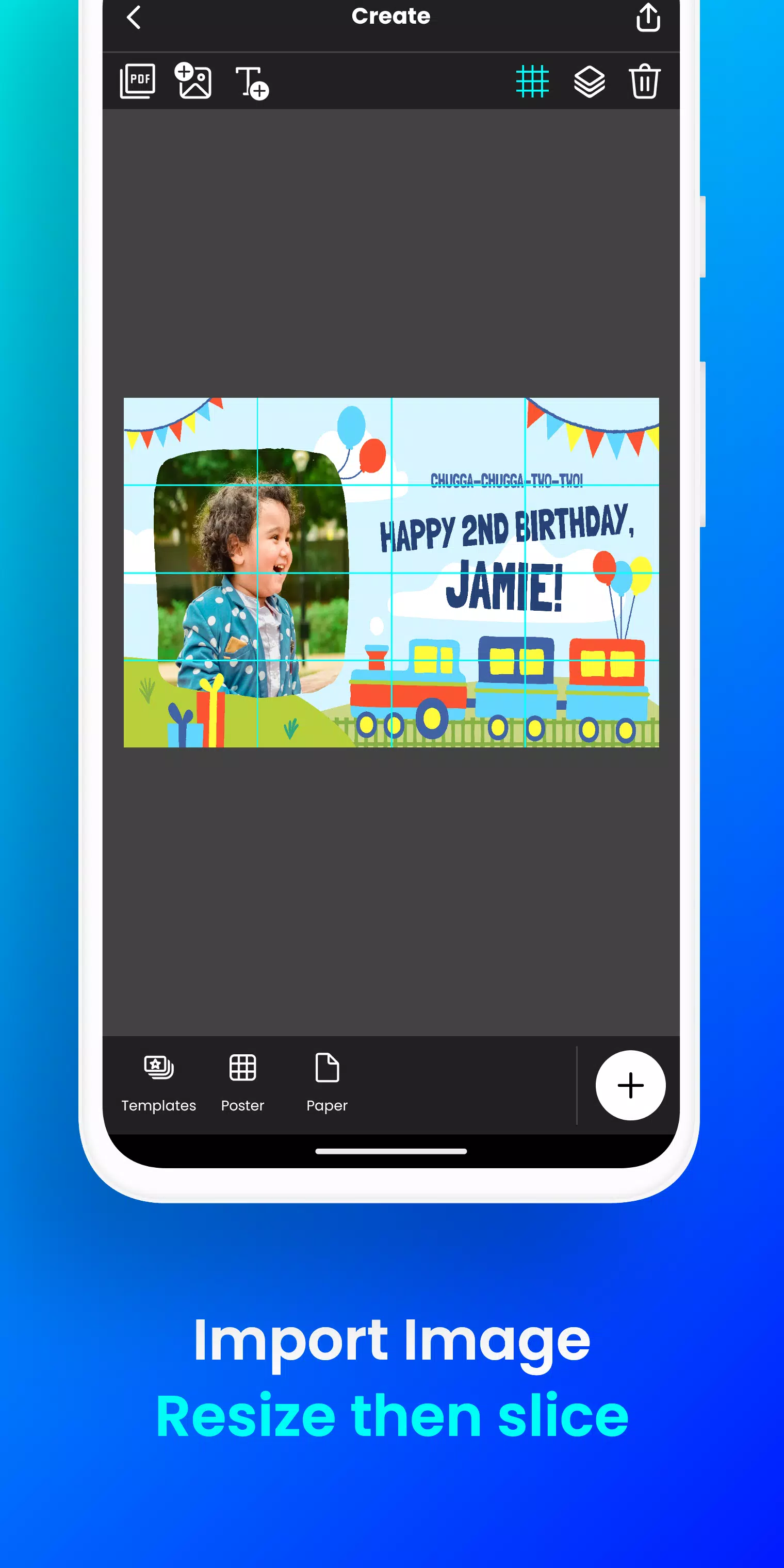
- Import your image or PDF file.
- Customize it perfectly: Resize and add text effortlessly.
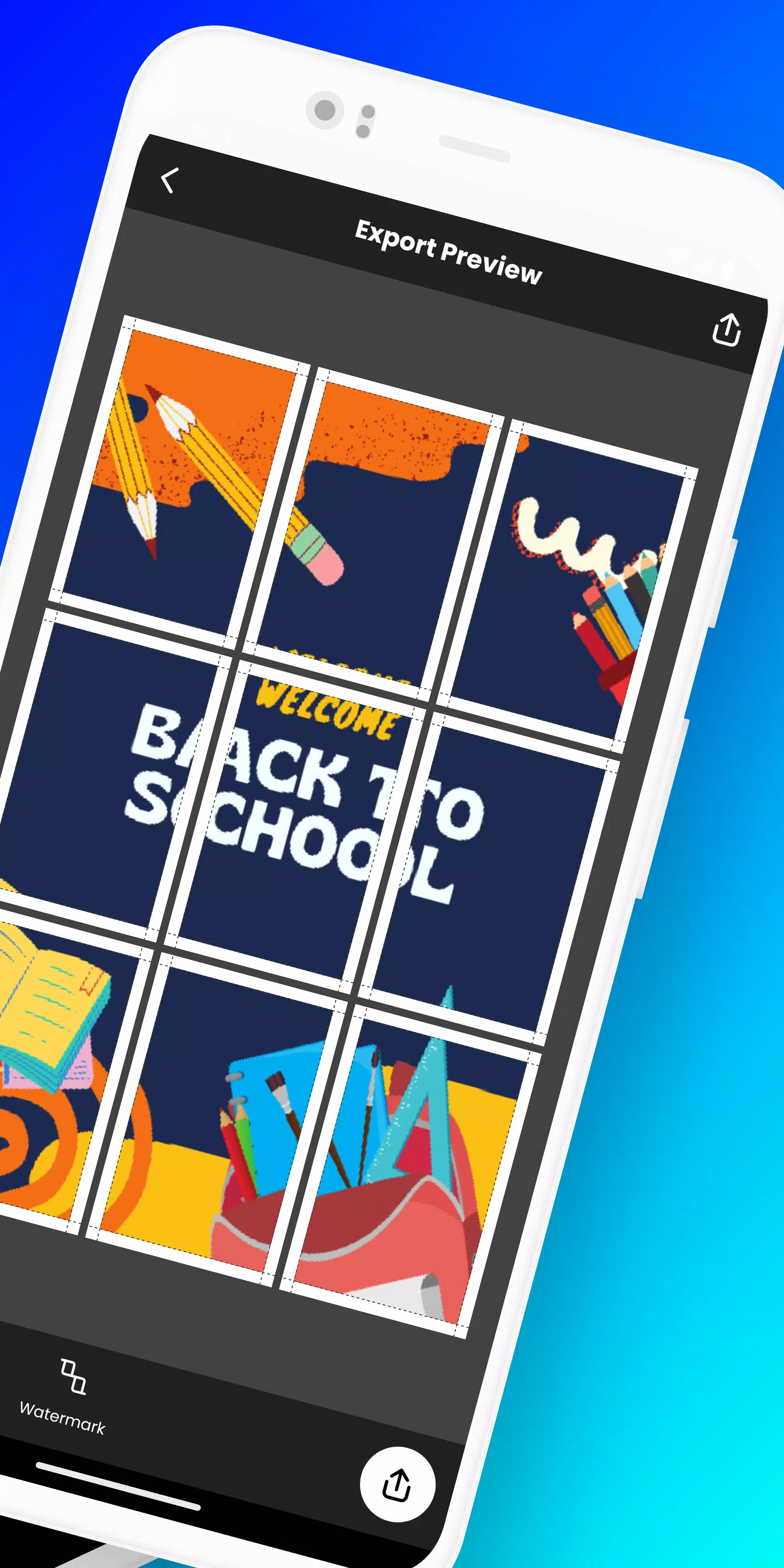
- Docuslice automatically divides your design into ready-to-print tiles.
- Print the tiles on any paper size and assemble them into one giant poster!
Perfect for:
- Eye-catching event posters (birthdays, holidays, and more)
- Educational charts, decorations, and materials for schools
- Unique wall art for your home or office
- Campaign posters that stand out and make a statement
- Large banners for any event or occasion
- Advocacy and activism posters
Docuslice is:
- FREE to download and use.
- Incredibly simple to learn and use.
- Works with any image or PDF format.
- Saves money on expensive printing costs.
- Eco-friendly – eliminates the need for large-format printers!
Ready to unleash your creativity and print giant posters effortlessly? Download Docuslice today!
What's New in the Latest Version 2.1
Last updated on Nov 9, 2024
- Updated the authentication process to use OTP, removing password-based sign-in.
- Added a new paper size (A3+ / Super B).
- Added scissor markings as cutting guides, with the option to show or hide them from the export preview screen.
- Now fully supports both phones and tablets.
- This release also includes focused bug fixes and improvements to the app's stability and overall performance.
- We thank you for your feedback and support in helping us improve the app.
Tags : Art & Design