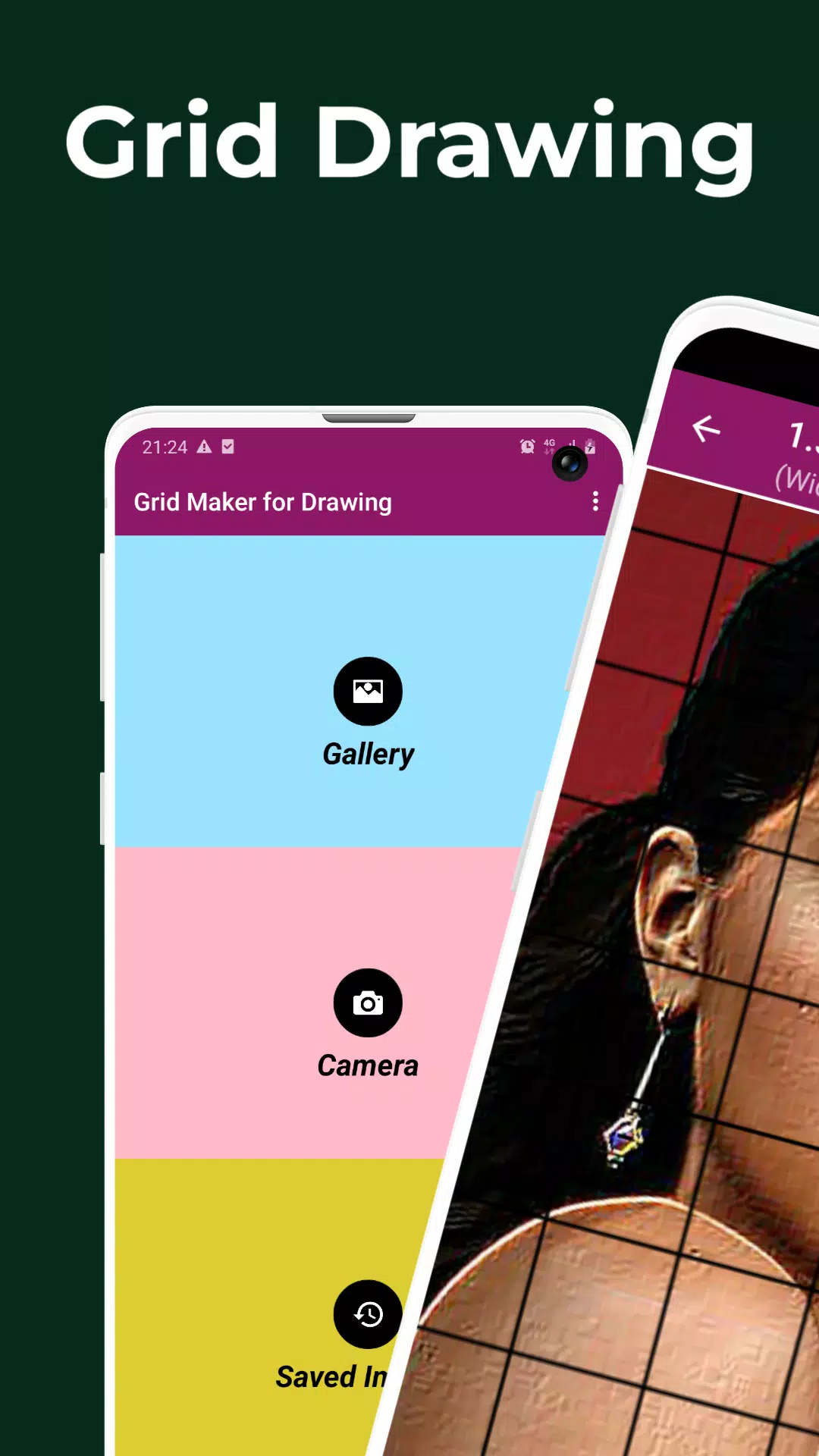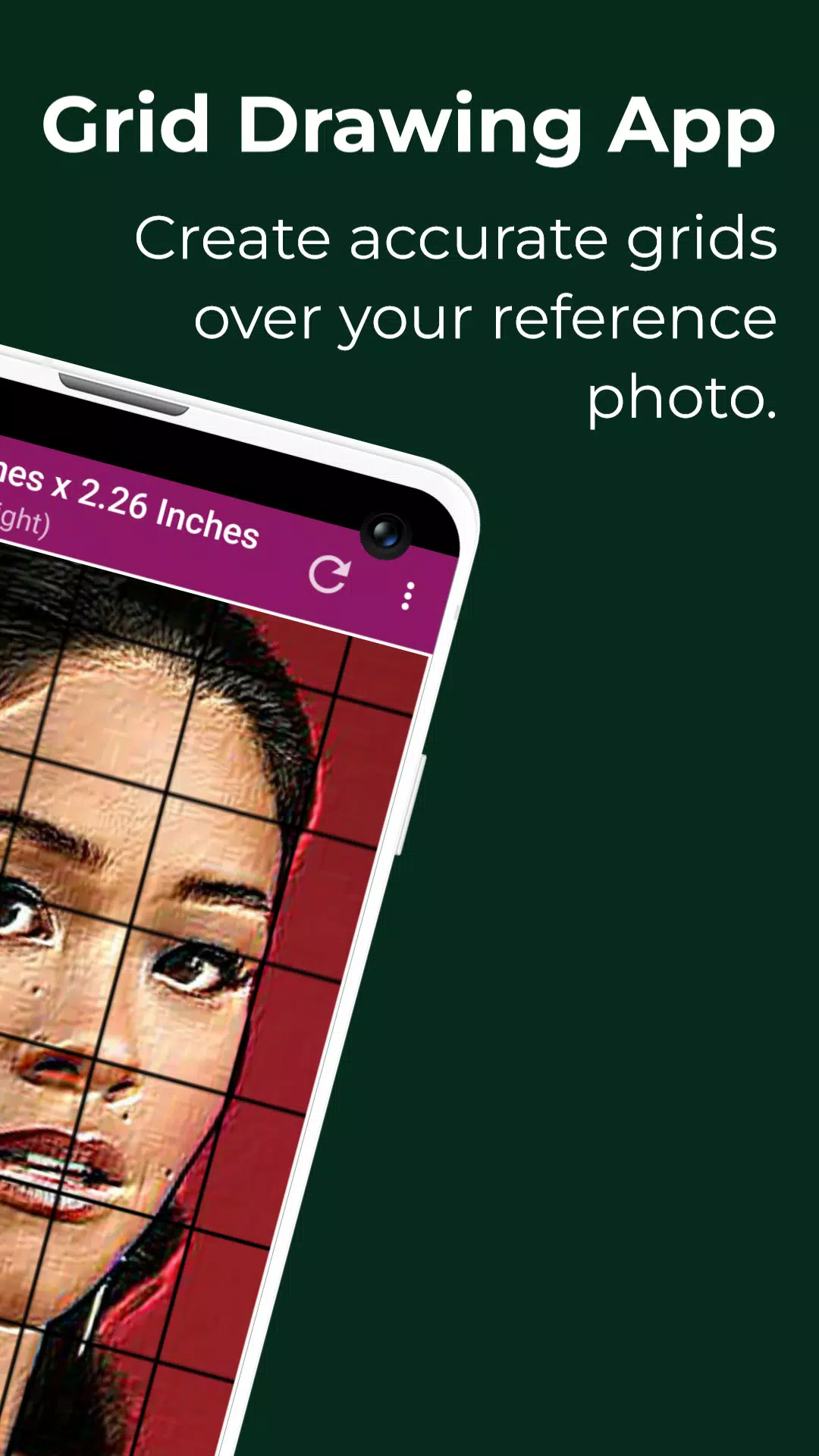
Grid Drawing | Grid Maker for Drawing - Overlay a customizable grid on any image.
グリッド描画 | 描画用グリッドメーカー - 任意の画像にカスタマイズ可能なグリッドをオーバーレイします。
Grid drawing is a classic art technique where you place a grid over your reference photo and then draw a grid with the same proportions on your work surface—be it paper, canvas, or wood. The artist then replicates the image one square at a time, resulting in an accurate transfer of the original picture.
グリッド描画は、参照写真の上にグリッドを置き、紙、キャンバス、または木材などの作業面上に同じ比率のグリッドを描くという古典的な美術技法です。その後、アーティストは1つの正方形ごとに画像を複製し、元の画像を正確に転写します。
This technique offers a practical and effective way to enhance drawing skills, ensuring your reproductions are proportionally precise. It serves as an essential tool for artists at every stage of their development.
この技法は、描画スキルを向上させる実用的かつ効果的な方法を提供し、複製が比例的に正確であることを保証します。それは、開発のあらゆる段階にあるアーティストにとって不可欠なツールです。
Key benefits of grid drawing include proportional accuracy, the ability to resize images, simplifying complex subjects, sharpening observation, improving hand-eye coordination, and building artistic confidence.
グリッド描画の主な利点には、比例的な正確さ、画像のリサイズ機能、複雑な主題の簡略化、観察力の向上、手と目の協調の改善、そして芸術的自信の構築が含まれます。
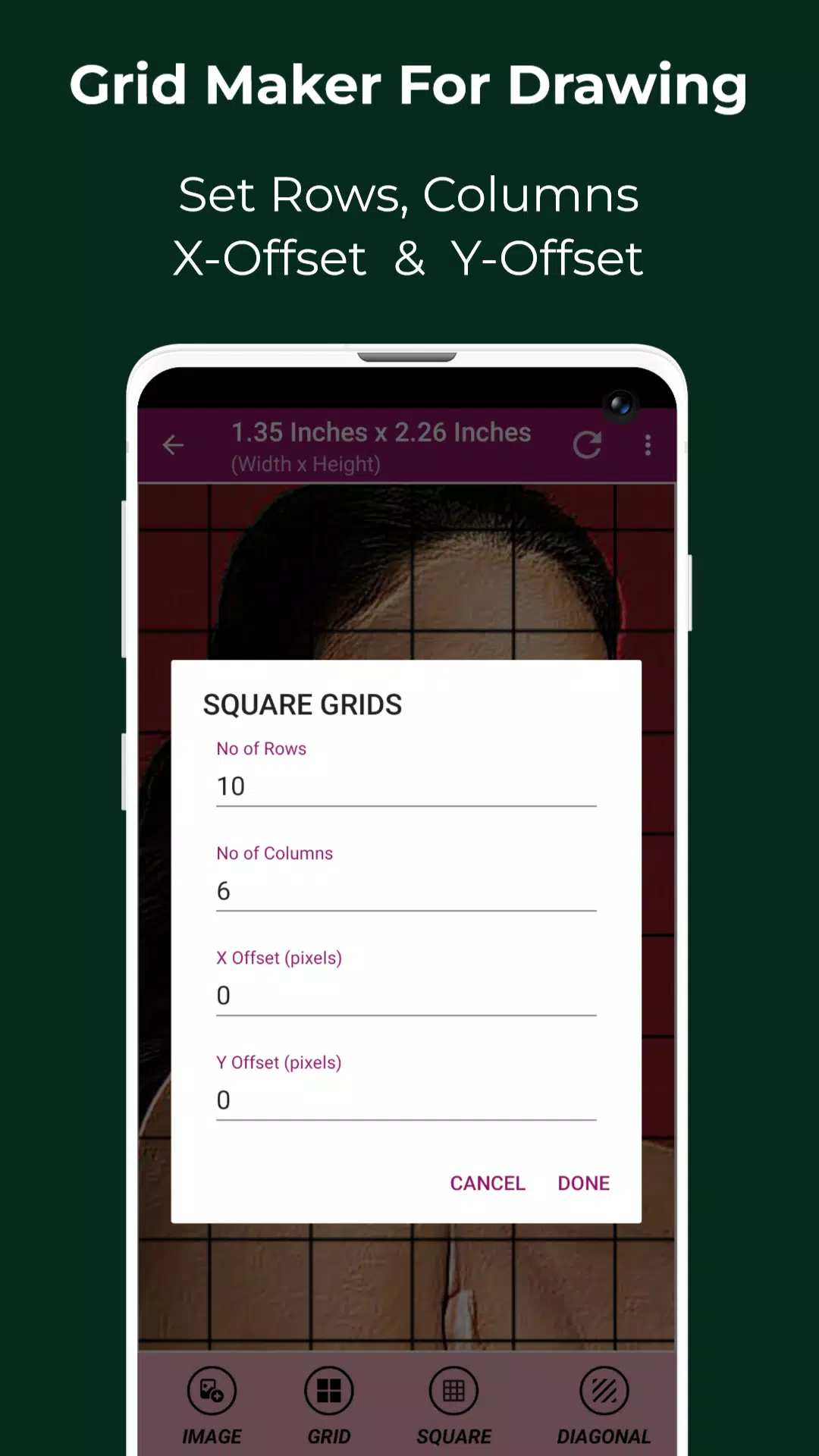
The Grid Maker For Drawing app divides your reference photo into a customizable grid of rows and columns. Each square represents a section of the overall image, allowing you to recreate it on a larger scale with great accuracy, one square at a time.
描画用グリッドメーカーアプリは、参照写真をカスタマイズ可能な行と列のグリッドに分割します。各正方形は全体の画像の一部を表し、1つの正方形ごとに非常に正確に大きなスケールで再作成することができます。
This app helps improve your drawing by maintaining correct proportions and preserving fine details.
このアプリは、正しい比率を維持し、細部を保存することで、あなたの描画を改善するのに役立ちます。
Packed with useful tools and customization options, the Grid Drawing app ensures a precise and efficient transfer of your reference photo to your working surface.
有用なツールとカスタマイズオプションを満載したグリッド描画アプリは、参照写真を作業表面に正確かつ効率的に転送することを保証します。
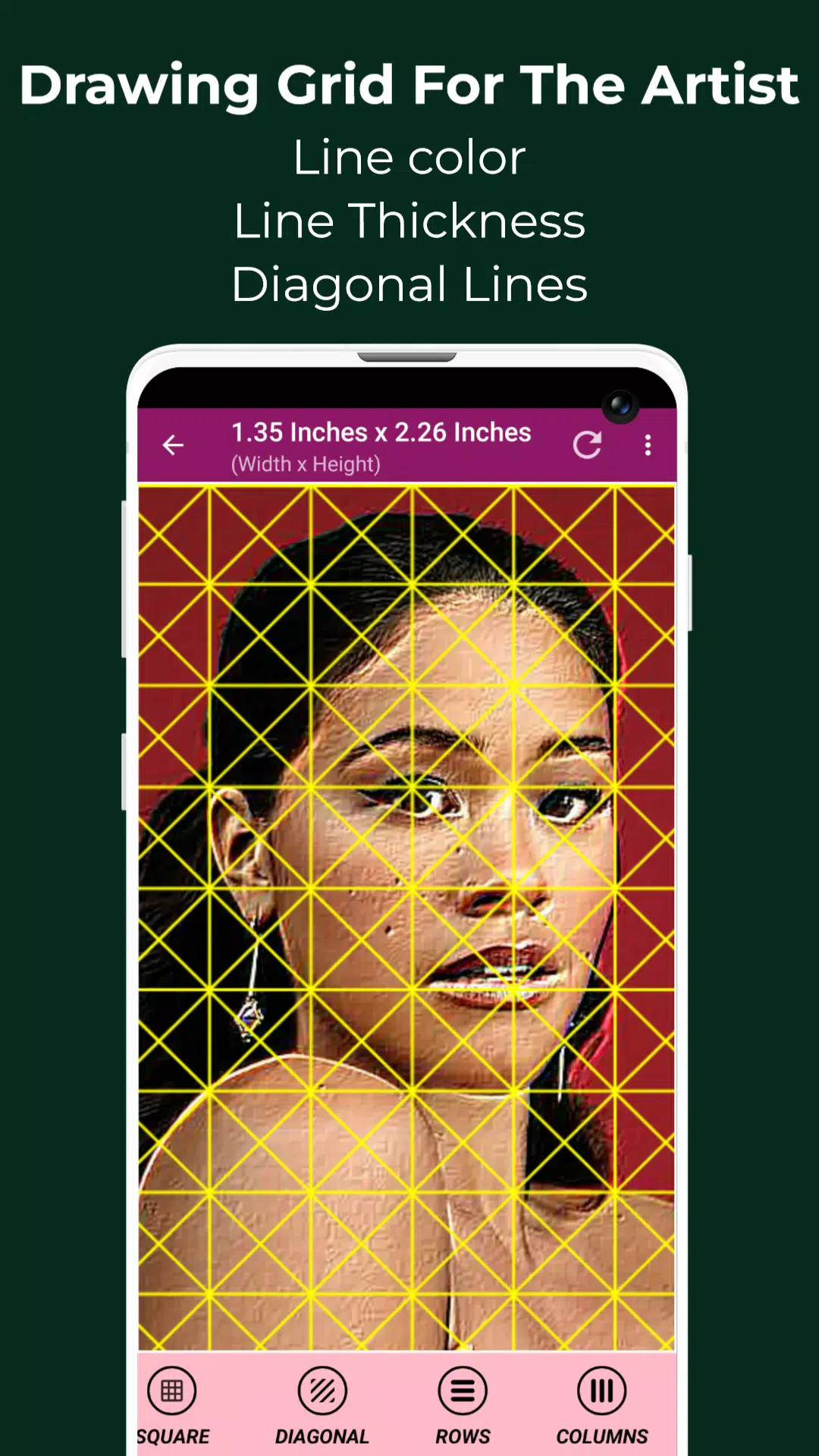
Designed for both beginners and experienced artists, Drawing Grid For The Artist enhances observational and technical drawing abilities.
初心者から経験豊富なアーティストまでを対象とした描画用グリッドは、観察力と技術的な描画能力を向上させます。
Key features of Grid Maker For Drawing With Measurements include:
測定機能付き描画用グリッドメーカーの主な機能は以下の通りです:
1. Capture a new photo with your camera. Supports JPEG, PNG, and WEBP formats.
1. カメラで新しい写真を撮影します。JPEG、PNG、およびWEBP形式をサポートしています。
2. Choose an existing image from your Gallery. Supports JPEG, PNG, and WEBP formats.
2. ギャラリーから既存の画像を選択します。JPEG、PNG、およびWEBP形式をサポートしています。
3. Select or share an image from any file manager or app. Supports JPEG, PNG, and WEBP formats.
3. 任意のファイルマネージャーまたはアプリから画像を選択または共有します。JPEG、PNG、およびWEBP形式をサポートしています。
4. Create square grids.
4. 正方形のグリッドを作成します。
5. Create rectangular grids.
5. 長方形のグリッドを作成します。
6. Toggle the grid overlay on or off.
6. グリッドオーバーレイのオン/オフを切り替えます。
7. Draw diagonal grid lines.
7. 斜めのグリッド線を描きます。
8. Set the number of rows and Y-axis offset.
8. 行数とY軸オフセットを設定します。
9. Set the number of columns and X-axis offset.
9. 列数とX軸オフセットを設定します。
10. Select your grid color.
10. グリッドの色を選択します。
11. Enable or disable grid labeling.
11. グリッドラベルのオン/オフを切り替えます。
12. Adjust label size and alignment (top, bottom, left, right).
12. ラベルのサイズと配置(上、下、左、右)を調整します。
13. Increase or decrease grid line thickness.
13. グリッド線の太さを増減します。
14. Image Measurements – Get exact image dimensions in Pixels (px), Inches (in), Millimeters (mm), Points (pt), Picas (pc), Centimeters (cm), Meters (m), Feet (ft), and Yards (yd).
14. 画像の寸法 – ピクセル(px)、インチ(in)、ミリメートル(mm)、ポイント(pt)、パイカ(pc)、センチメートル(cm)、メートル(m)、フィート(ft)、ヤード(yd)で正確な画像寸法を取得します。
15. Cell Measurements – Get exact cell dimensions in Pixels (px), Inches (in), Millimeters (mm), Points (pt), Picas (pc), Centimeters (cm), Meters (m), Feet (ft), and Yards (yd).
15. セルの寸法 – ピクセル(px)、インチ(in)、ミリメートル(mm)、ポイント(pt)、パイカ(pc)、センチメートル(cm)、メートル(m)、フィート(ft)、ヤード(yd)で正確なセル寸法を取得します。
16. Full-screen mode.
16. フルスクリーンモード。
17. Compare Drawing – View your drawing alongside the reference photo in real time.
17. 描画の比較 – 参照写真と一緒にリアルタイムで描画を表示します。
18. Lock Screen.
18. 画面ロック。
19. Pixel Tool – Get the HEX code, RGB, and CMYK values of any pixel in your reference photo.
19. ピクセルツール – 参照写真内の任意のピクセルのHEXコード、RGB、およびCMYK値を取得します。
20. Zoom in or out on the image (up to 50x).
20. 画像をズームインまたはズームアウトします(最大50倍)。
21. Enable or disable zooming.
21. ズームのオン/オフを切り替えます。
22. Apply Effects – Black and white, Bloom, Cartoon, Crystal, Emboss, Glow, Grayscale, HDR, Invert, Lomo, Neon, Old School, Pixel, Polaroid, Sharpen, and Sketch.
22. エフェクトの適用 – 白黒、ブルーム、カートゥーン、クリスタル、エンボス、グロー、グレースケール、HDR、反転、ロモ、ネオン、オールドスクール、ピクセル、ポラロイド、シャープ、スケッチ。
23. Crop image (Fit image, Square, 3:4, 4:3, 9:16, 16:9, 7:5, or custom ratio).
23. 画像を切り抜きます(画像に合わせる、正方形、3:4、4:3、9:16、16:9、7:5、またはカスタム比率)。
24. Rotate image (360 degrees).
24. 画像を回転させます(360度)。
25. Flip image vertically or horizontally.
25. 画像を上下左右に反転させます。
26. Adjust image brightness, contrast, saturation, and hue.
26. 画像の明るさ、コントラスト、彩度、および色相を調整します。
27. Save, share, and print your gridded images.
27. グリッド付き画像を保存、共有、および印刷します。
28. Saved Images – Easily access all your previously saved grids.
28. 保存された画像 – 以前に保存したすべてのグリッドに簡単にアクセスします。
Grid Drawing is the ultimate app for artists seeking improvement, precision, and accuracy in their work.
グリッド描画は、作品の向上、精度、正確さを求めるアーティストにとって究極のアプリです。
Feel free to contact us with any questions or suggestions. Thank you.
ご質問やご提案がございましたら、お気軽にお問い合わせください。ありがとうございます。
タグ : アート&デザイン