설명
Movon AI Application
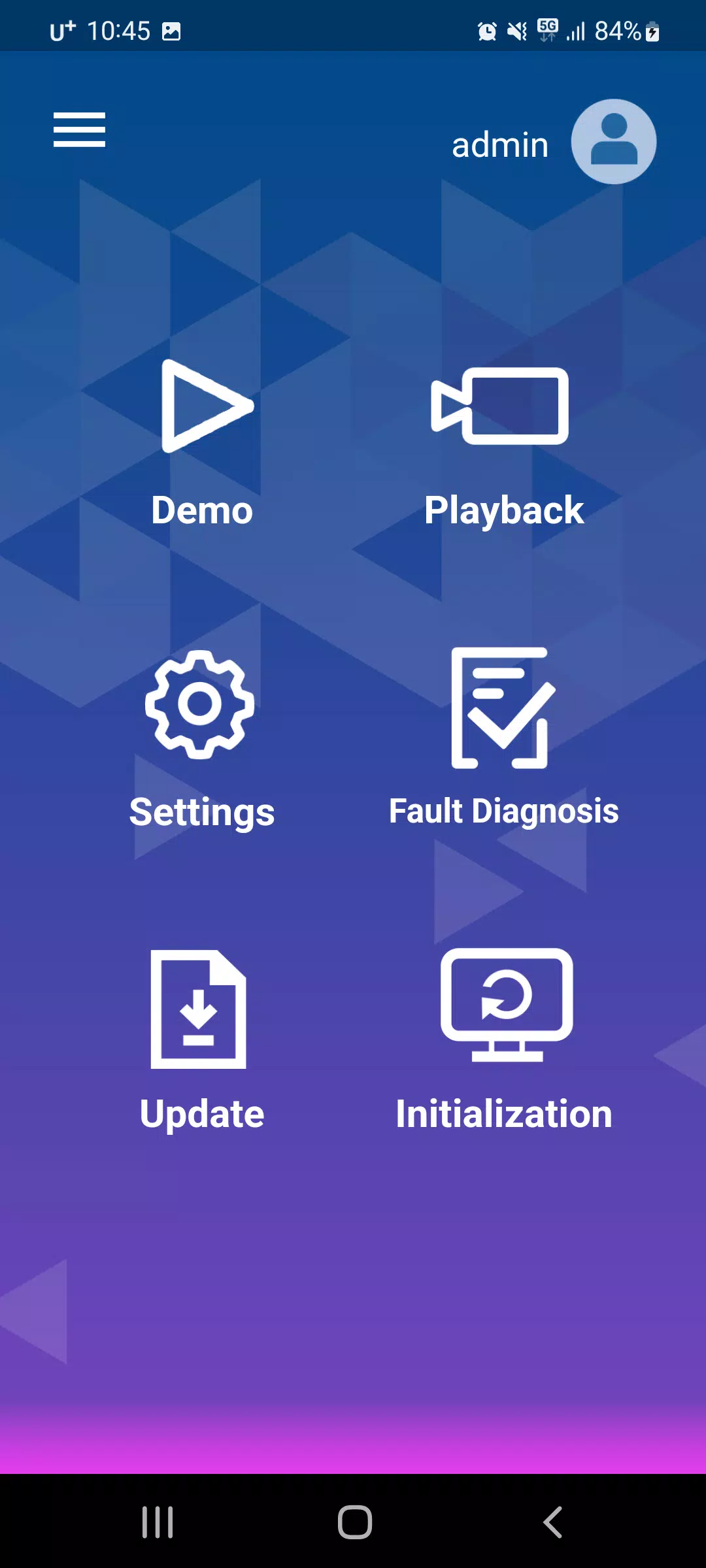
The Movon AI app provides access to calibration and settings, video downloads and playback, driver behavior scoring, live video product demonstrations, diagnostic features, and software updates.
It also offers comprehensive diagnostics and convenient software update capabilities.
- Calibration & Settings
- 1) ADAS Settings
- Features: Forward Collision Warning, Lane Departure Warning
- Sensitivity
- On/Off
- Activation Speed
- Volume
- 2) DSM Settings
- Features: Drowsiness Alert, Distraction Alert
- Sensitivity
- On/Off
- Activation Speed
- Volume
- 3) DVR Settings
- Time and Location
- G-sensor Sensitivity
- Microphone On/Off
- Log Data
- 4) Connectivity Settings
- RS232
- Ethernet
- GPIO Trigger On/Off
- 5) Vehicle Signal and Information
- CAN
- Analog
- GPS
- 7) Product Installation Information
- 8) Camera Angle
- 9) Event Data
- Data Only
- Snapshot
- Video (Live Video Streaming and Event Video)
- Video Downloads & Playback
- 1) Display video file lists saved on the product's SD card
- 2) Download selected video files
- 3) Play downloaded videos
- Driver Behavior Score
- 1) Report ADAS and DSM event data based on GPS time and speed information
- 2) Report driving behavior metrics including mileage, speed, RPM, and more
- Product Demonstration with Live Video
- 1) Display face recognition landmarks over live video with event warning information
- Diagnostics
- 1) Show whether the product is functioning correctly. If not, it indicates which components are faulty or damaged.
- Software Update
- 1) Provide the latest software version periodically and perform software updates
태그 : 자동차 및 차량
Movon 스크린샷