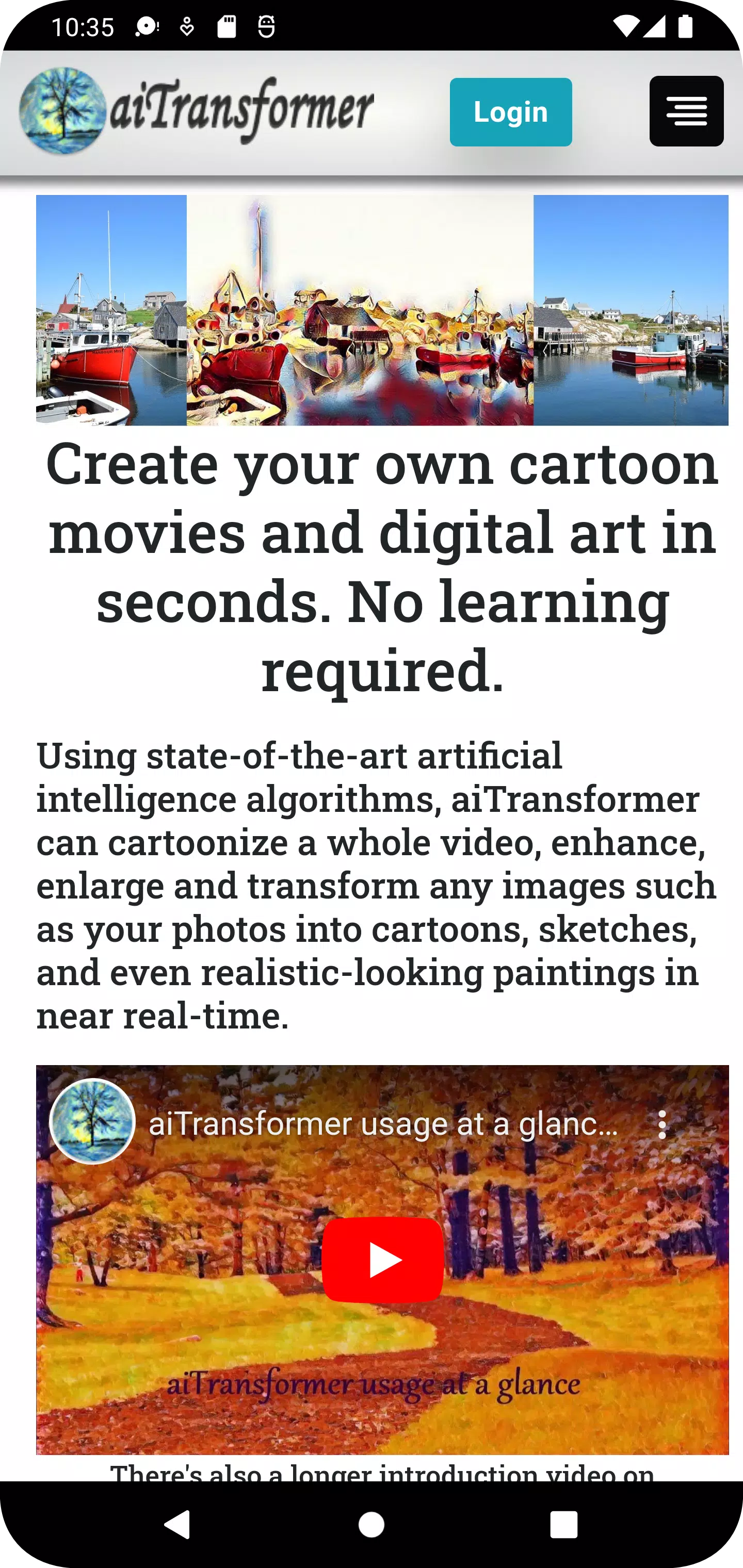
Generate images from text; transform photos and videos into cartoons, paintings, and much more.
Create your own animated cartoons and digital artwork in seconds—no prior experience needed.
Using cutting-edge artificial intelligence, aiTransformer synthesizes speech and generates images and videos from text. It also cartoonizes, enhances, and filters images and videos; removes or replaces backgrounds; enlarges photos; and converts pictures into sketches and various painting styles—all in near real-time.
Key features:
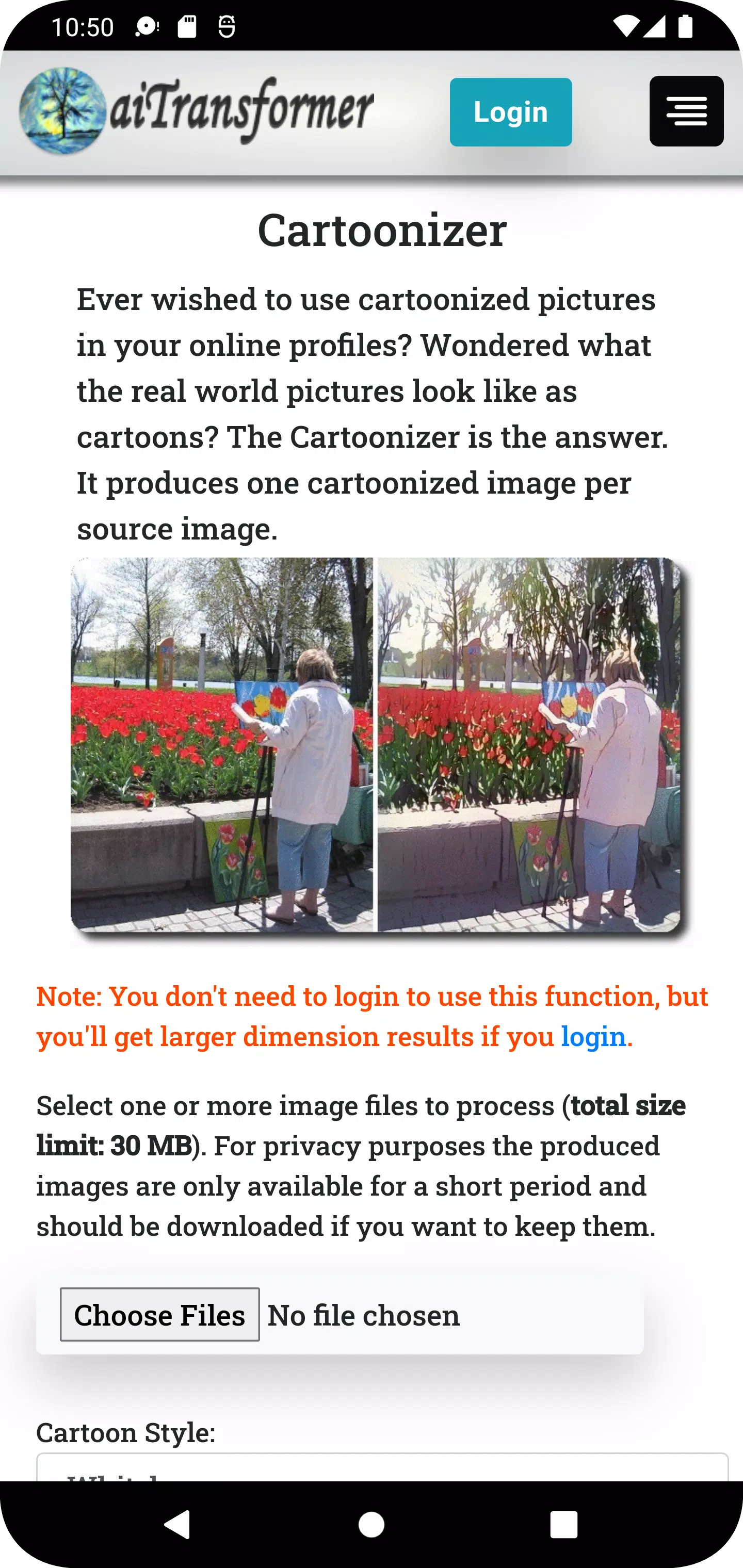
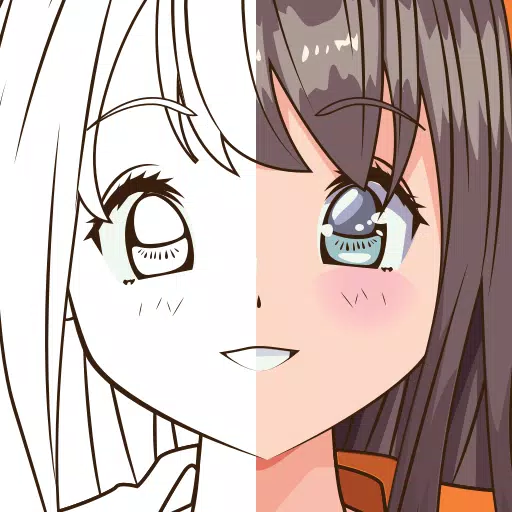
1. Cartoonizer: Convert your photos into one-of-a-kind cartoons in different styles, including Whitebox, Hayao, and Celeba Distill.
2. Video Cartoonizer: Turn your home videos into animated films. The original audio is preserved, giving your memories a fresh twist.
3. Background Editor: Easily remove or replace the background in any image. Adjust transparency and reposition your subject with precision.
4. Video Background Editor: Remove or swap the background in video clips. Add an image or another video as the new backdrop while keeping the original audio.
5. Sketcher: Transform any photo into hand-drawn sketches in multiple artistic styles.
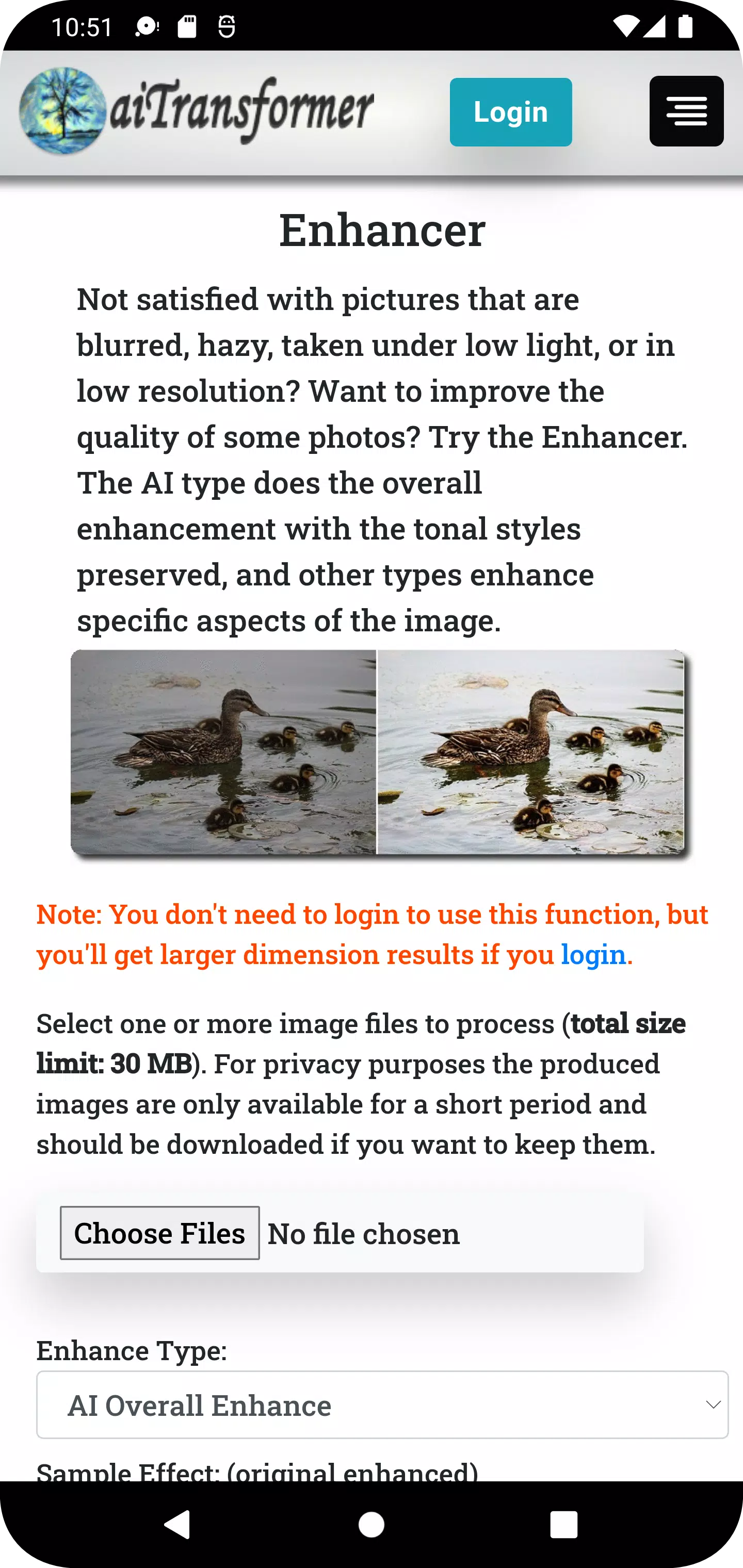
6. Enhancer: Make your photos clearer, sharper, and more professional using enhancement types like AI Overall Enhance and Face Restoration.
7. Video Enhancer: Boost the clarity and color richness of your videos without altering the original audio.
8. Enlarger: Upscale images up to 800% with minimal quality loss.
9. Filter: Add personality to your photos with more than 50 filters, including Sepia, Emboss, Pointillism, Duotone, and Colormap.
10. Video Filter: Apply creative effects to videos to enhance their visual appeal and give them a distinctive look.
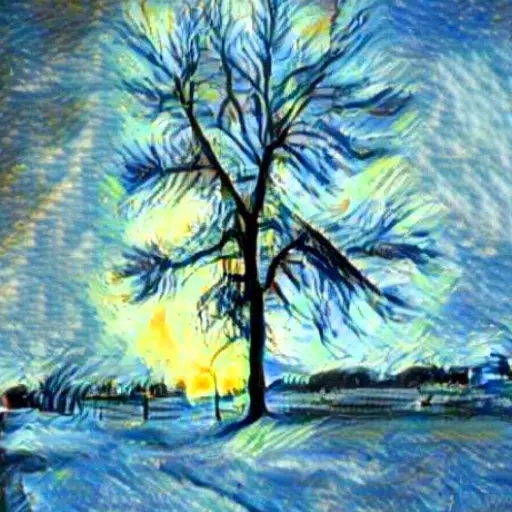
11. Stylizer: Turn your pictures into paintings using over 60 predefined art styles or any custom style you provide.
12. MultiStylizer: Blend multiple styles based on the semantic regions of your image, creating a unique artwork that reflects those styles closely.
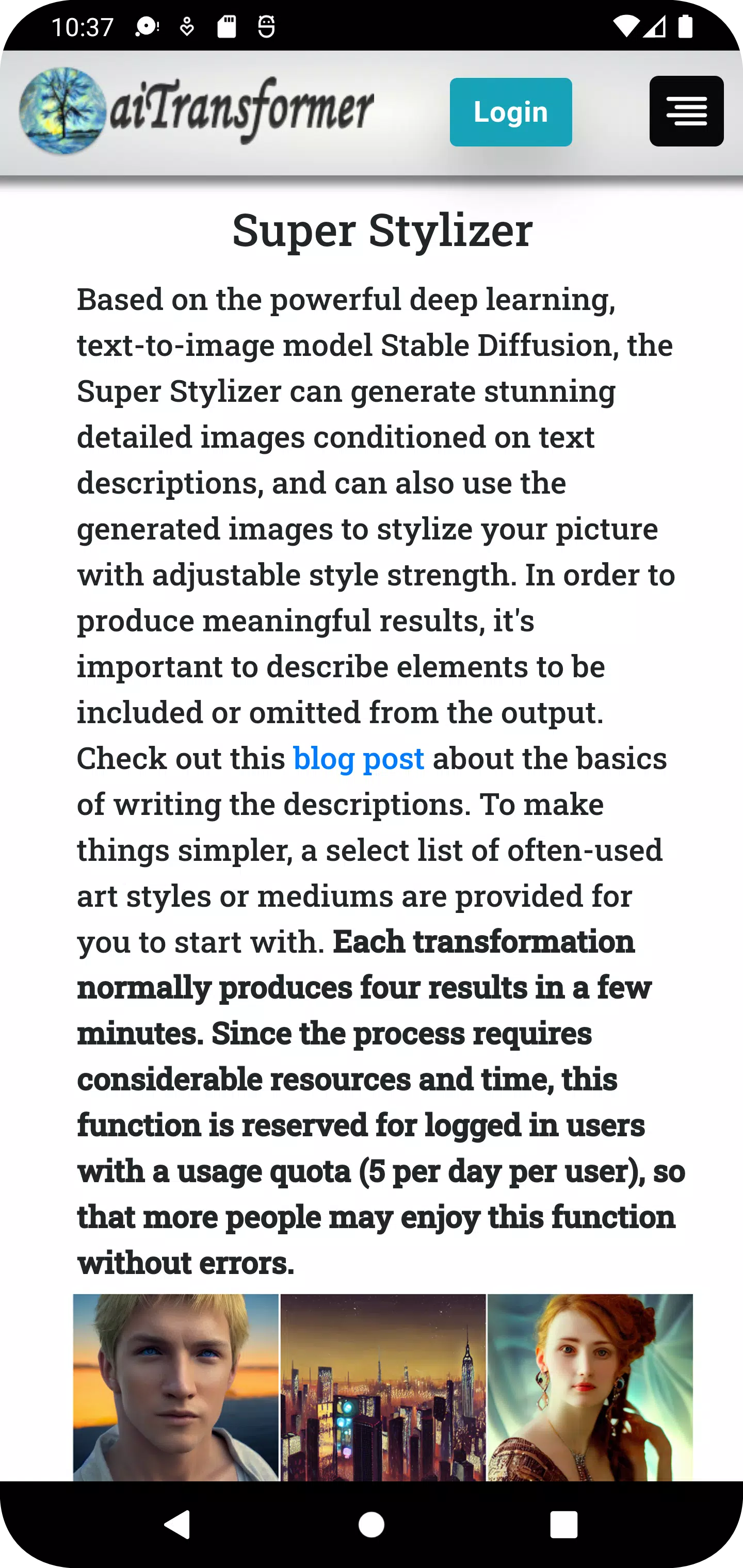
13. Super Stylizer: Generate highly detailed images from text prompts, offering numerous variations to stylize your pictures.
14. Prompt Builder: Build prompts intuitively using Image To Text and a library of 1,000+ terms with sample images. Or generate random prompts instantly from templates or an existing database.
15. Speech Synthesizer: Convert text to natural-sounding speech and create a video with an avatar speaking your input.
16. Storybook Maker: A fully automated storybook generator that creates storytelling videos from simple inputs like a prompt, URL, or document.
17. Gallery: Showcase your creations. New images are added regularly.
18. Blog: Share tips on how to use the app to create stunning effects from ordinary photos and videos.
Why choose us?
* Easy to Use: No image or video editing skills required—AI does the work. Most tools don’t even require sign-up. Just select your files, upload, and download the results shortly after.
* All-in-One Tool: Enhance or enlarge photos, remove or replace backgrounds, create cartoons or sketches, generate images from text, apply artistic styles, and more. You can even process entire videos or apply multiple transformations at once using batch options.
* Data Privacy: Your media files are streamed directly for processing. Results are temporarily stored for download and automatically deleted from our servers after 3 hours.
* Style-Driven Design: Use famous artwork or generate unlimited style variations with our text-to-image engine to turn ordinary pictures into extraordinary, unique creations.
Get aiTransformer today and unlock the power of AI to transform photos and videos effortlessly!
What's New in Version 2.8
Last updated on Apr 13, 2024
- Introduced Storybook Maker: a fully automated tool that creates storytelling videos from simple inputs like prompts, URLs, or documents.
- Added a 'Recover Results' button for time-intensive tasks like video processing. If network interruptions prevent results from displaying, use this button to retrieve them when available.
Tags : Art & Design