Easy-to-Use Painting and Drawing App
Pofi Brush is a dedicated mobile art tool. It empowers creators and artists to enjoy a premium painting experience and freely explore their creativity.
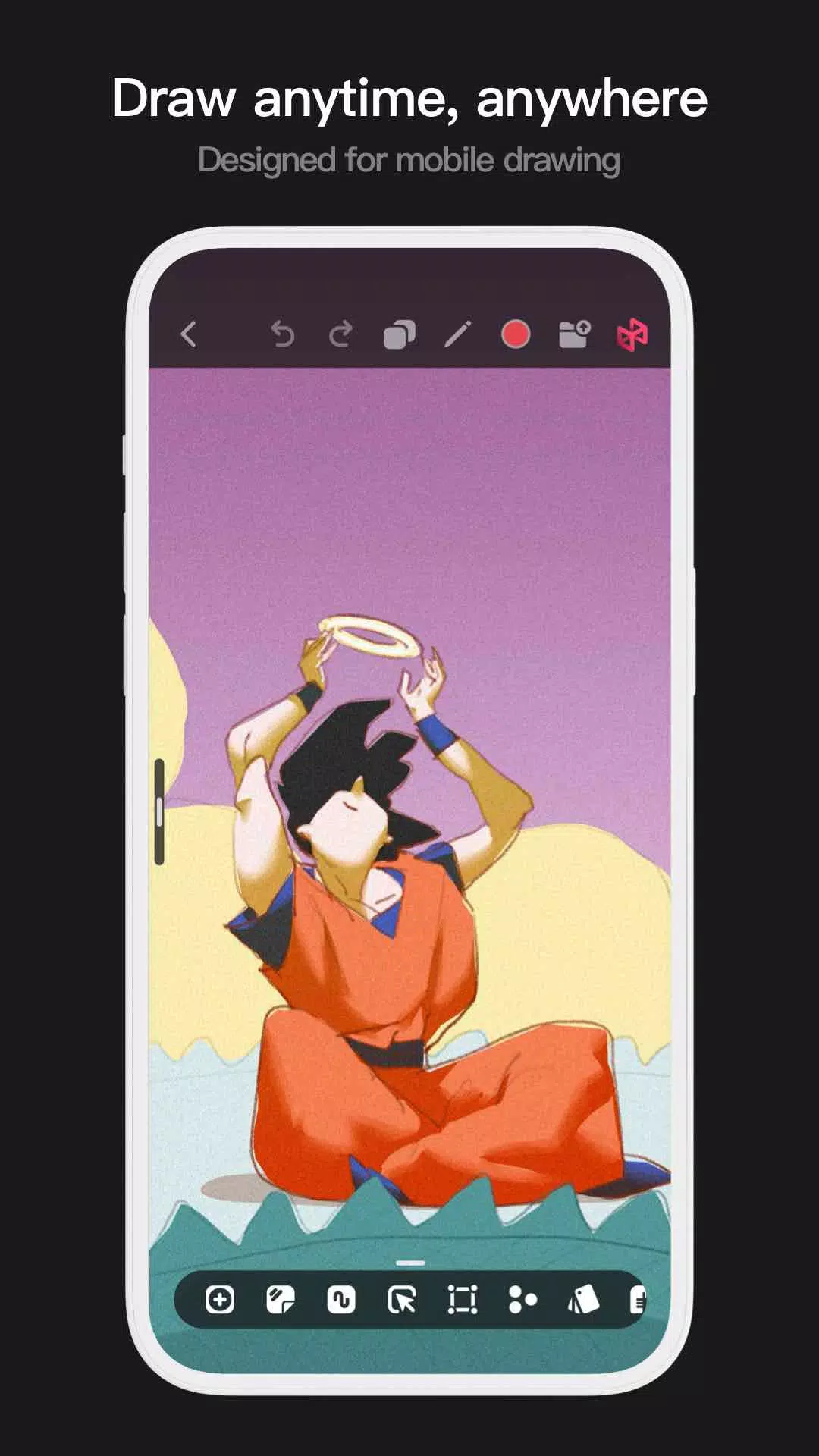
Pofi Brush provides dozens of expertly crafted brushes, a full suite of layer and color tools, an elegant and intuitive interface, and a fluid, powerful 2D Artistic Engine for a complete digital art studio experience. All features and materials are entirely free. Whether you're just starting out or are a seasoned professional, Pofi Brush helps you produce beautiful sketches, illustrations, comics, and cartoons on your phone or tablet, enabling you to create and share your inspiration anytime, anywhere.
Advanced 2D Artistic Engine
The high-performance 2D Artistic Engine, developed in-house by the Pofi team, is optimized for 64-bit multi-core processors. It's cross-platform compatible, supports large HD canvases and multiple layers, and is fine-tuned for exceptional speed to guarantee the best possible painting experience.
- Canvas sizes up to 4k × 4k pixels, ensuring your artwork is crisp and detailed.
- An intuitive interface designed specifically for mobile painting.
- Optimized for 64-bit multicore processors for exceptionally smooth performance.
- Use an electronic pen for fluid, realistic strokes with minimal latency.
- Features auto-save and save-on-exit functionality.
- All features are fully supported on both phones and tablets.
Professional Brush Editor
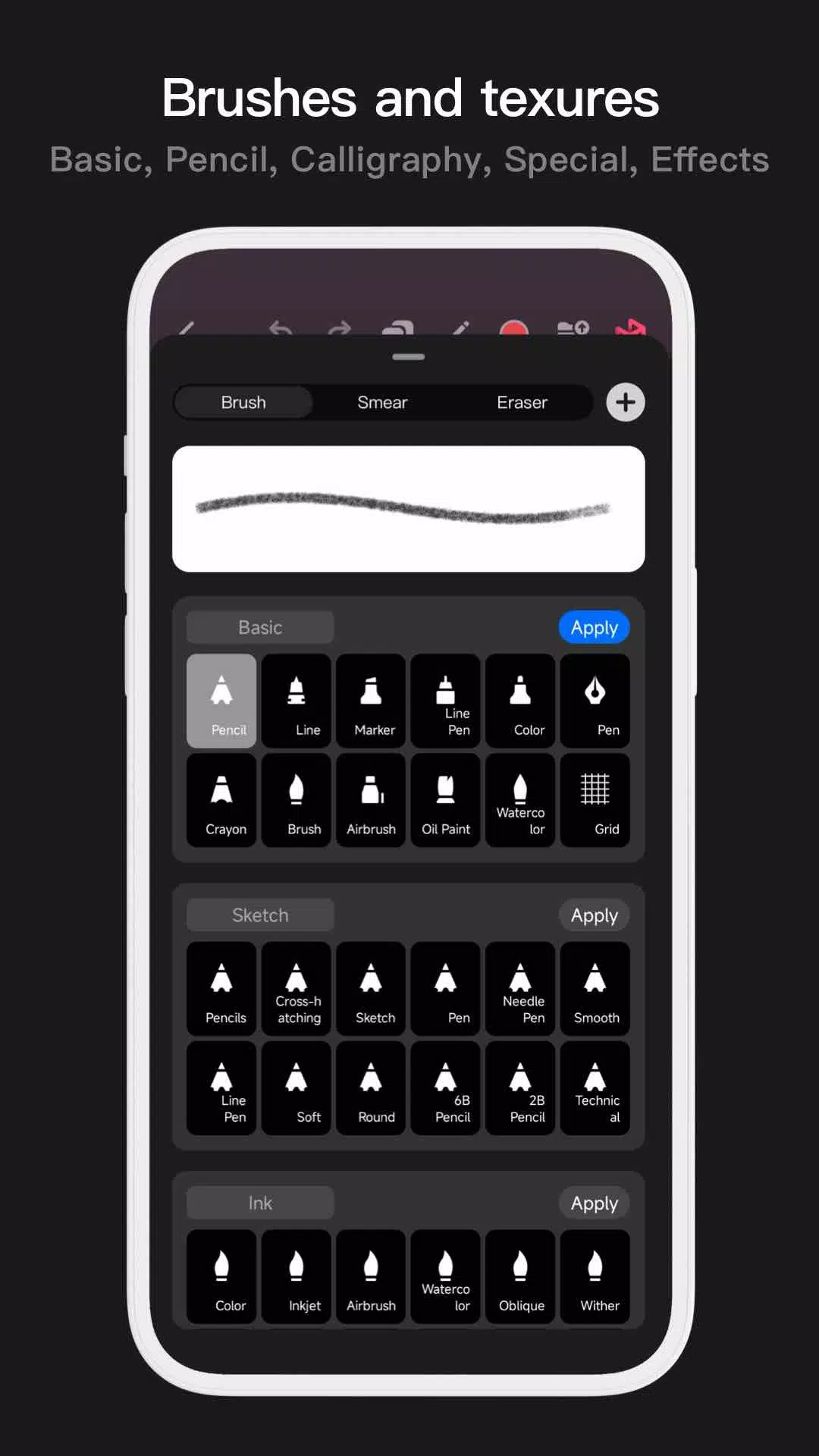
Pofi Brush comes with dozens of versatile preset brushes, each customizable with over 40 settings. Tailor the brush editor to your personal style and project needs, or design your own custom brushes for truly unique artwork.
- Built-in collection of finely-tuned brushes for sketching, inking, textures, fine art, special effects, and more.
- Every brush offers three modes: Brush, Eraser, and Smudge.
- Customize each brush with over 40 adjustable settings and a library of preset nib shapes and textures.
- Organize, sort, and create brush groups for efficient brush management.
- Anti-flutter stroke settings increase brush flow and smoothness.
- Finger-painting mode simulates pressure sensitivity, allowing for precise control using just your finger.
- Fully leverages electronic pen capabilities, including speed, tilt, and pressure, for an authentic brush feel.
Advanced Multi-Layer System
Pofi Brush features a comprehensive multi-layer system with grouping, effects, and adjustments, giving you precise control over every element to create stunning compositions.
- Quickly preview and locate layers with the Layer Preview feature.
- Manage layers effortlessly with drag-and-drop grouping, merging, and deletion.
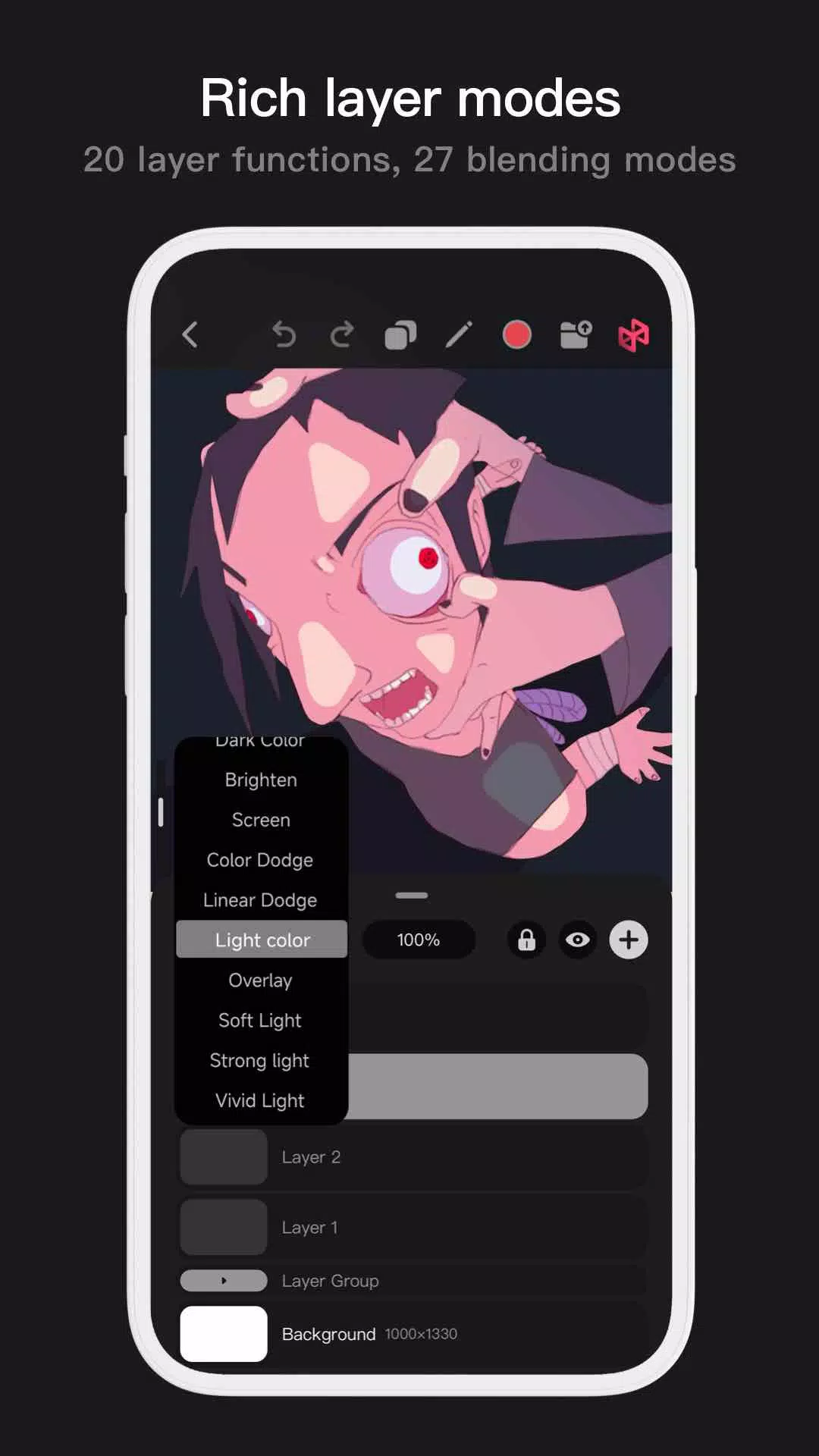
- Access 20 layer functions, including drag sorting, show/hide, lock/unlock, opacity, multi-select, and grouping/ungrouping.
- Choose from 27 layer blending modes: Standard, Darken, Multiply, Color Burn, Linear Burn, Lighten, Screen, Color Dodge, Linear Dodge, Overlay, Soft Light, Hard Light, and more.
Comprehensive Color Tools
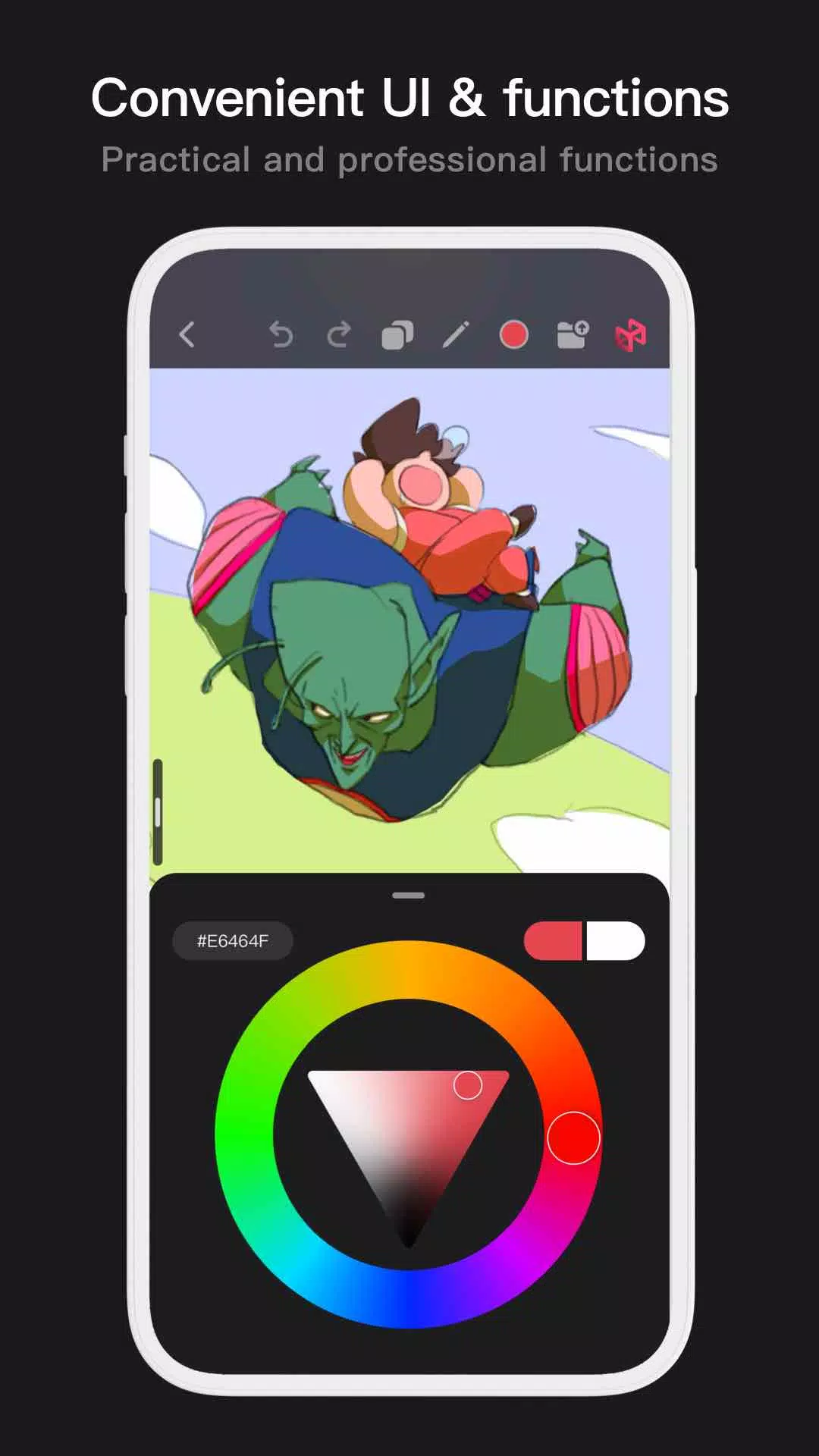
Access a variety of color tool panels and styles tailored for artists, making it simple and fast to find the perfect colors for your work.
- Four color panel types: circular color wheel, square palette, HSB numerical values, and preset color swatch groups.
- Two color picking methods: Input hexadecimal color codes or use the long-press color picker.
- Six color swatch functions: Create swatch groups, rename groups, reorder groups, sort swatches, overlay colors, and delete swatches.
Additional Highlights
- Mobile interface supports both half-screen and full-screen expanded views.
- Tablet interface supports large-window expansion and small-window dragging.
- Rotate and zoom the canvas for comfortable working angles.
- Automatic archiving and save-on-return features.
- Export your finished artwork as PNG or JPG image files.
If you have any questions or feedback while using the app, please contact us at [email protected].
Privacy : https://brush.pofiapp.com/agreement/privacy
Tags : Art & Design