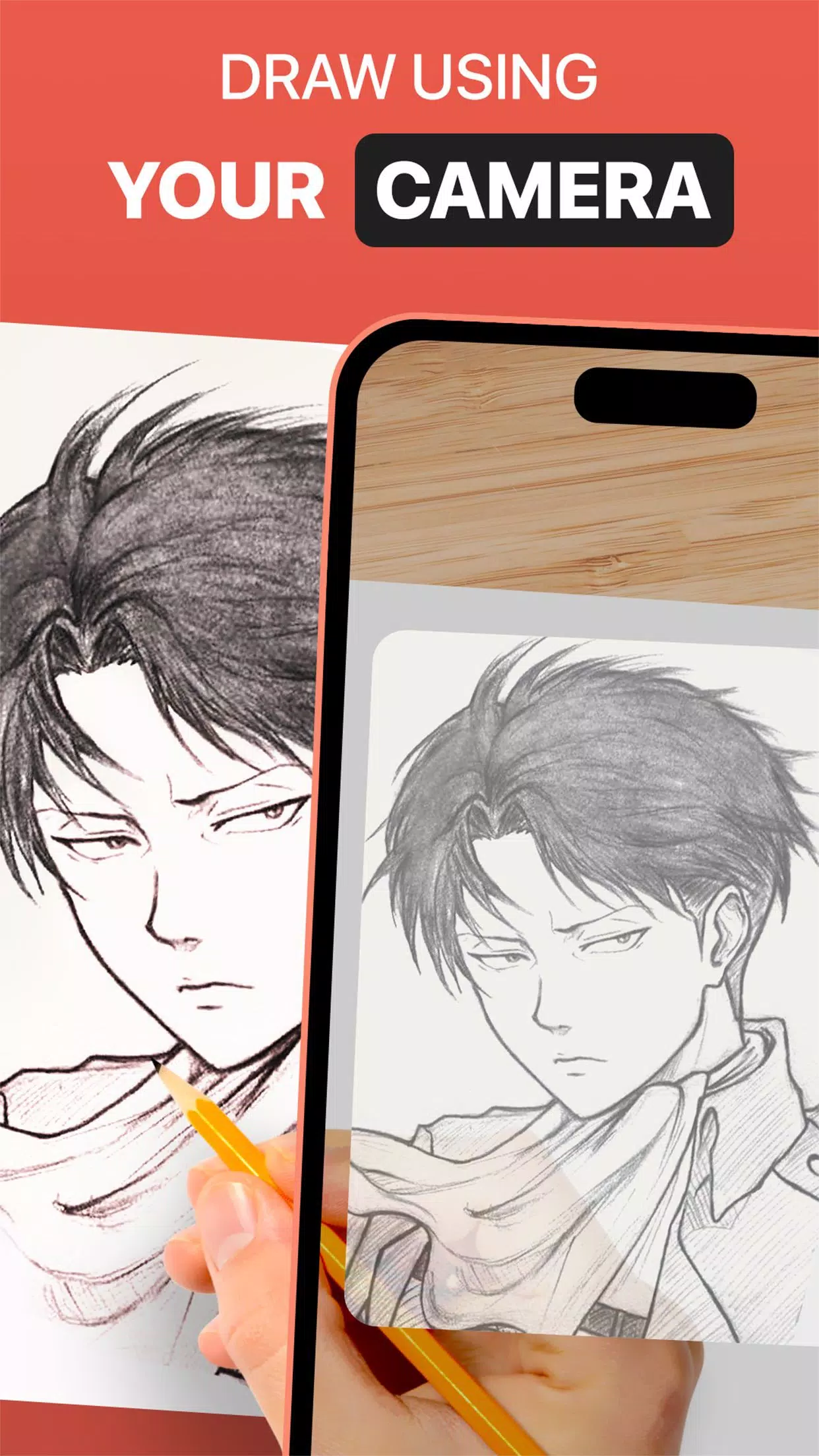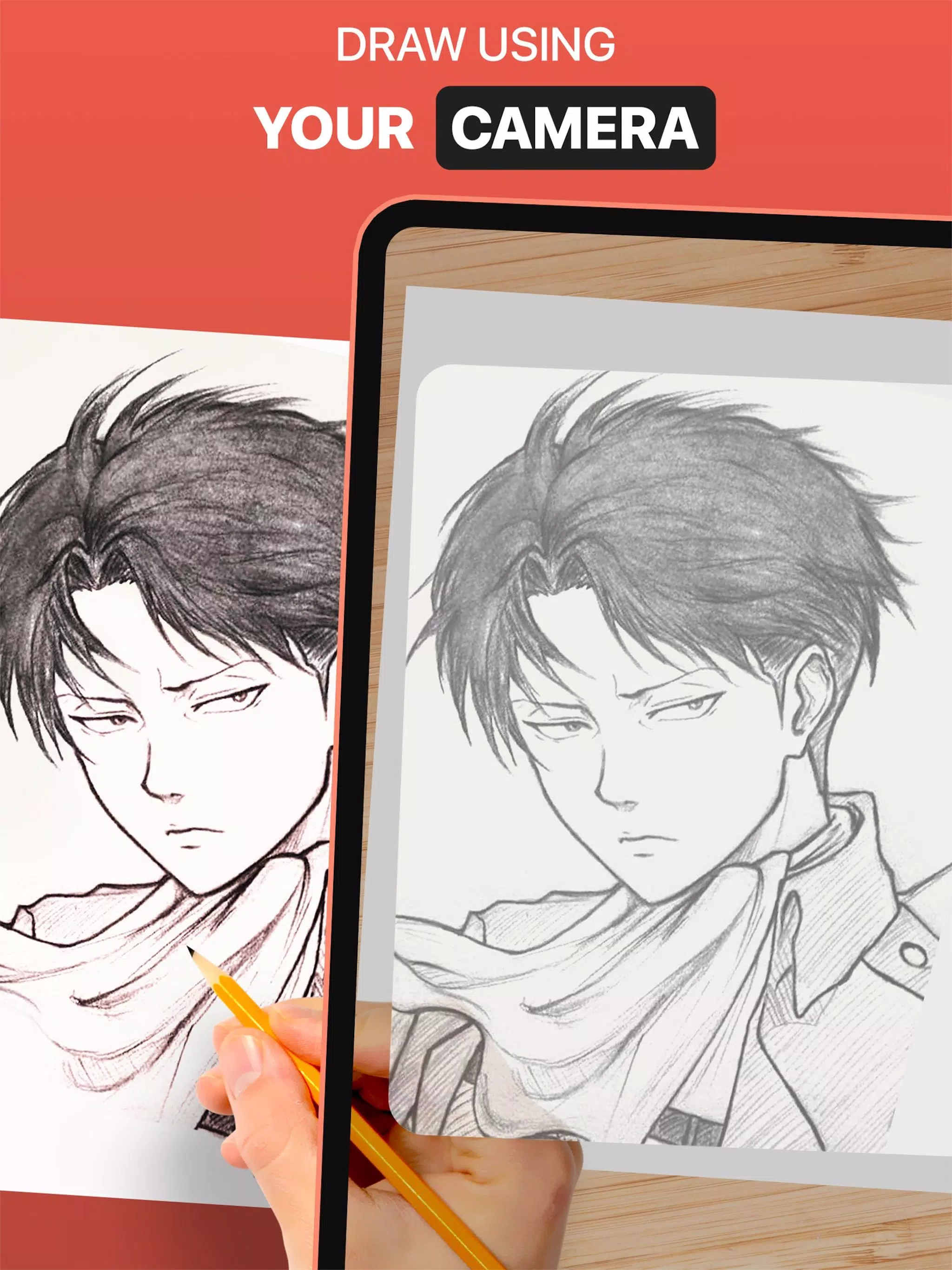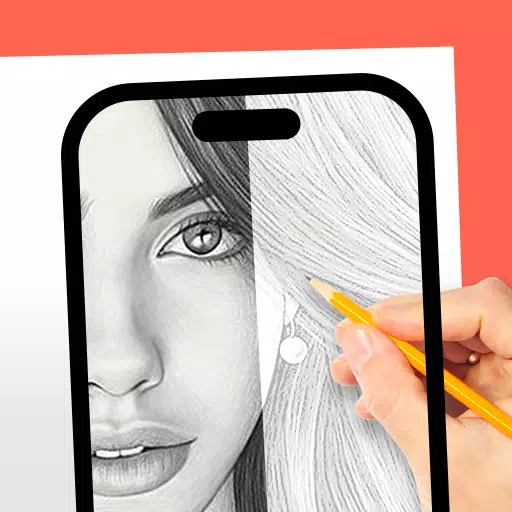
Use the DrawingAR app to trace images displayed on your device's screen directly onto paper.
DrawingAR uses augmented reality (AR) to project images onto any surface, like paper. Follow the on-screen traced lines as you draw, for a guided tracing experience.
Easy Drawing is a straightforward app that lets you import pictures from your gallery and overlay them with a transparent layer. Trace sketches or images on screen and quickly reproduce them on paper.
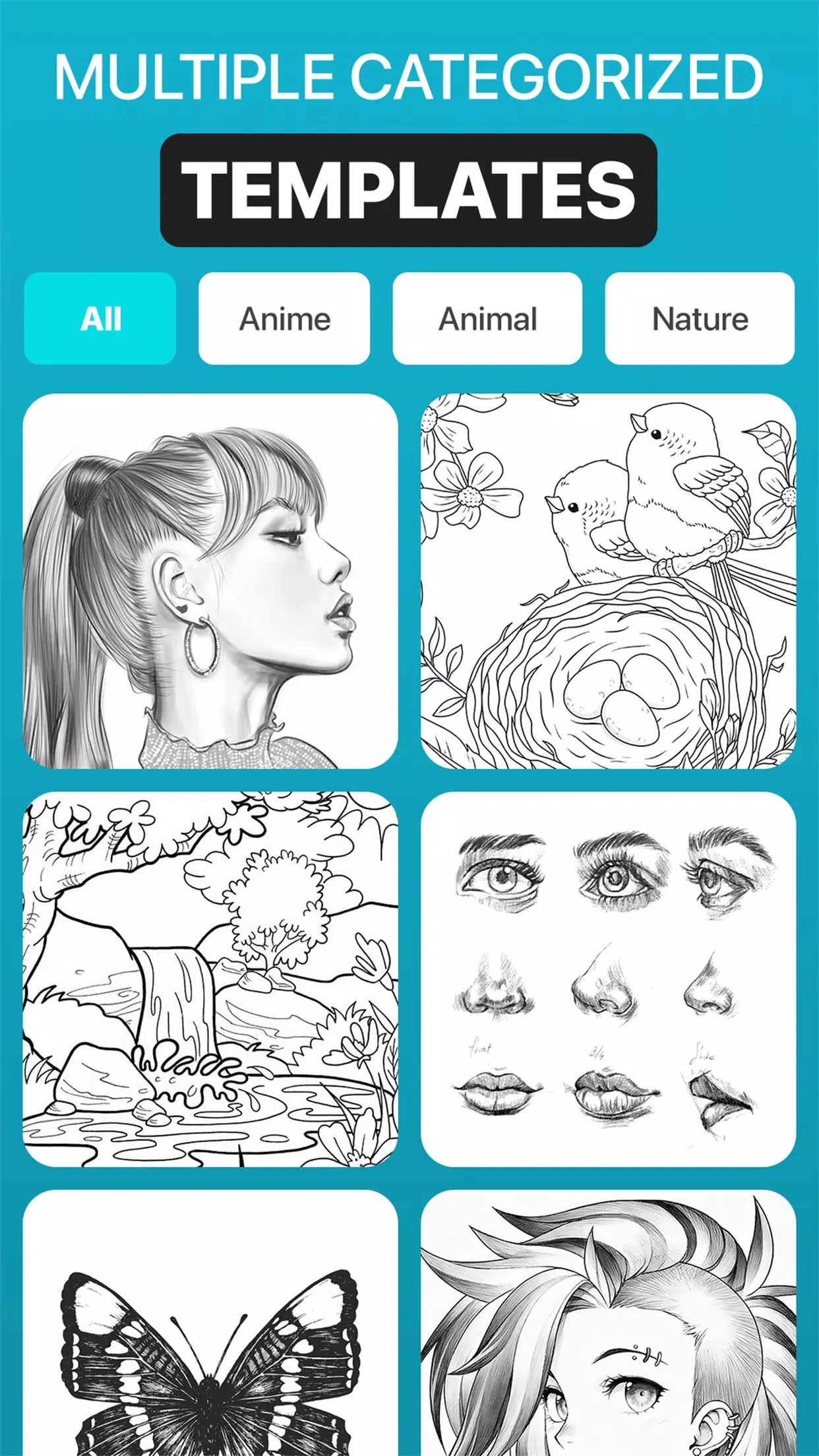
This Sketch AR app comes with hundreds of predefined images from various categories such as Animals, Cartoons, Foods, Birds, Trees, Rangolis, and many other sketches and drawings.
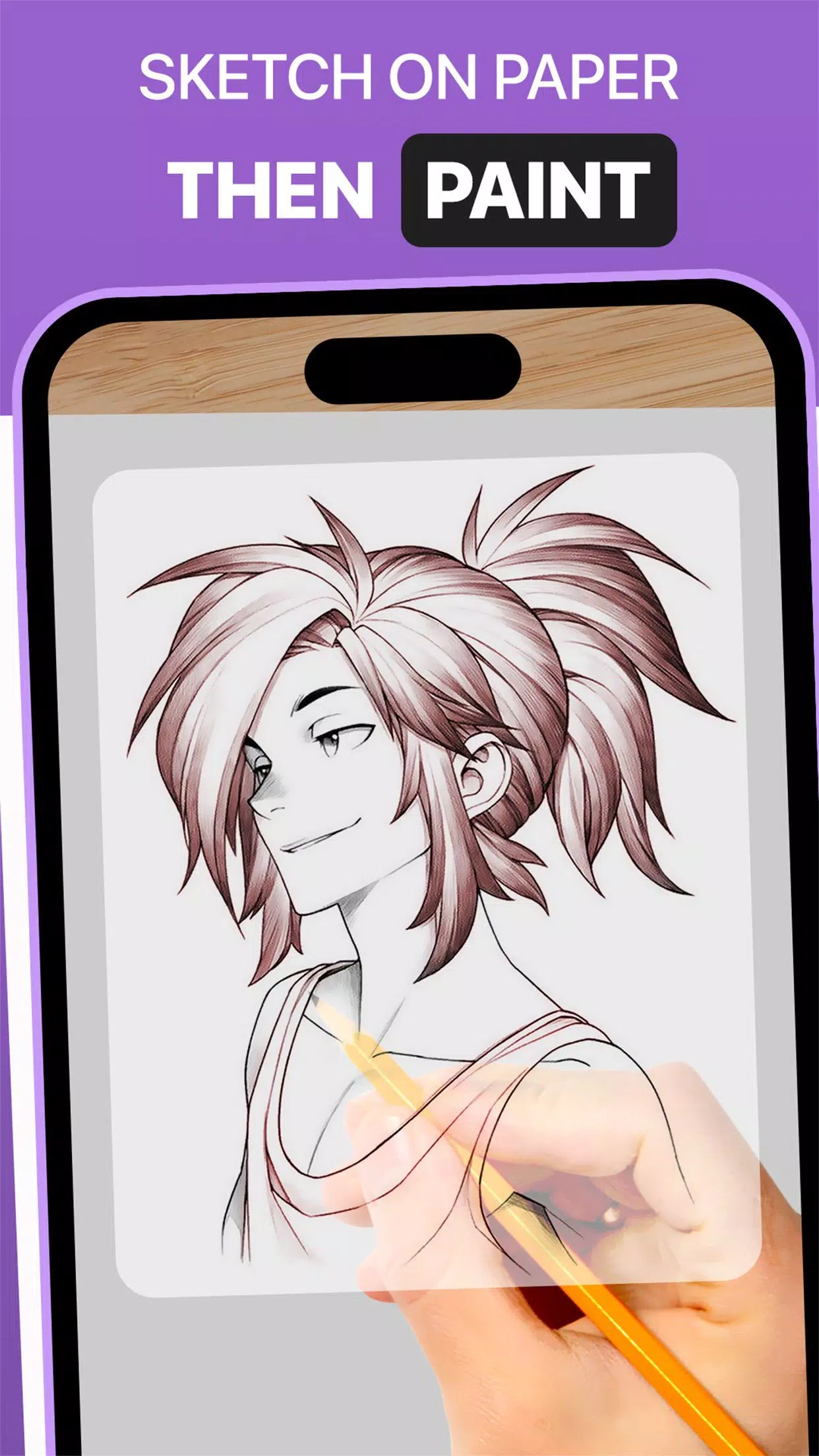
The Trace Anything app typically lets you adjust image overlay opacity, zoom in or out, and pick different images for tracing. After tracing, you can also paint your drawing on tracing paper or a sketch pad.
➤ Key Features of the AR Drawing App:
1. Image Import: Import images or sketches from your photo library or use the built-in camera. Use them as tracing references on paper.
2. Image Overlay: Once imported, the app overlays the image on your screen with adjustable opacity. See both the original image and your paper at the same time, and fine-tune transparency for quicker drawing.
3. Built-in Browser: Access a built-in browser to browse and import simple sketches and any type of image directly inside the app—no need to download from an external browser.
4. Transparency Adjustment: Modify the transparency or opacity of the overlaid image to suit your visibility preference.
5. Record Video or Images: Use the in-app recording button to capture videos of your tracing process. The app also supports time-lapse video. Recorded videos are saved in your device’s ‘Drawing AR’ folder.
6. Capture Traced Images: Take pictures of your traced drawings during or after the process. Captured images are stored in your device’s gallery.
7. Simple Drawing UI: Enjoy an intuitive user interface with easy-to-manage tracing elements for effortless drawing.
➤ How to Use the AR Drawing App:
1. Download and open the DrawingAR app on your mobile.
2. Import or choose the image you want to trace.
3. Place your paper or sketch pad in a well-lit area.
4. Adjust the image overlay and align it correctly on your screen.
5. Begin tracing the image onto paper, following all the details.
This AR Drawing app is a versatile tool for artists, designers, and anyone with a creative streak.
Tags : Art & Design