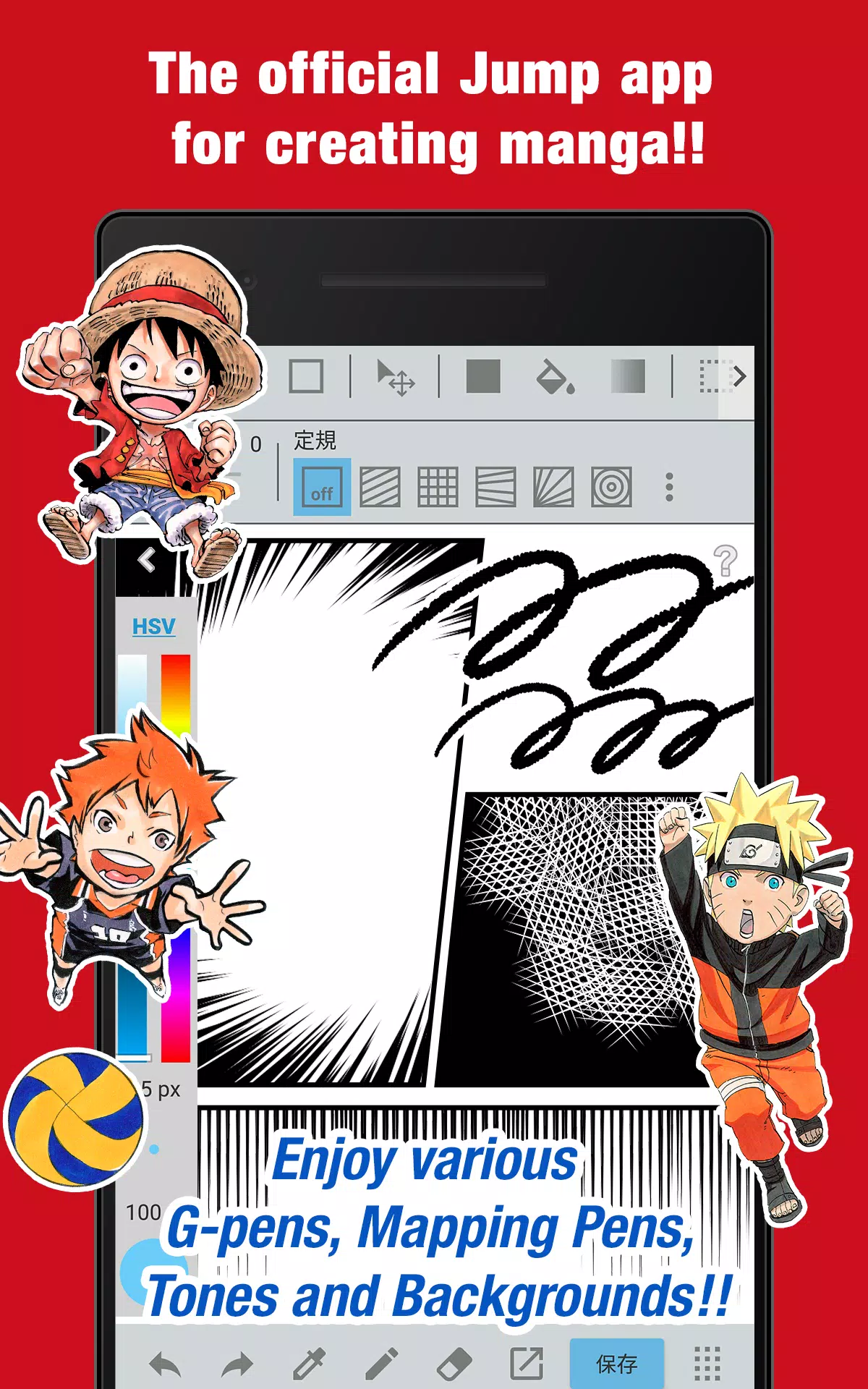
The official JUMP app for making manga! Packed with drawing secrets from JUMP's own artists!
■ Create authentic Weekly Shonen Jump-style manga and art completely free!!
Use G-pens, Mapping Pens, screentones, and backgrounds at no cost!!
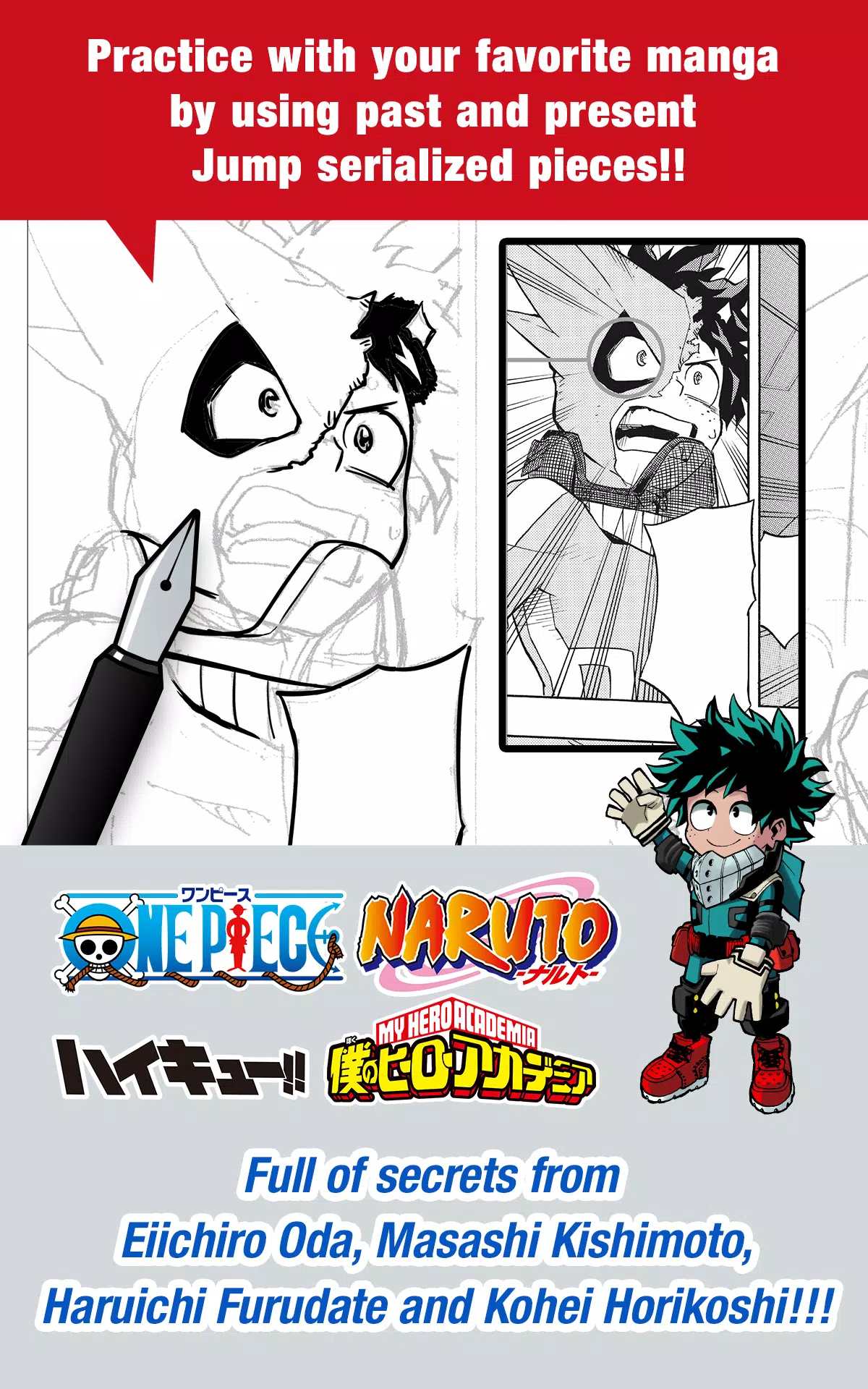
■ Train with your favorite series using actual past and present Jump manga!!
Discover tips from legendary Jump authors like Eiichiro Oda (One Piece) and Kohei Horikoshi (My Hero Academia)!!
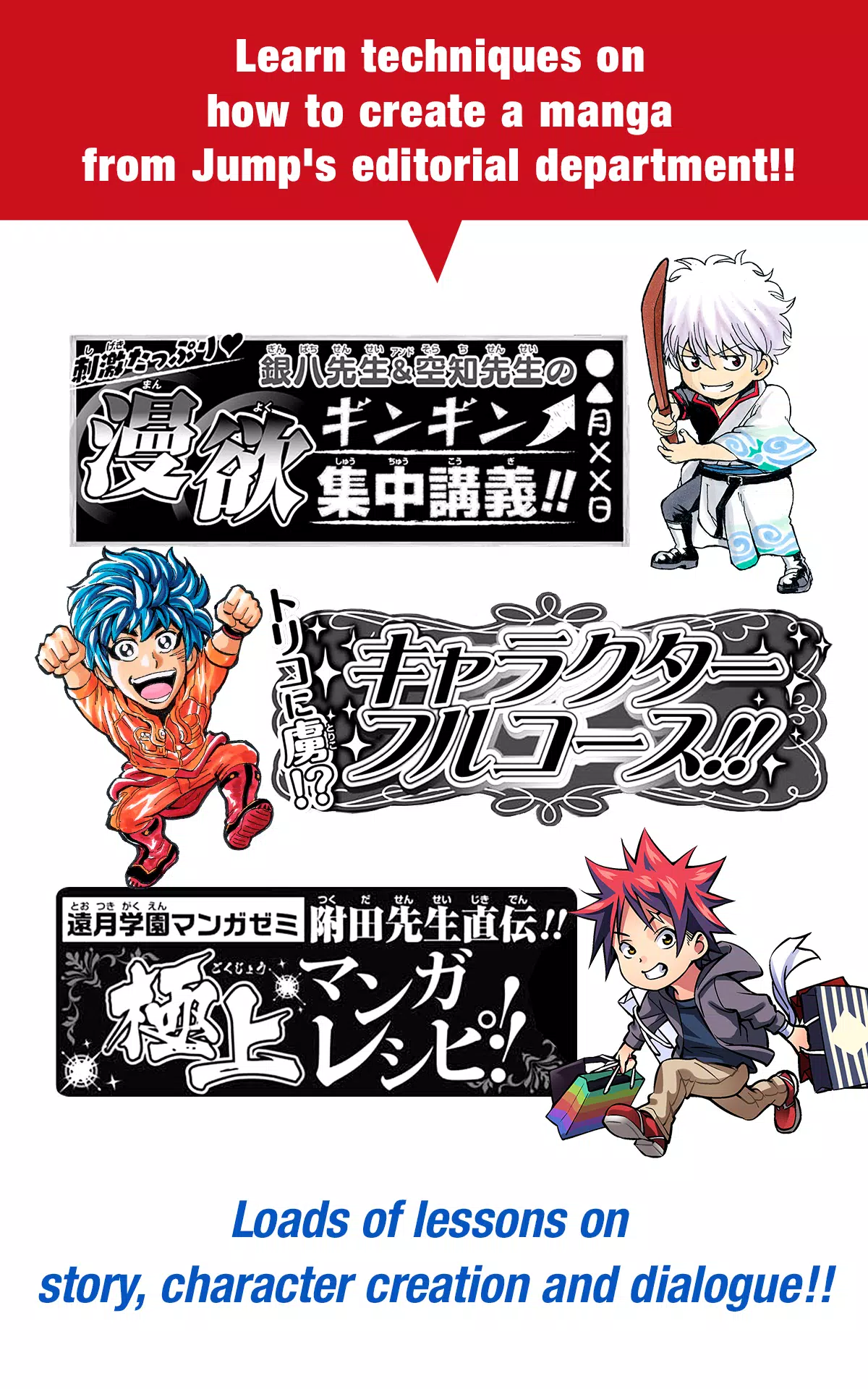
■ Master manga-making techniques with direct guidance from the Jump editorial team!!
Comprehensive lessons on storytelling, character design, and writing dialogue!!
■ Submit your work to official Jump contests!!
Get all the latest contest news and deadlines directly in the app. Never miss an opportunity!!
What is JUMP PAINT?
This is the definitive app for manga and illustration—a powerful partnership between MediBang Paint (12 million downloads) and Weekly Shonen Jump.
JUMP PAINT was built to give creators a full-featured, portable studio using MediBang Paint's proven technology.
JUMP PAINT is the ideal software for crafting illustrations and comics. It's loaded with professional tools to enjoy the creative process, including a vast brush library, materials, and specialized manga fonts.
■ Draw Anywhere!
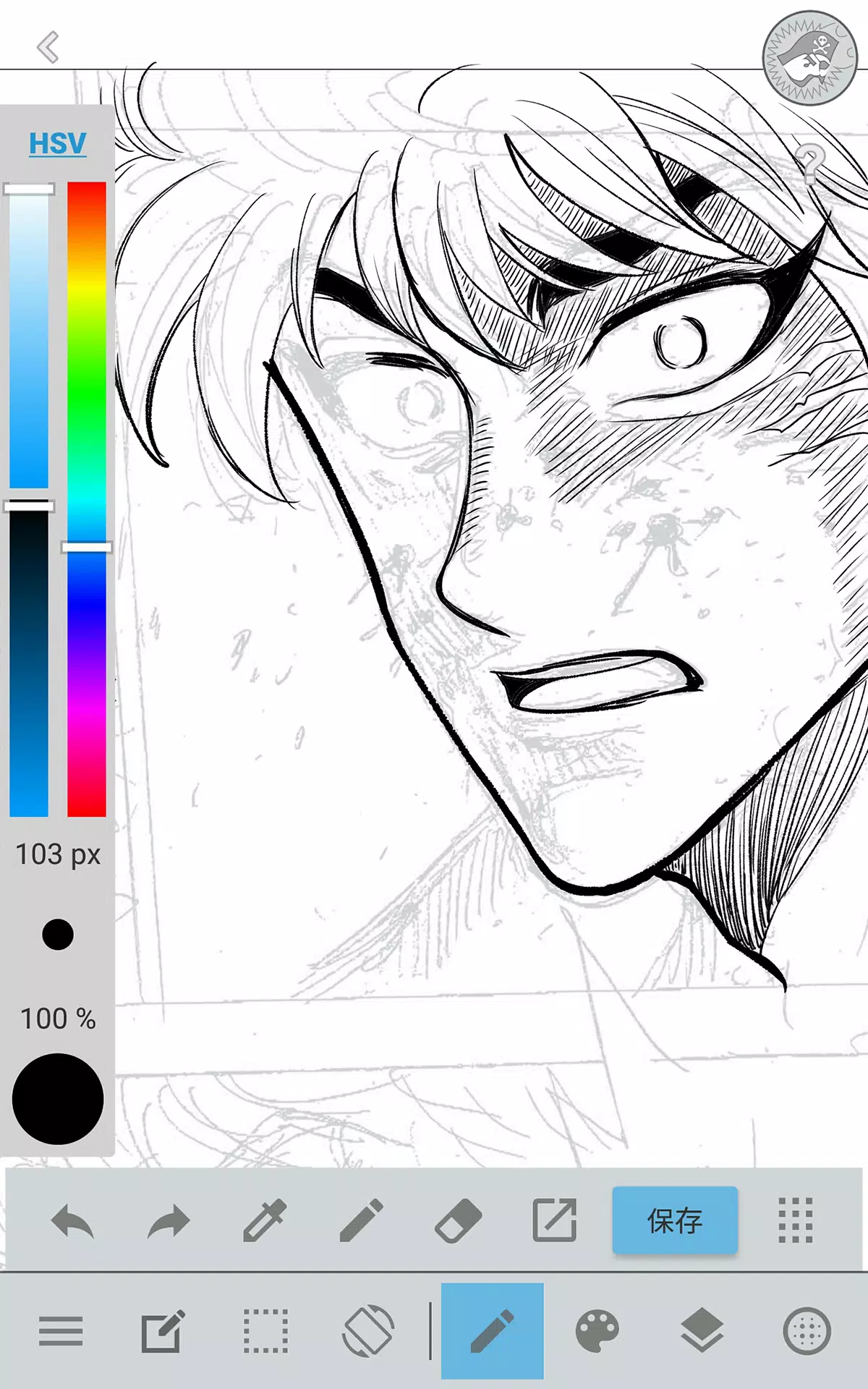
・JUMP PAINT puts nearly all the power of a desktop painting application right in your pocket.
・Even with its extensive features, the interface is thoughtfully designed for iPhone.
・Toggle the UI open or closed with a single tap.
・The streamlined design lets you adjust brush size or color modes effortlessly.
■ Painting Tools
・Over 90 free brushes!!
・Beyond the standard G Pen, Mapping Pen, Watercolor, Blur, and Smudge tools, we offer 50+ additional brushes like Flat Brush, Round Brush, Acrylic, School Pen, and Soft Pastel.
・Force Fade In and Out keep your lines crisp, even when drawing with your fingers.
・Design and save your own custom brushes.
■ Free Resources
・Access 800+ free screentones and background textures.
・Includes pre-drawn elements like clouds, buildings, and vehicles.
・Apply tones instantly with one tap.
■ Layers
・Work with a full layer system featuring blend modes.
・Organize different parts of your artwork non-destructively.
■ Comic Fonts
・Transform the feel of your comics with specialized fonts.
・Express your characters' emotions and personalities clearly.
・Choose from 50 professional-grade fonts used in the industry.
■ Comic Creation
・Drag your finger across the screen to instantly create comic panels.
・Resize and reshape panels freely.
■ User Friendly
・Set up personalized shortcuts for your workflow.
・Built to be welcoming for beginners.
・The interface maximizes screen space for your canvas.
・Switch to full-screen drawing mode with one touch.
■ Other Tools
・Guides for perspective, straight lines, and smooth curves.
・Stroke correction to steady your lines.
■ Photo Reference
・Capture photos within the app and place them on a separate layer for reference.
・Use images to study or learn to draw new subjects.
■ Cloud Storage
・Backup and manage your projects securely.
・Transfer your work between devices easily.
■ Manage Project
・Save and organize multi-page documents.
■ Syncability
・Sync your custom brushes and settings with the JUMP PAINT PC version.
■ Team Creation
・Collaborate on projects with friends remotely.
■ Auto Recovery
・Your work is automatically saved if the app unexpectedly closes.
IMPORTANT
To access the app's cloud features, a free MediBang account is required (https://medibang.com/).
Tags : Art & Design