Design your own custom cross stitch patterns.
Cross Stitch Pattern Creator
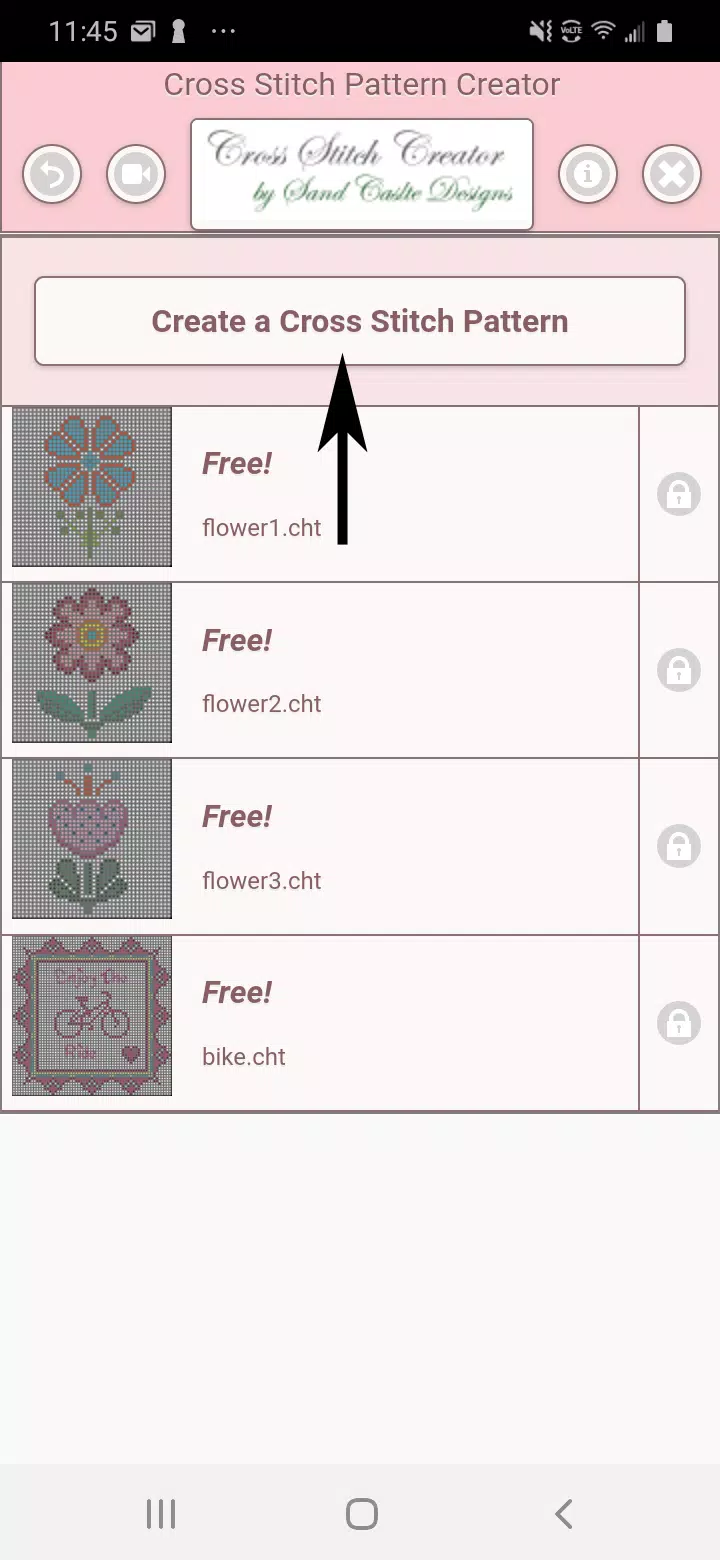
Includes 4 sample patterns. Free to download. Activation costs $2.99.
Optimized for tablet use due to typical pattern dimensions.
Craft personalized cross stitch designs with Cross Stitch Pattern Creator
To begin creating patterns, click the Create a Cross Stitch Pattern button.
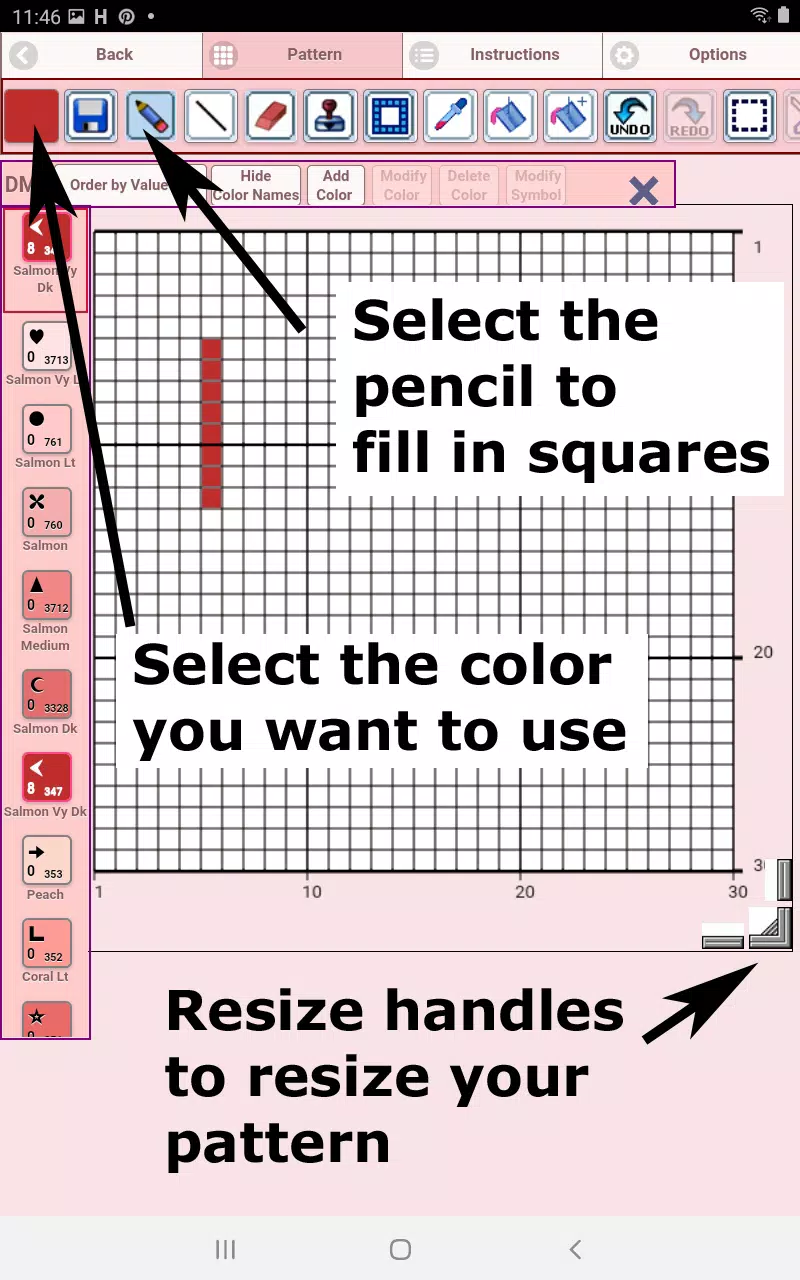
The Cross Stitch Pattern Editor will open. Fill grid squares with DMC floss colors.
Custom color creation is also supported.
Getting started - Use the pencil tool to mark squares in your pattern. The eraser tool clears filled squares.
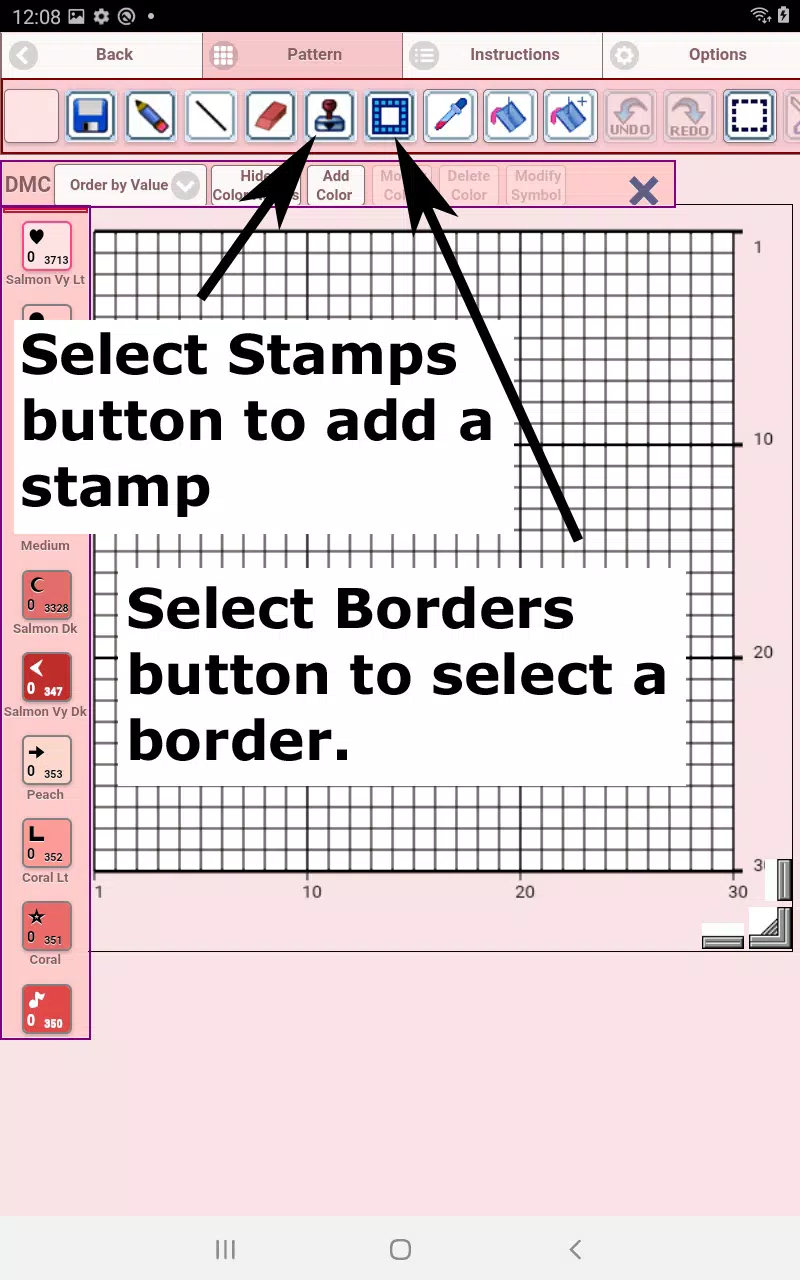
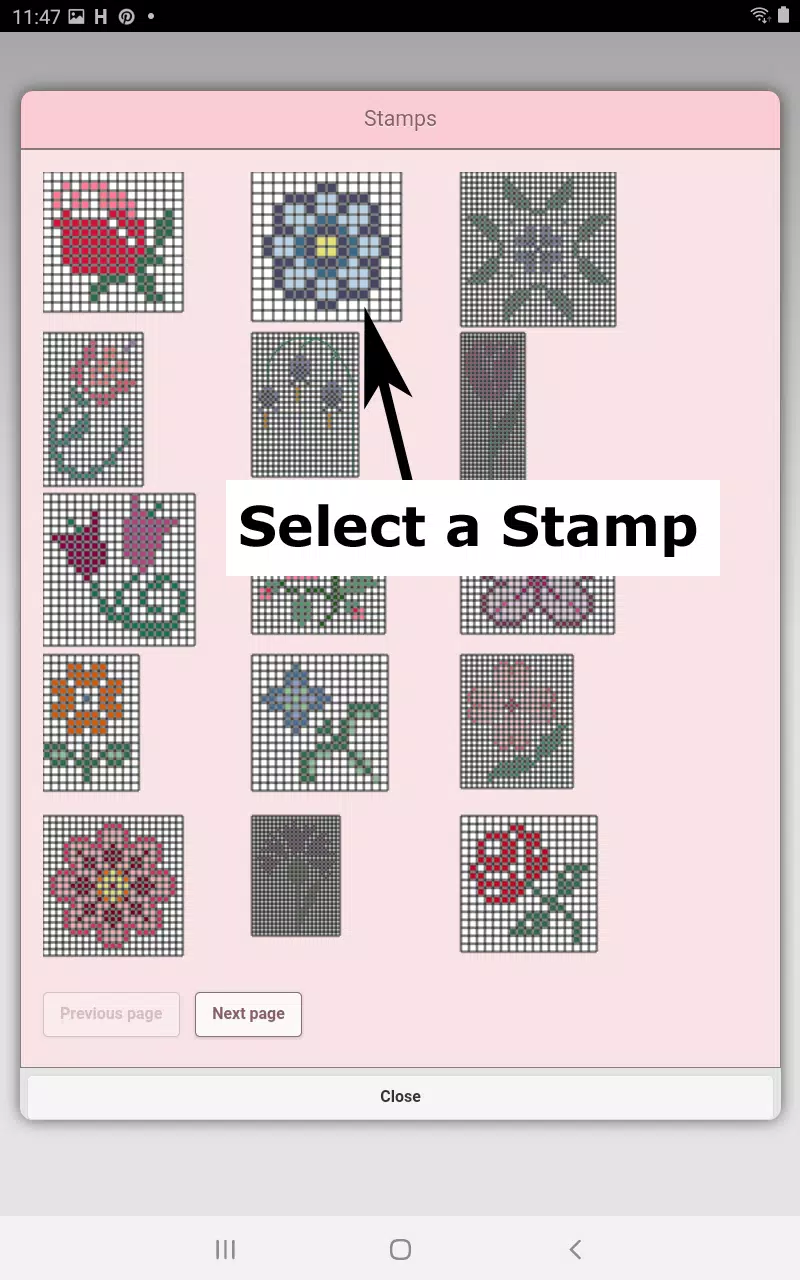
Access 80+ decorative stamps and borders to enhance your design.
Toolbar buttons from left to right:
DMC Floss Color - choose your working floss color
Save - store your pattern
Pencil - fill grid squares in your pattern
Eraser - remove filled squares and backstitch lines
Backstitch - First choose a color, then add backstitch lines to your design
Backstitch Move - Drag selected backstitches to new positions
Backstitch End Adjustment - Select a backstitch to reveal blue endpoint controls for precise positioning
Stamps - Apply small cross stitch motifs to your pattern
Borders - Add frame elements that automatically adapt to your pattern dimensions
Dropper - Sample colors from your pattern for reuse
Bucket - Fill designated areas with selected color
Bucket+ - Replace existing colors with currently selected color
Undo - Reverse previous actions
Redo - Restore undone changes
Selection Box - Define pattern areas for editing operations
Cut - Remove selected pattern sections after using Selection Box
Copy - Duplicate selected areas to clipboard after selection
Paste - Insert copied elements and position them as needed
Rotate - Transform selected areas or entire pattern
Flip Horizontal - Mirror selected areas or complete pattern
Flip Vertical - Invert selected sections or full pattern vertically
Zoom In - Enlarge pattern view
Zoom Out - Reduce pattern view
Symbols - Show unique identifiers for each color value
Picture - Convert device images into stitch patterns
Social Media - Share patterns through email, messaging, and other platforms
Resize Handles - Drag corner controls to adjust pattern dimensions
Options - Modify grid color, switch between solid and X fill styles,
hide row/column counters
Instructions - View DMC color requirements and finished sizes for
various Aida cloth counts
Preview - Display stitched result simulation with
customizable fabric colors
Tags : Art & Design