Human Pose Reference Tool
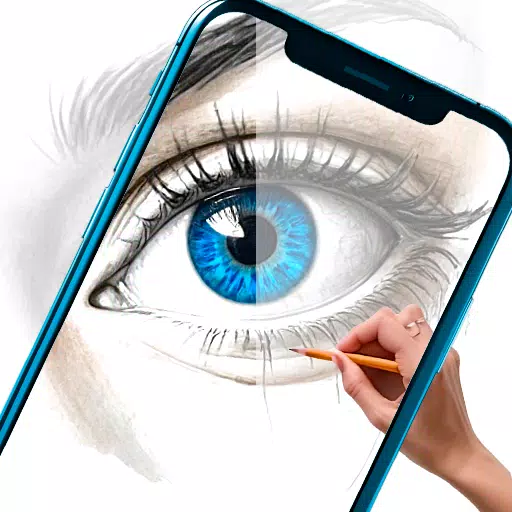
This app is designed for artists and creators who need quick and reliable references for human poses.
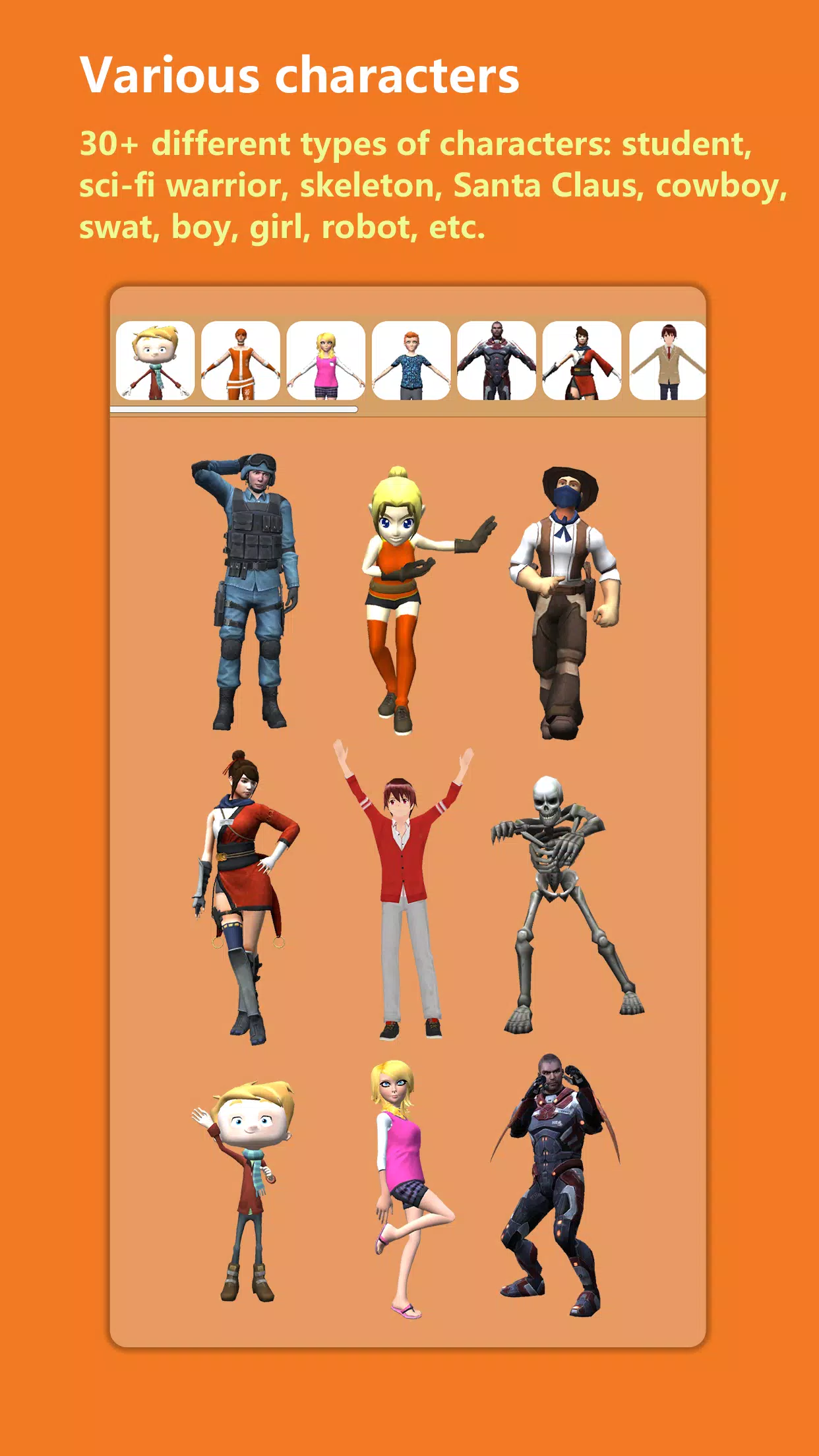
It provides access to over 30 unique character types, including a student, sci-fi warrior, skeleton, Santa Claus, cowboy, SWAT officer, ninja, zombie, boy, girl, robot, and many more.
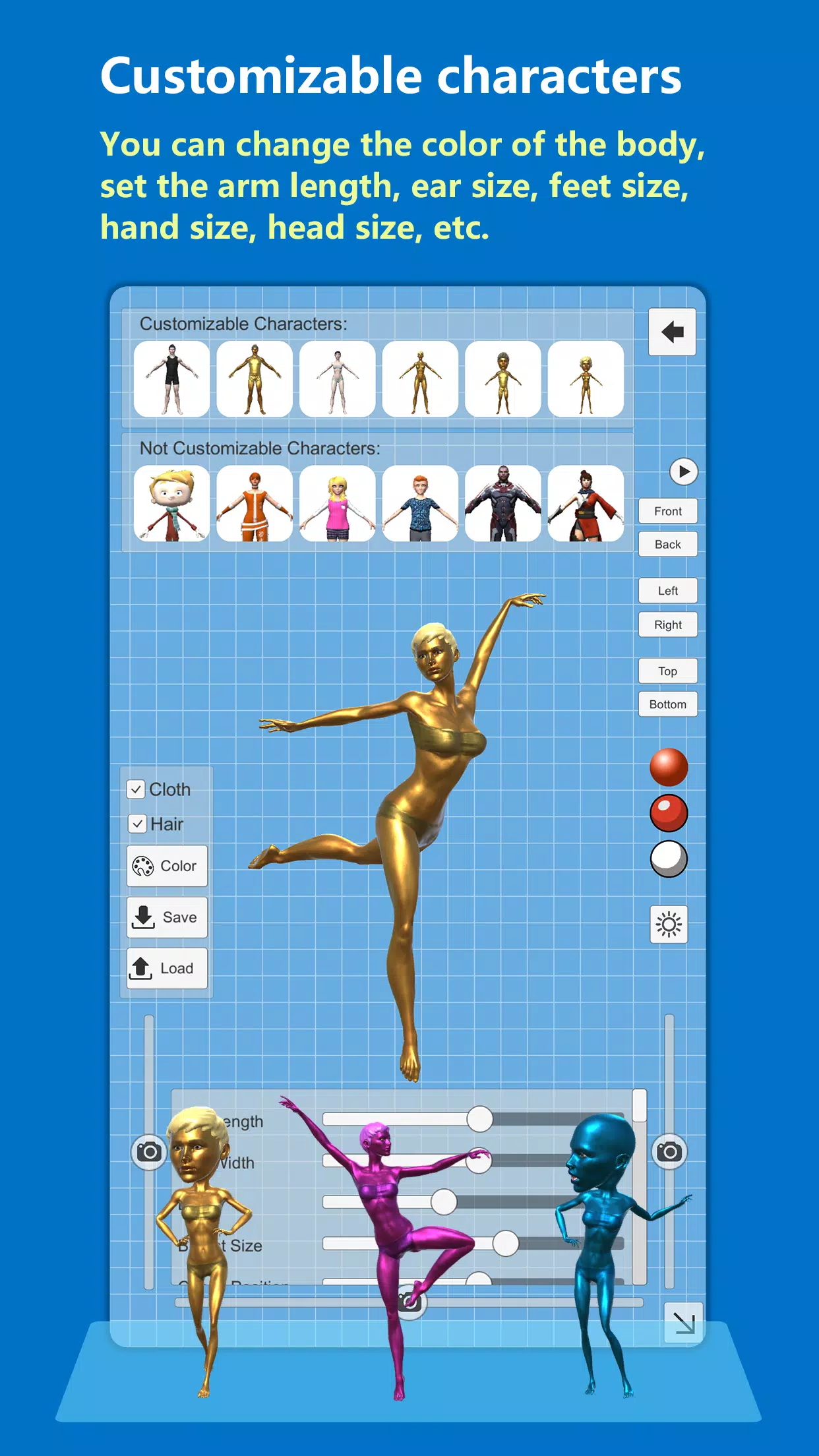
Every base character in the app is fully customizable. Adjust the body color, arm length, ear size, foot size, hand size, head size, facial details, and much more.
Quick Start Guide:
Step 1: Choose a character.
Step 2: Set your desired pose.
How to Select a Body Part:
1. Select a body part from the drop-down list.
2. Alternatively, tap directly on a body part in the viewport to select it.
How to Adjust a Body Part's Pose:
Step 1: Select the target body part.
Step 2: Use the sliders to fine-tune the pose (Twist, Front-Back, or Side-Side movement).
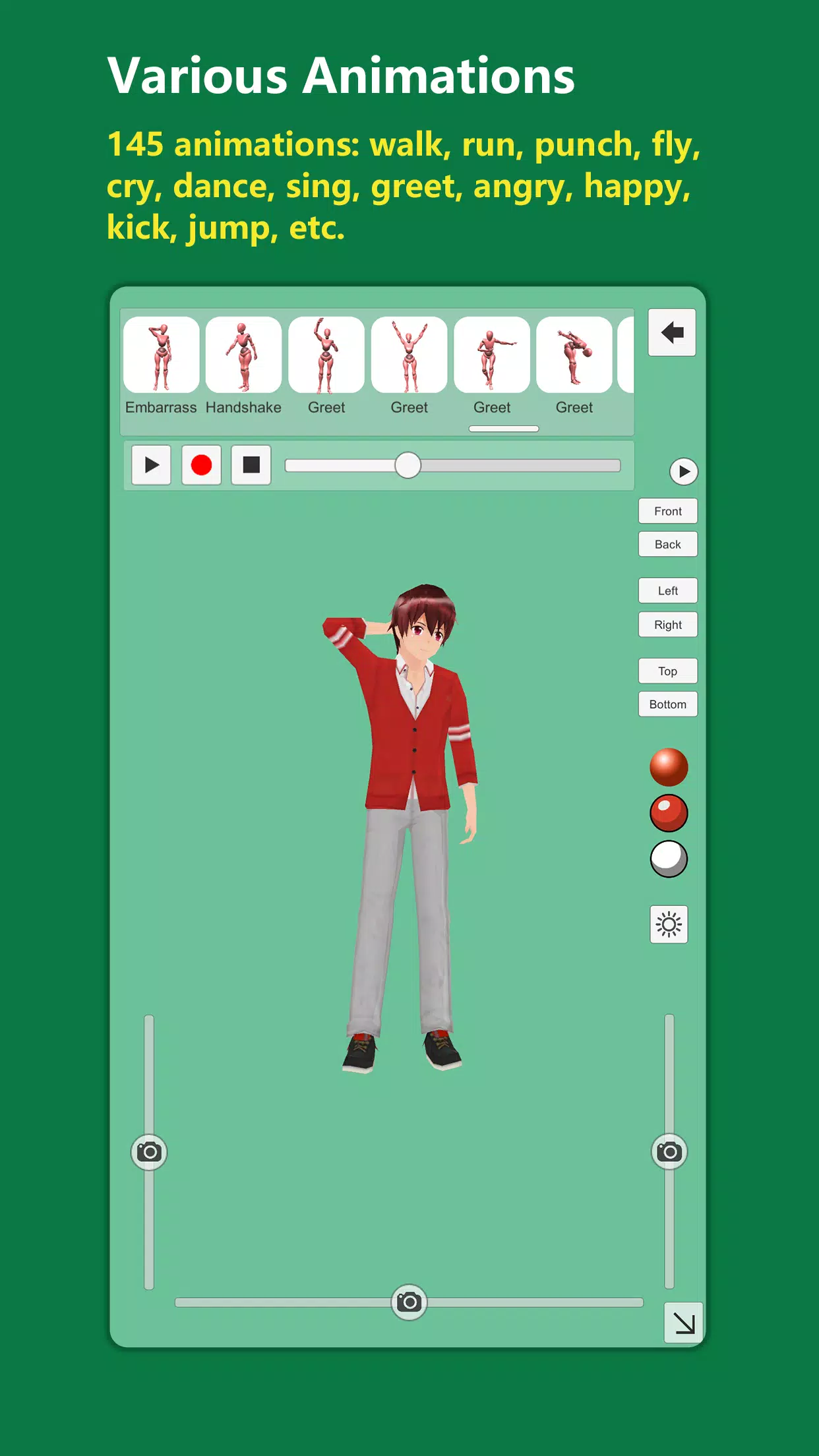
You can quickly load a pose from the extensive pose library. You'll also find many poses within the animation collection. The app currently features 145 animations, over 100 body poses, and 30 hand poses.
All characters, animations, and poses are completely FREE!
Key Features:
- Over 30 different character types.
- 145 animations: walk, run, punch, fly, cry, laugh, dance, sing, greet, angry, happy, sad, clap, idle, kick, jump, death, drink, injured, kip up, kneel, power up, pray, rally, shy, sneak, swim, swing, yawn, and others.
- 100+ body poses and 30 hand poses.
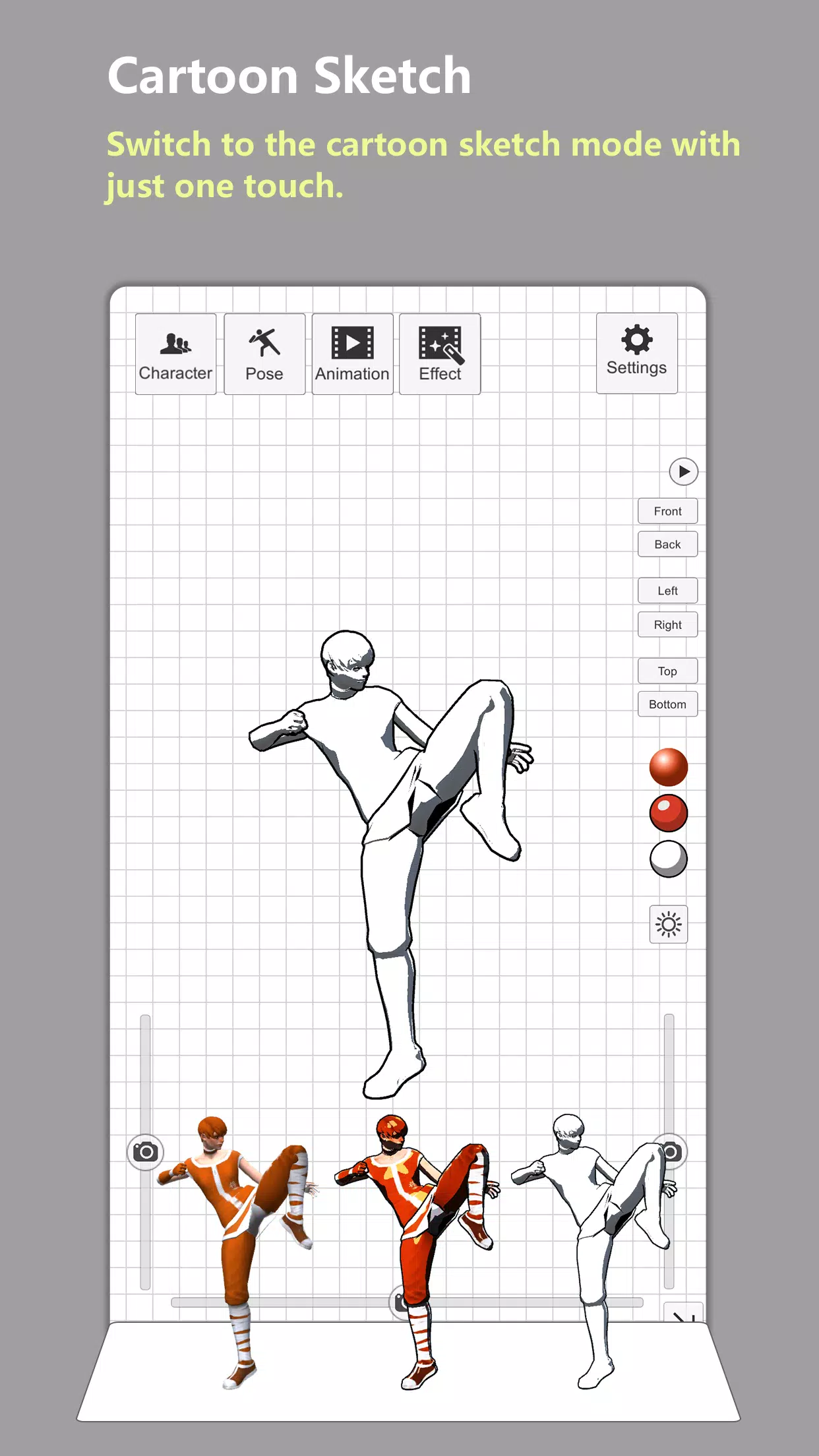
- Switch to a simple cartoon sketch mode with a single tap.
- Full control over lighting: adjust direction, intensity, and color.
- 40+ customization options for the body.
- Use the 'Mirror' tool to instantly create a symmetrical pose.
- Supports up to 100 undo/redo operations.
- Clear the screen with one touch—all UI controls can be hidden for an unobstructed drawing view.
- Customize the background grid, color, or set a custom background image.
- Save pose images or record character animations directly to your gallery.
- Apply post-processing effects: Bloom, Anamorphic Flare, Chromatic Aberration, Vignetting, Outline, Blur, Pixelate, and choose from over 40 cinematic LUTs.
What's New in Version 3.34
Last updated on Jul 8, 2024
Bug fixes and improvements.
Tags : Art & Design