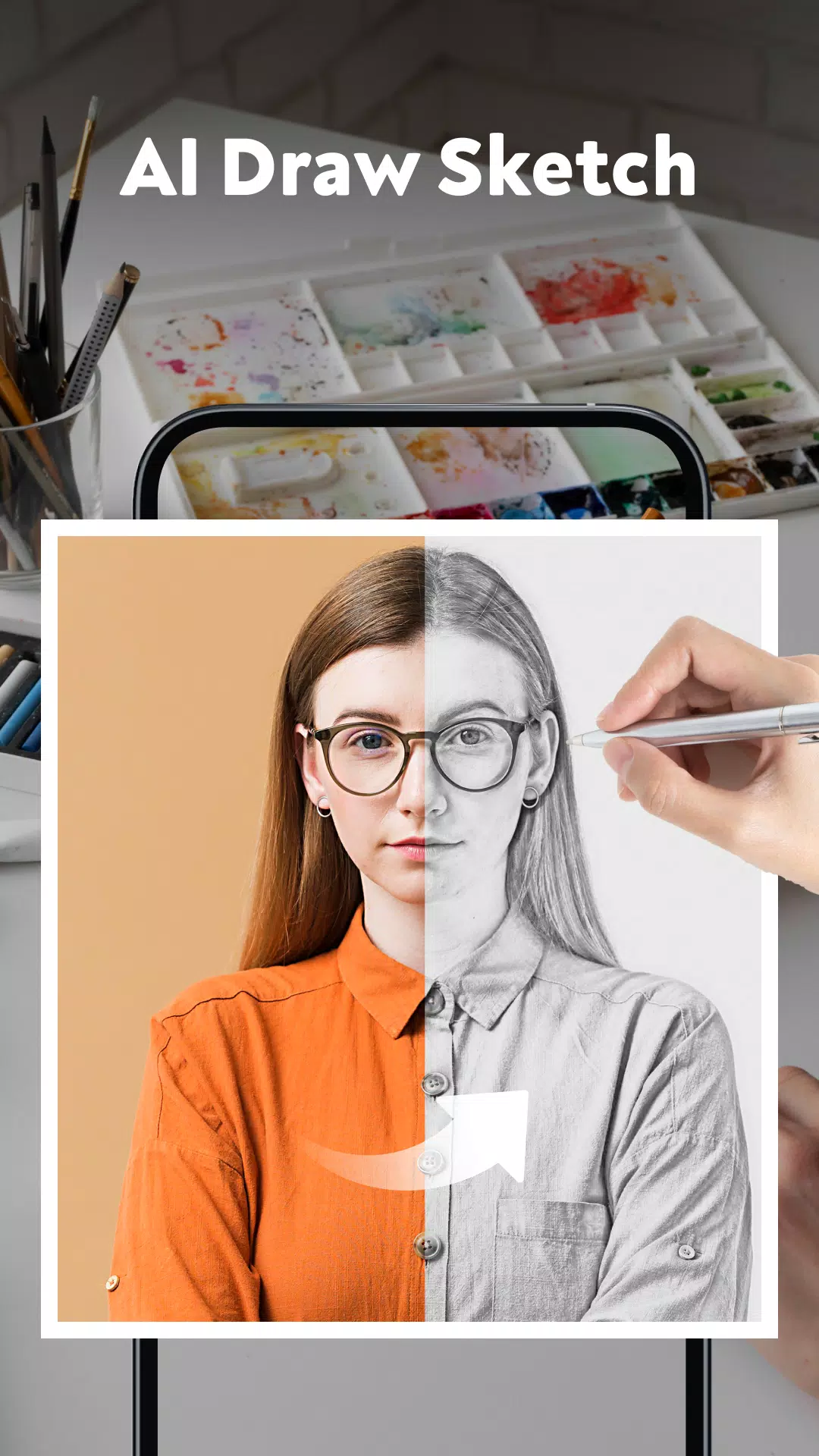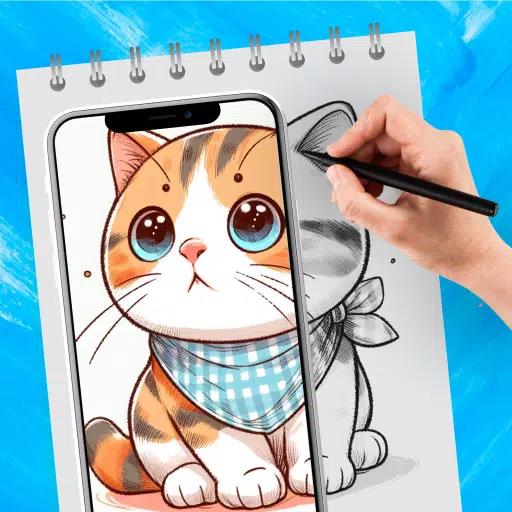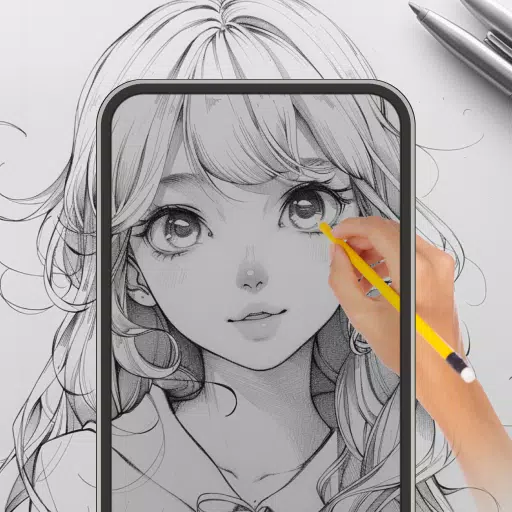
A sketching app that makes it easy to draw and trace photos. Use AR to sketch pictures directly from your gallery.
Welcome to Sketch Photo: Learn to Draw!
Sketch Photo Drawing brings your creativity to life with augmented reality. Enjoy powerful tracing features in this easy-to-use sketch app:
✍️ Sketch Photo:
- Easily learn to draw and sketch any image.
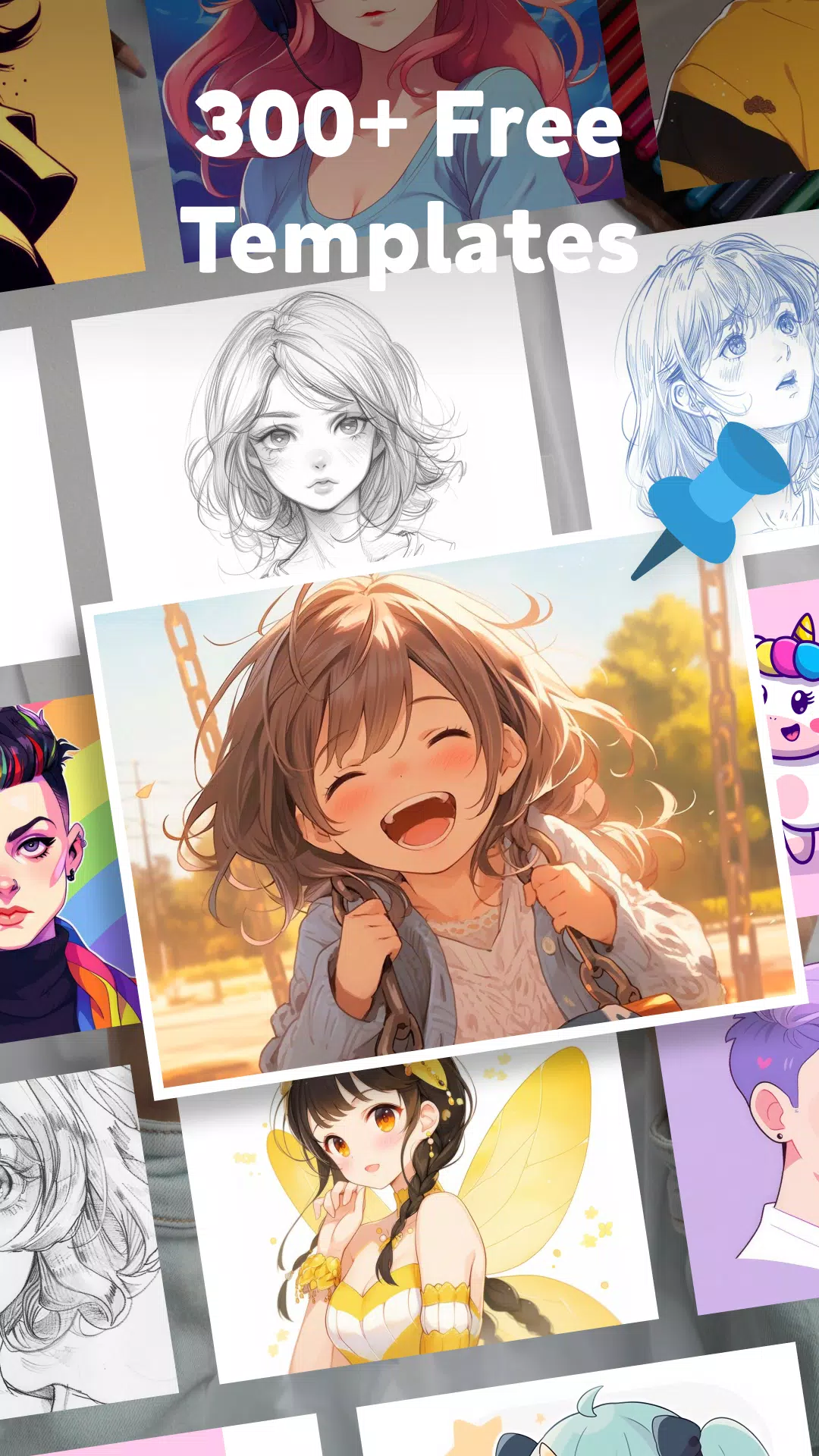
- Pick a photo from categories or upload one from your gallery.
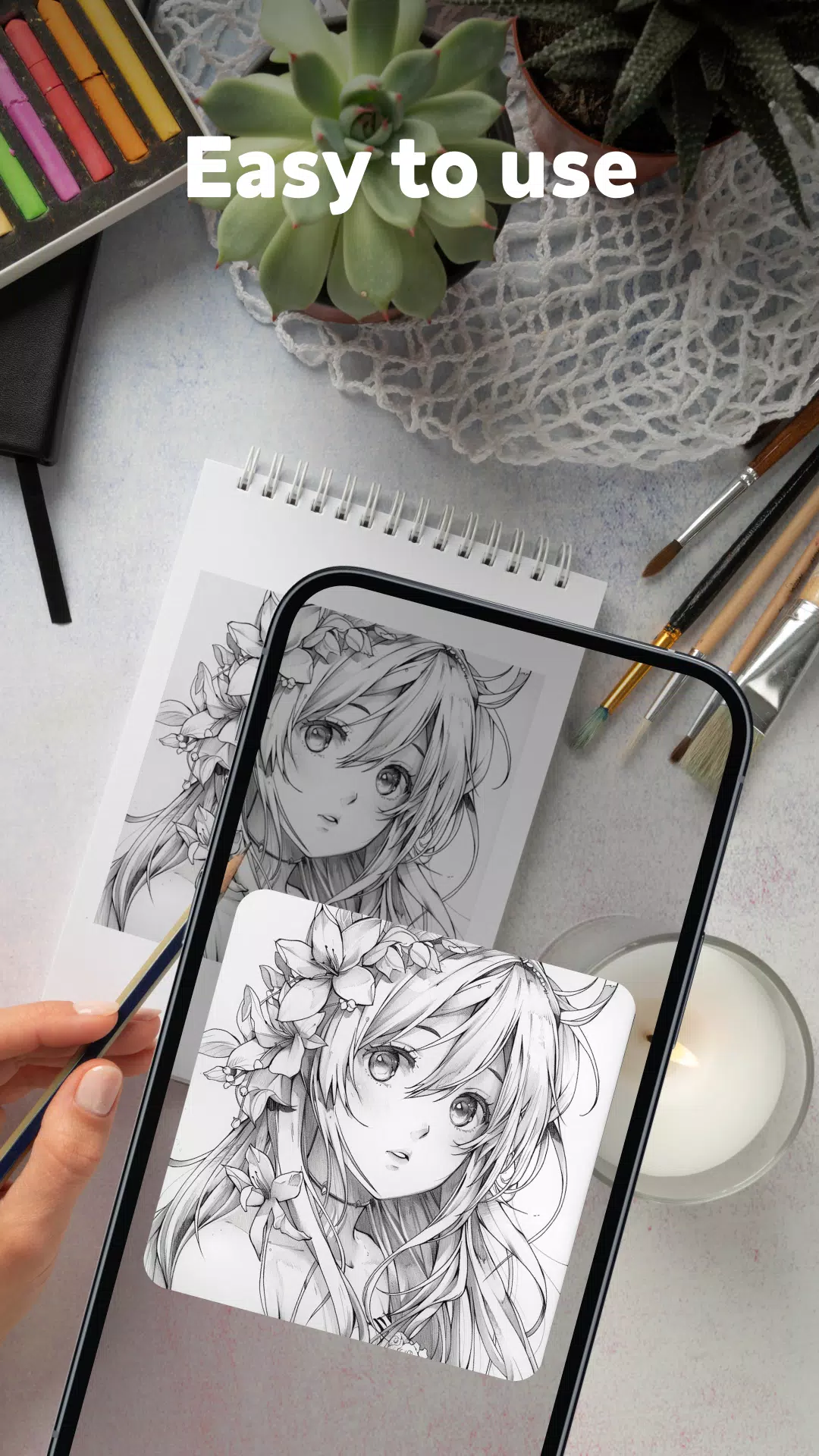
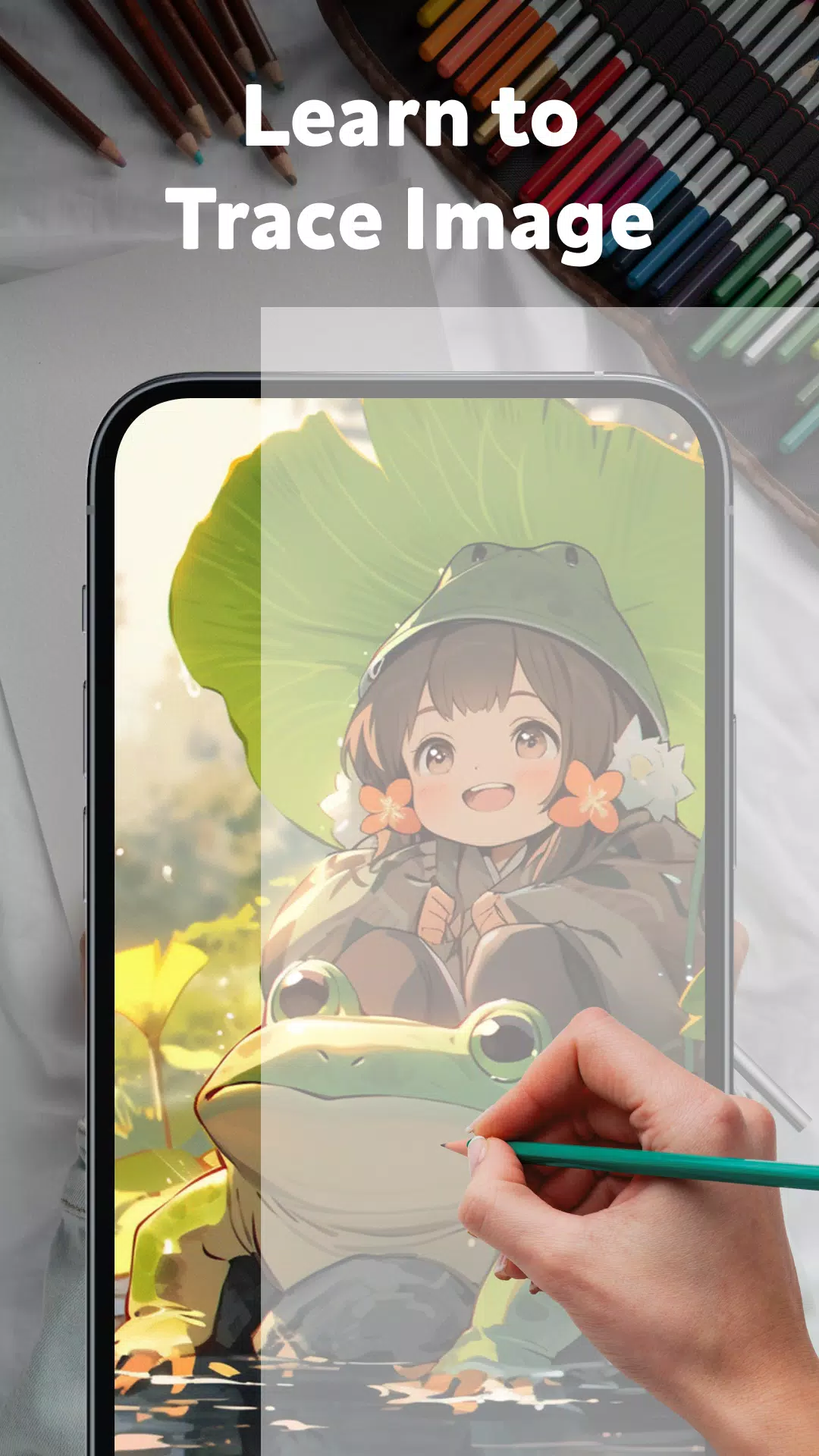
- Turn sketches into art effortlessly by tracing images like cartoons, buildings, objects, or eyes onto virtual tracing paper.
✍️ Various Categories:
- Explore a wide variety of categories to inspire your art: hot trends, Christmas, Animals, Hearts, Food, People, and more.
✍️ Customization Options:
- Perfect your drawings with adjustable settings: brush size, colors, opacity, and others.
✍️ How to use the sketch art app:
- Open the sketch and draw app.
- Select the picture you wish to draw.
- Place your phone on a cup or stand so it lies flat and parallel to the table.
- The image will be inverted so you can easily trace and sketch it.
It’s never been easier to sketch photos just the way you want. Try the Sketch Photo app today!
This drawing app blends the freedom of sketching with the accuracy of tracing, offering a unique and immersive artistic experience. Thanks for choosing our AI-powered sketch app!
What's New in Version 1.1.2
Last updated on Nov 8, 2024
Minor bug fixes and performance improvements. Install or update to the latest version to see what’s new!
Tags : Art & Design