Color palette development, color choice, and evaluation
EXPLORE THE RANGE OF COLORS WITH OUR CREATIVE MOBILE APPLICATION
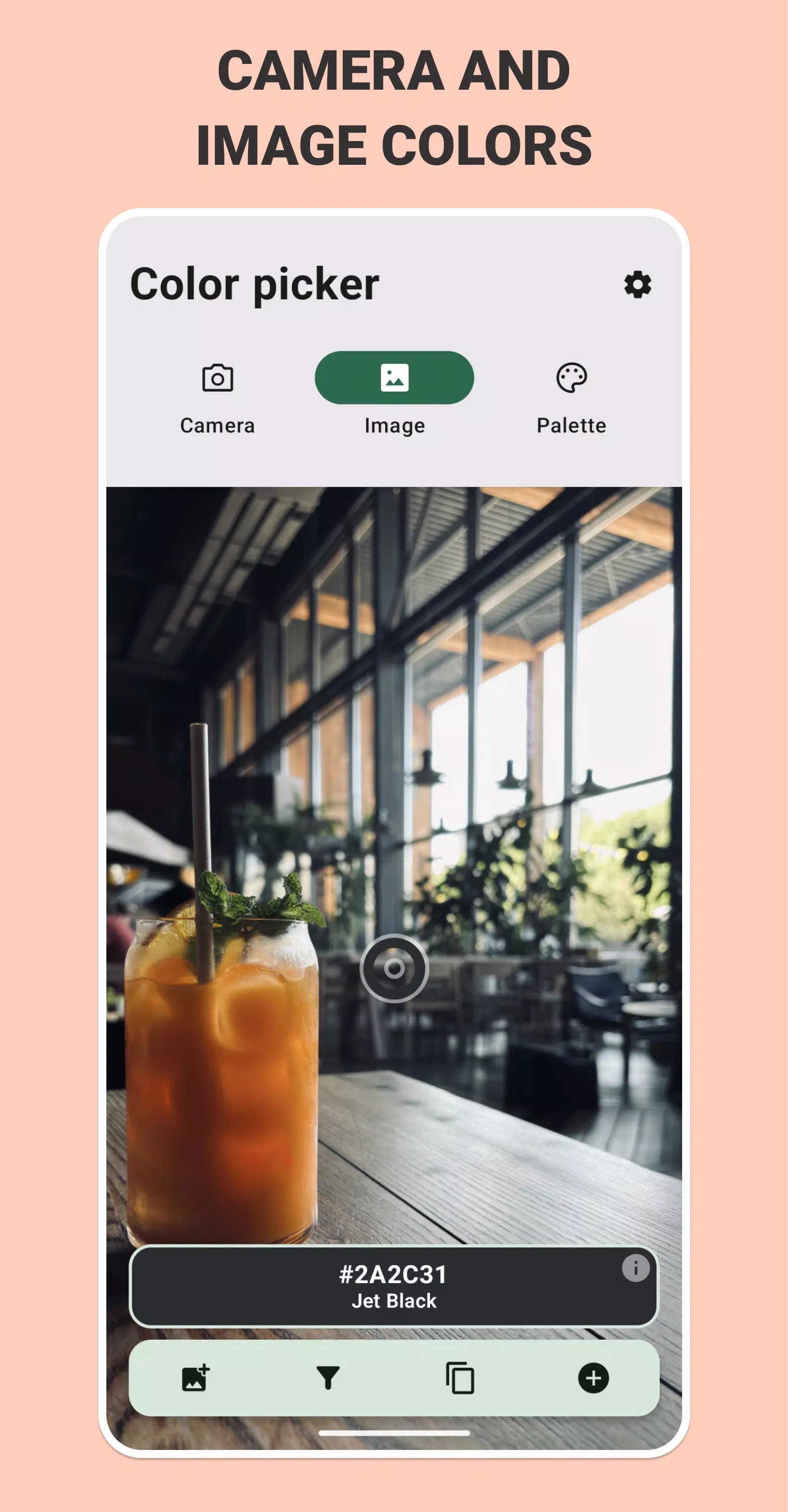
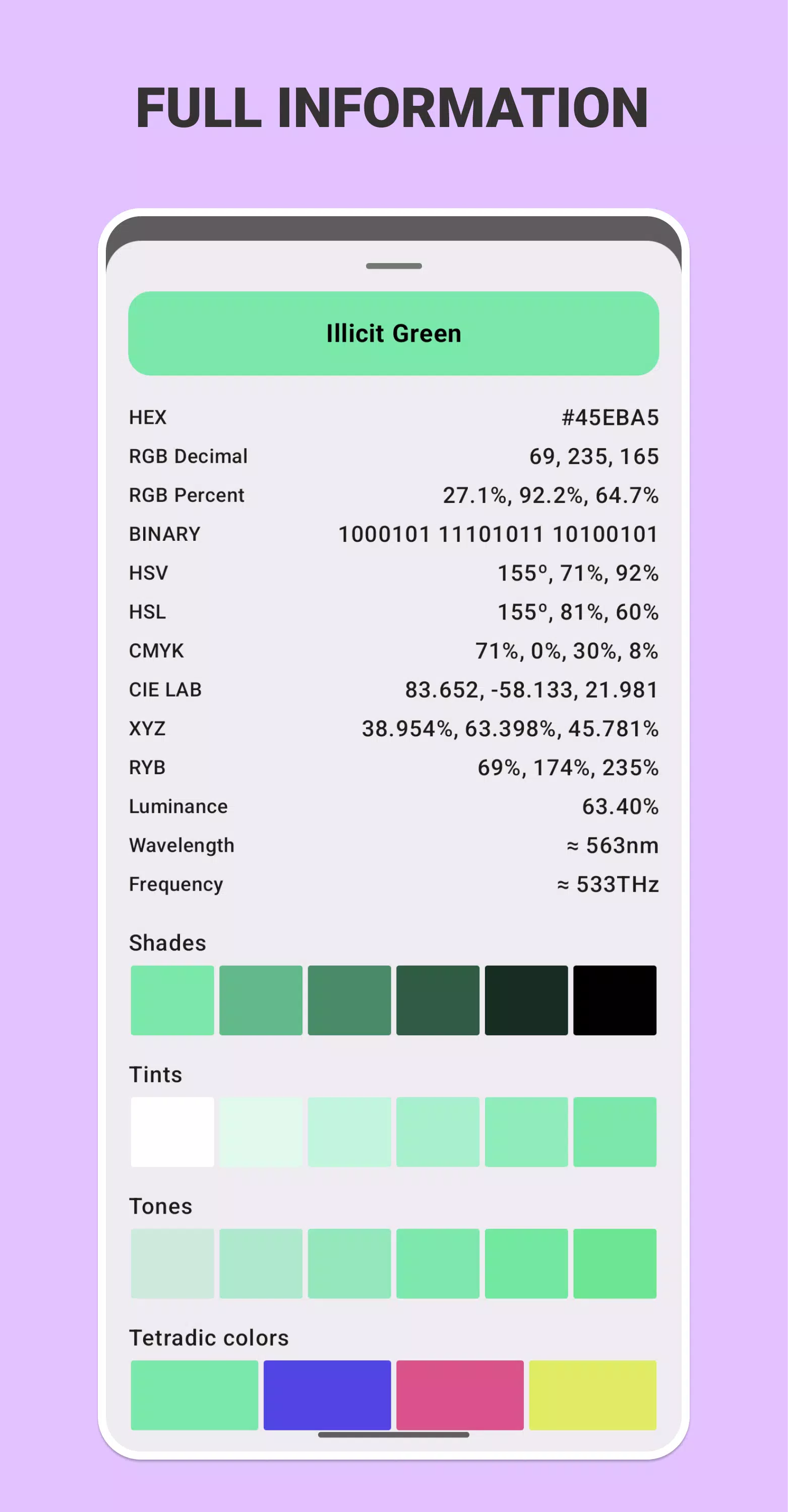
Discover the true potential of color with our cutting-edge mobile application! Our app enables you to easily recognize and capture colors from any image or camera video feed. Simply take a picture or aim your device's camera, and the app quickly identifies and shows the color name, HEX code, RGB values (both percentage and decimal), HSV, HSL, CMYK, XYZ, CIE LAB, RYB, and other color systems. The exact name and tone of the color are always available to you!
CREATING COLORS AND COLOR WHEEL
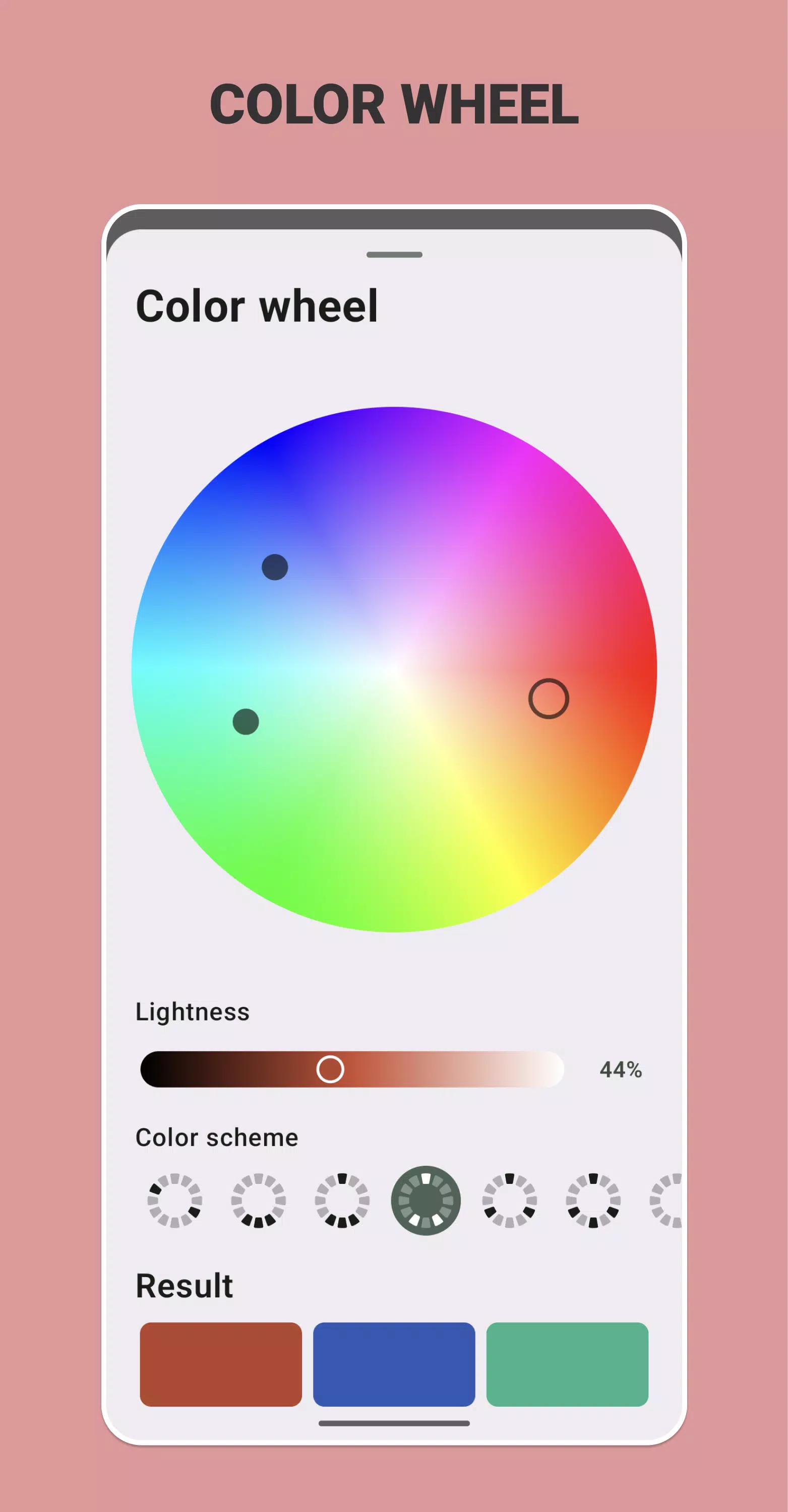
Create amazing color schemes based on your chosen accent color. Explore harmonies like complementary, split-complementary, analogous, triadic, tetradic, and monochromatic directly from the color wheel. Visualize relationships easily to refine your palettes and create vibrant, balanced combinations.
MAIN COLOR EXTRACTION
Quickly identify the main colors in any image or photo. Our application detects and shows the most significant colors in order of prominence, making it easy to extract primary color themes for design inspiration.
SAVING AND EXPORTING COLORS
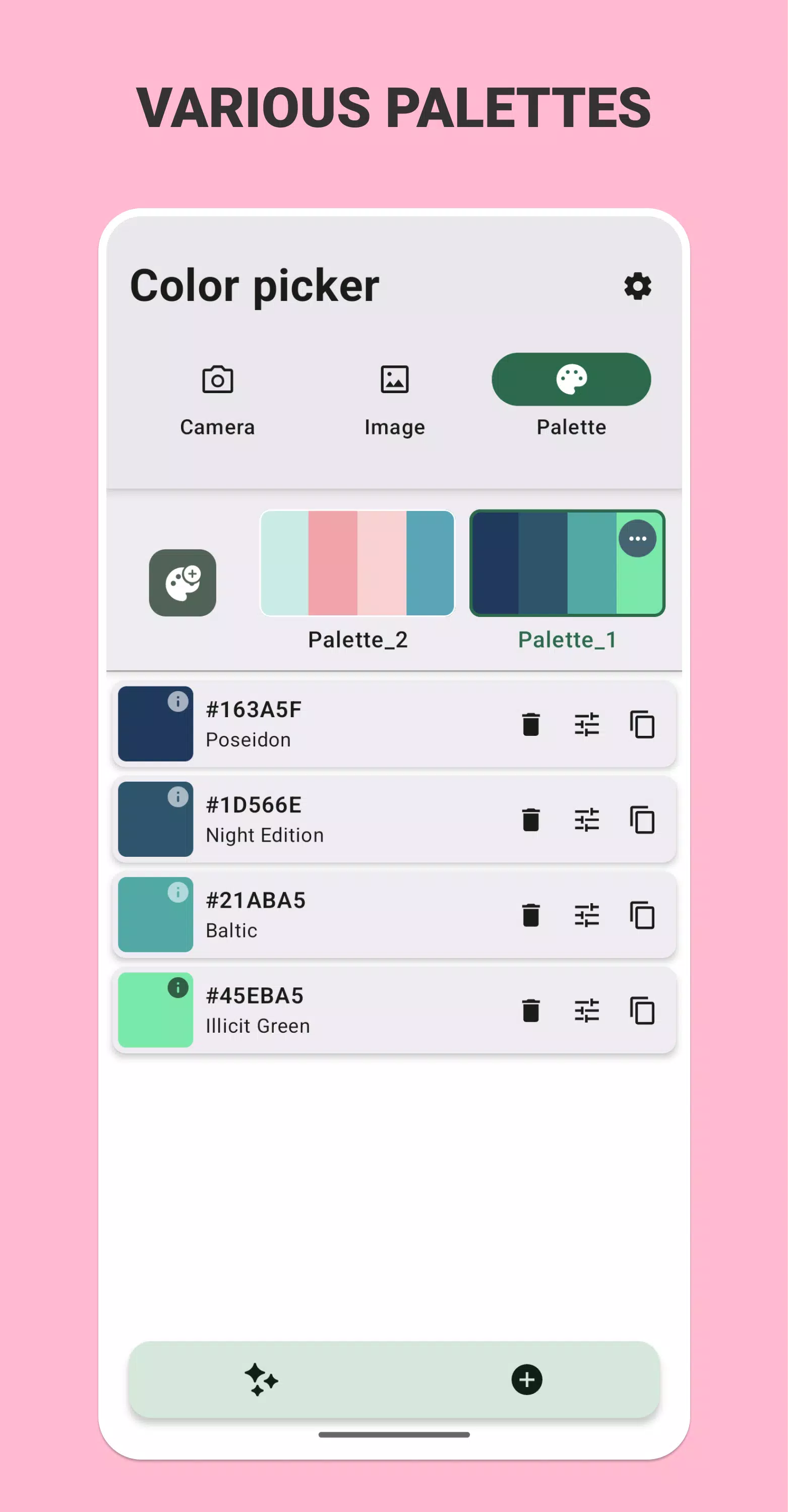
Store your preferred colors for later use or in design projects. Our app lets you create personalized palettes, modify colors, and export them in several formats: XML (eXtensible Markup Language), JSON (JavaScript Object Notation), CSV (Comma-Separated Values), GPL (GIMP Palette), TOML (Tom's Obvious, Minimal Language), YAML (YAML Ain't Markup Language), CSS (Cascading Style Sheets), SVG (Scalable Vector Graphics), ACO (Adobe Color), ASE (Adobe Swatch Exchange), ACT (Adobe Color Table), and TXT (Text). In addition, you can export colors to images with different color schemes, making it easier to incorporate them into your visual projects. This makes our app incredibly versatile for any requirement.
COMPLETE COLOR INFORMATION
Receive thorough information about each identified color, including complementary colors, shades, lightness, darkness, tetradic, triadic, analogous, and monochromatic hues. This data helps you understand the relationships between colors and uncover new possibilities for your creative projects.
ADVANCED SORTING TOOLS
The application allows you to sort colors based on various criteria: order of entry, name, RGB, HSL, XYZ, LAB, and brightness. This ensures quick access to the desired shade, making it ideal for professionals who require accurate color management in their projects.
STYLISH AND INTUITIVE INTERFACE
Our application offers a user-friendly and appealing interface, making it suitable for designers, artists, photographers, and anyone wishing to add more vibrancy to their lives. Whether you are a professional or an enthusiast, our app provides all the tools needed for accurate and creative color exploration.
DOWNLOAD NOW!
Immerse yourself in the world of colors with our application and begin creating with confidence. Download now and discover new opportunities for your creativity!
WHY CHOOSE OUR APPLICATION:
- Quick color recognition: Easily identify colors from images and videos.
- Diverse range of color models: Supports HEX, RGB, HSV, HSL, CMYK, RYB, and more.
- Saving and exporting: Save and export colors in various formats.
- Export to images with color schemes: Export colors directly into images using different color schemes.
- Comprehensive data: Get detailed information about colors and their relationships.
- Flexible sorting: Sort colors based on various parameters.
- User-friendly design: Stylish appearance and simple usage.
Discover the world of colors with our app – experience the full range of opportunities!
What's New in the Latest Version 3.7.1
Last updated on Nov 6, 2024
Added the ability to choose a set with color names
Tags : Art & Design