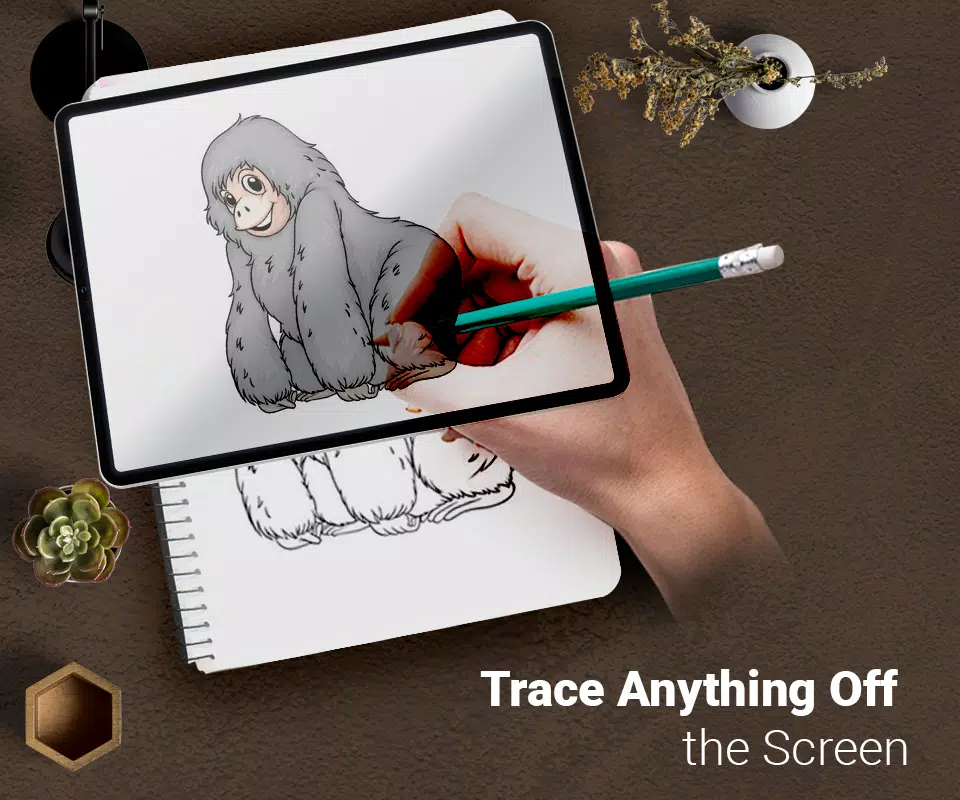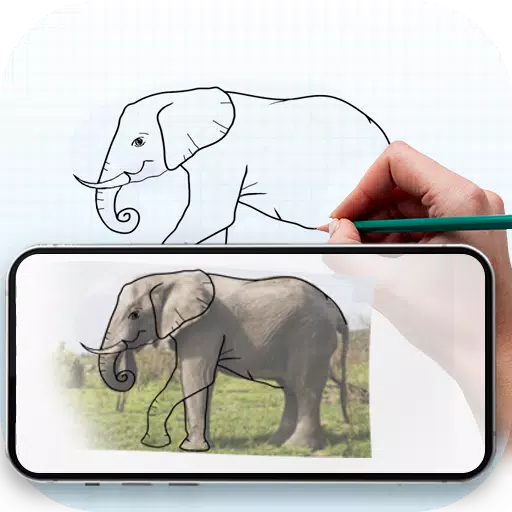
Trace any image onto paper with the help of your phone's camera using augmented reality.
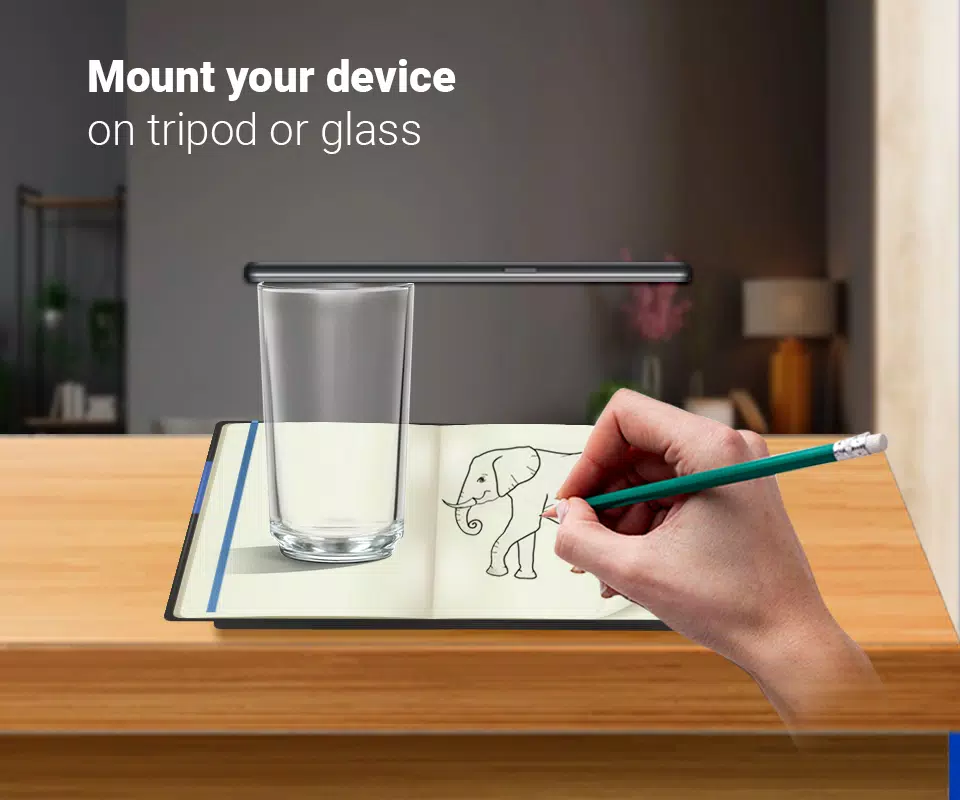
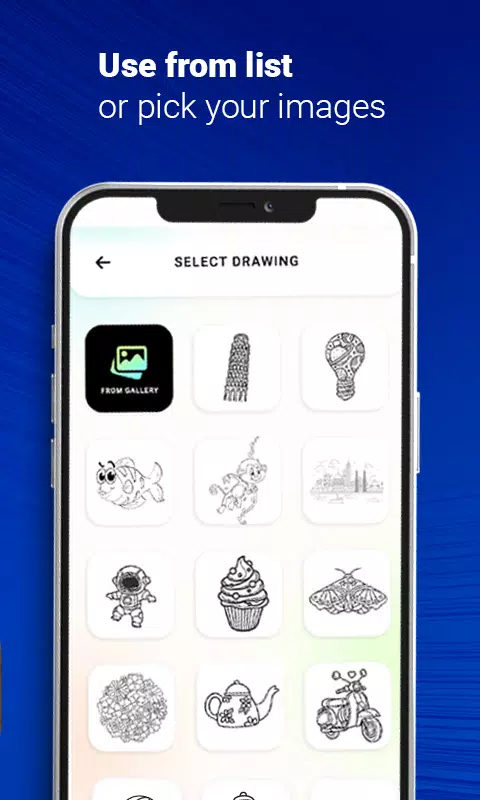
Use this tool to learn and practice drawing. It makes tracing images simple. Just select an image from the app or your gallery, apply a filter to make it traceable, and the image will appear on your screen with the camera active. Position your phone about one foot above the paper, look at the screen, and draw on the paper.
Key Features:
- Trace any image using your phone's camera display; the image doesn't physically appear on the paper, but you can replicate it line for line.
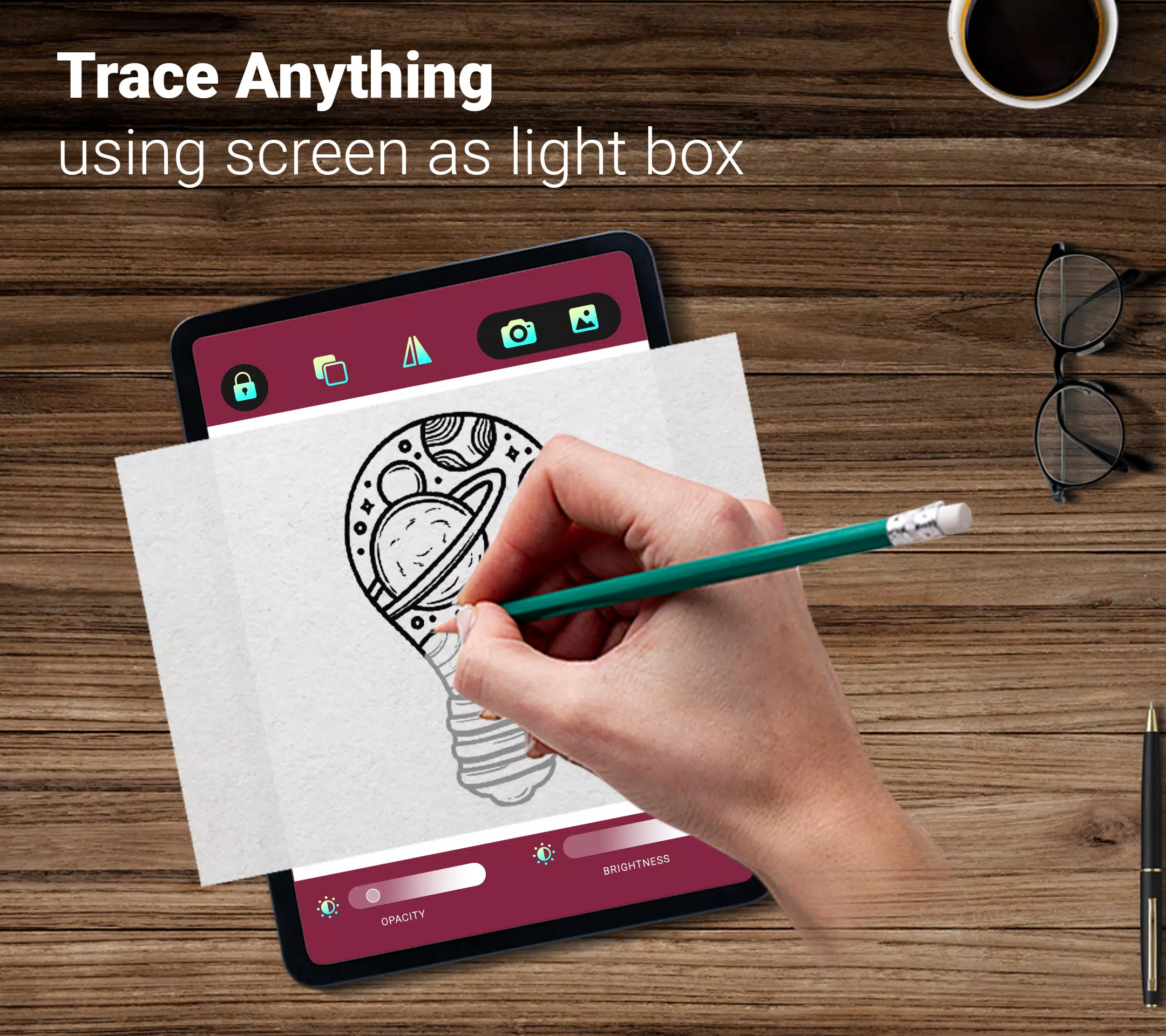
- Draw on paper while viewing a transparent overlay on your phone with the camera open.
- Choose from sample images included in the app and sketch directly into your sketchbook.
- Select any photo from your gallery, convert it into a traceable outline, and draw it on blank paper.
- Adjust image transparency or apply line art filters to create your artwork.
Tags : Art & Design