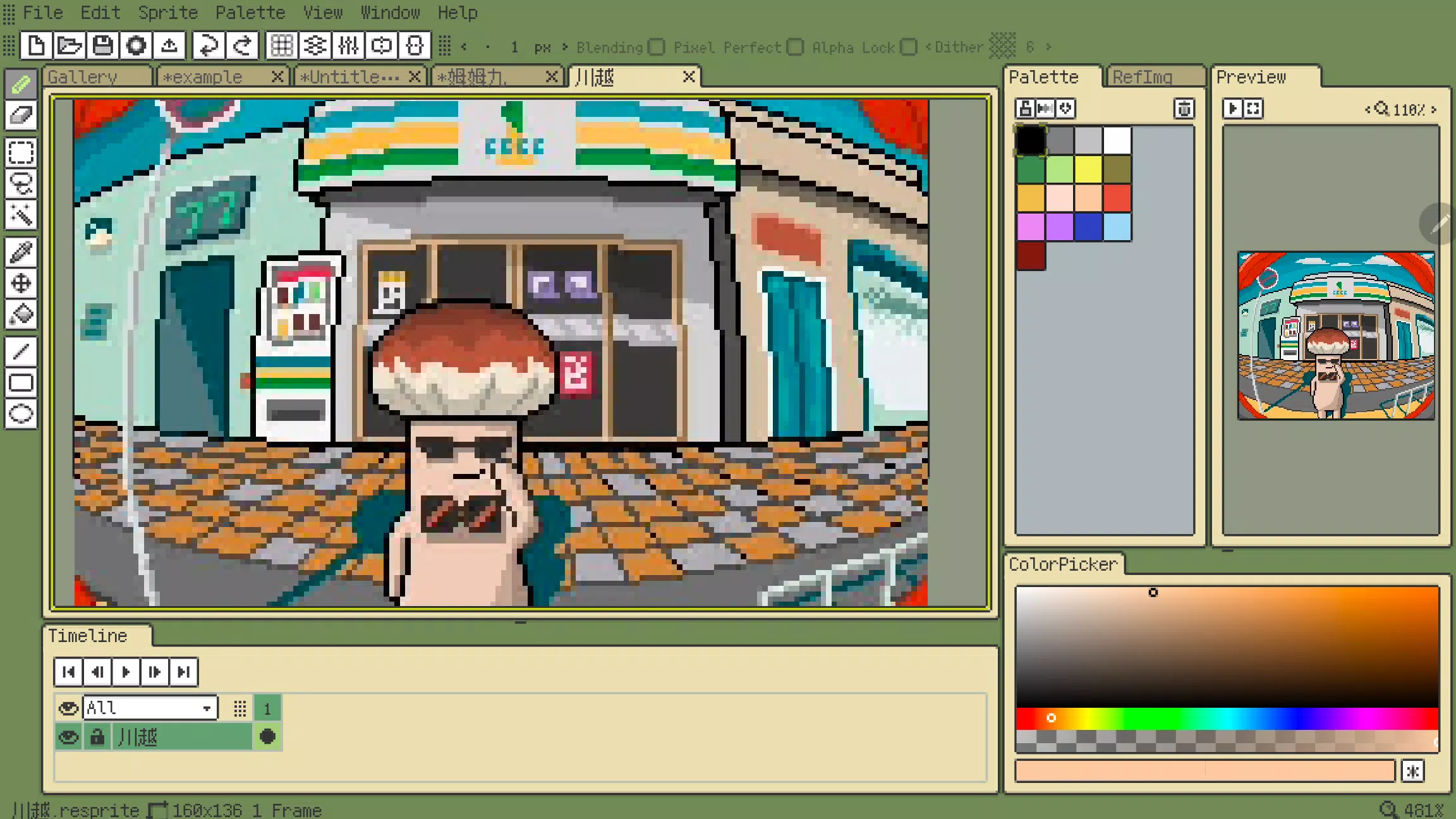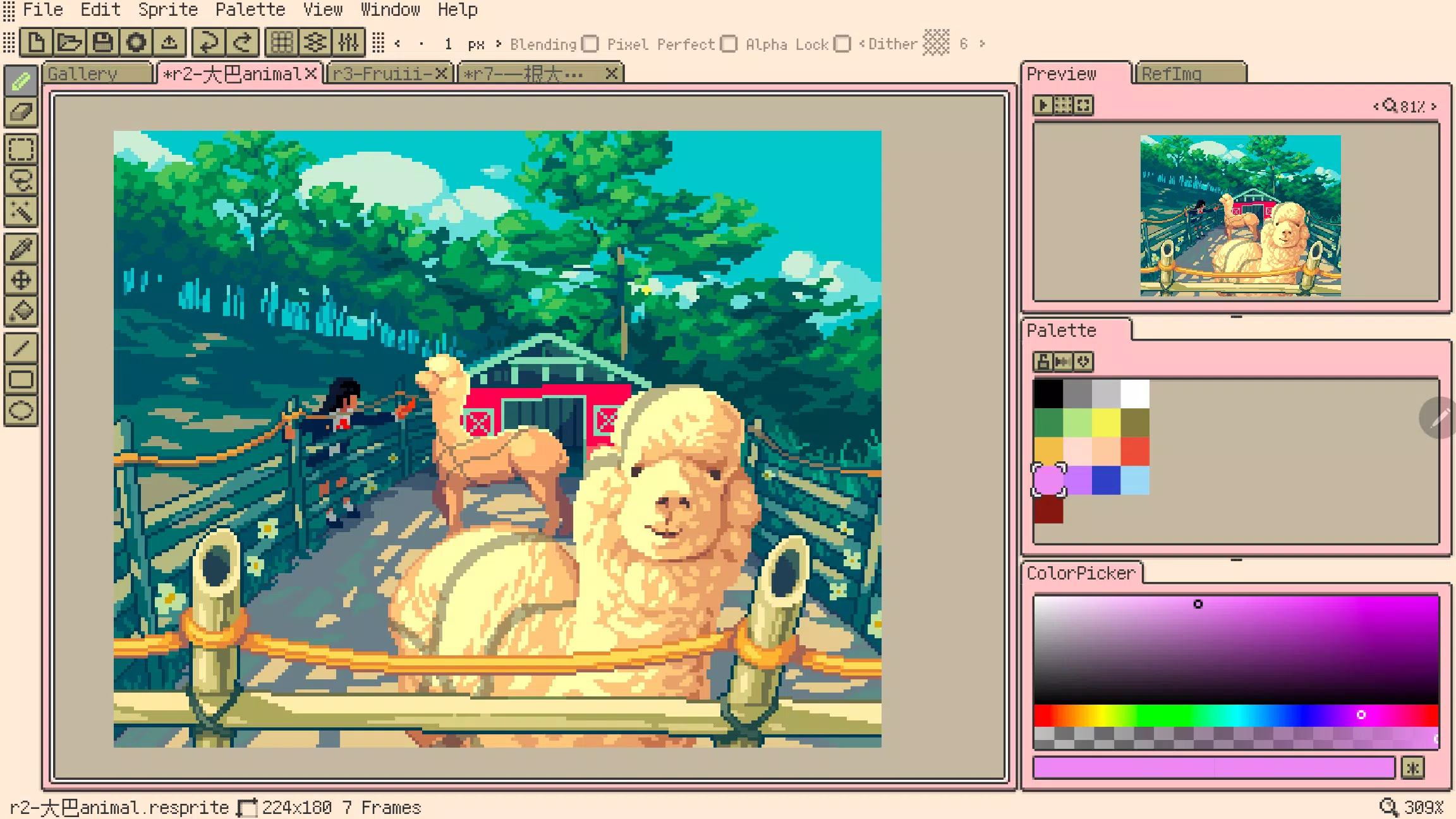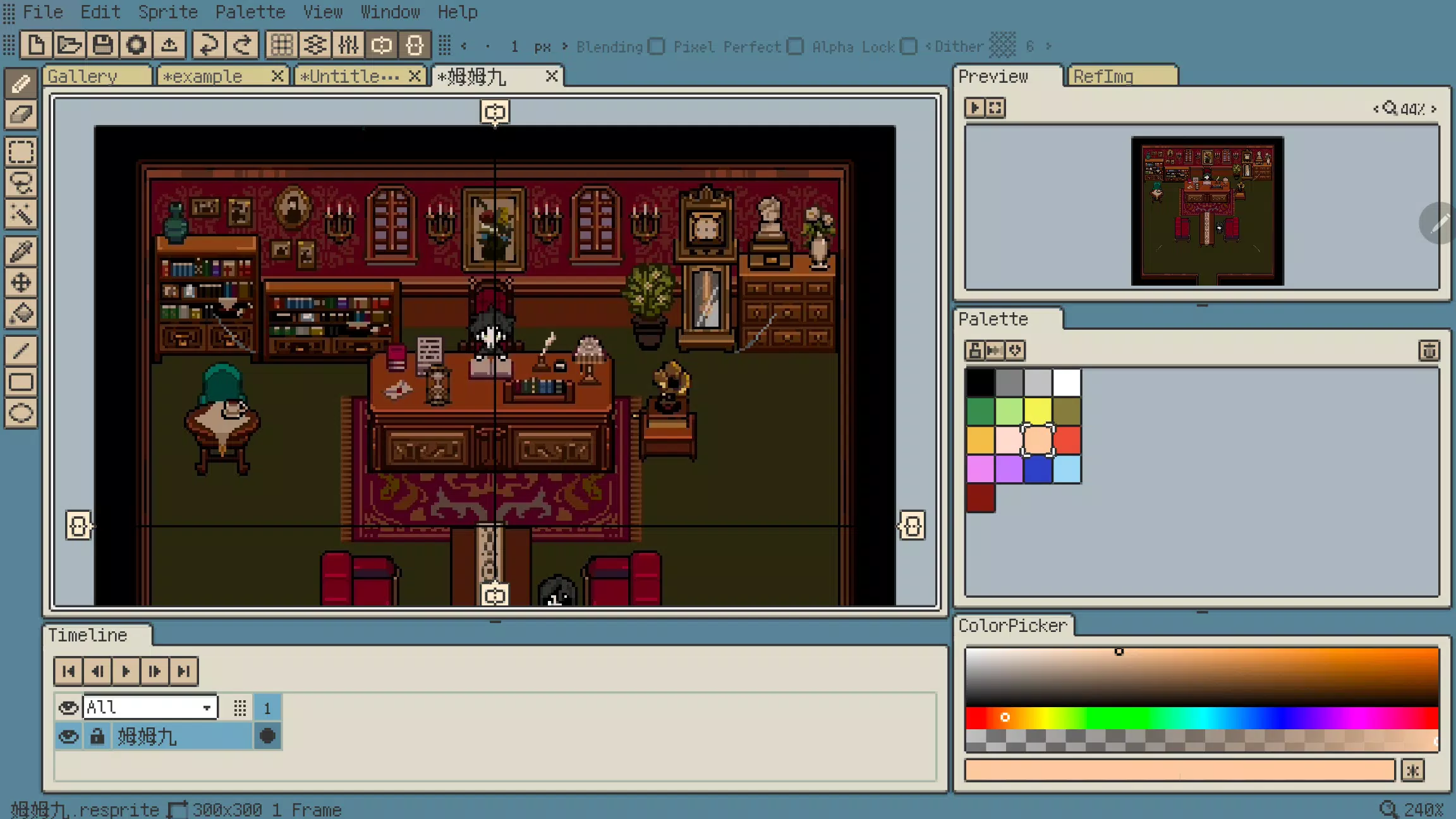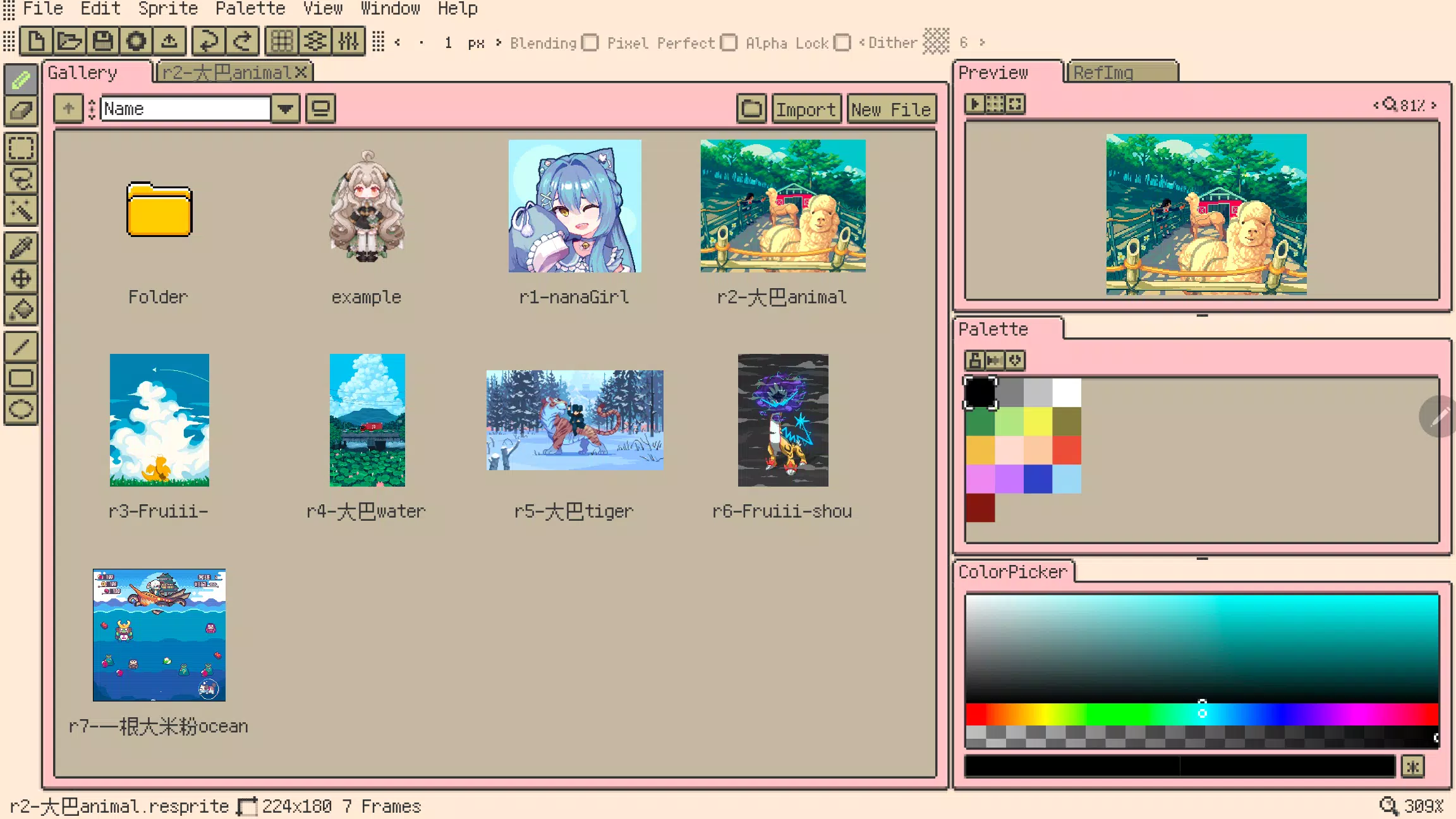
Resprite is a pixel art creation and sprite animation studio for your mobile device.
Resprite is your on-the-go pixel art studio, a powerful tool for crafting game-ready sprites and animations directly on your mobile device.
Boasting a feature-rich experience that rivals desktop editors, it's meticulously optimized for mobile and stylus interaction. This empowers you to create freely, unlocking professional-grade artistry from anywhere.
Equipped with a comprehensive pixel art toolkit, an advanced layer and timeline system, and a high-performance Vulkan rendering engine, Resprite enables you to produce stunning pixel art, detailed spritesheets, expressive GIFs, and all manner of game assets.
Create effortlessly wherever you are—relaxing on the sofa, camping outdoors, or waiting at the airport. Resprite puts a full-featured pixel art studio in the palm of your hand.
Resprite includes:
Features:
* High-performance drawing engine
* Low power consumption for extended creation sessions
* Innovative, efficient palette and coloring tools
* Extensive dithering pattern support
* Fully customizable interface layout with one-tap access
* Expertly optimized gesture and pen controls
* Full undo and redo functionality
* Create your own colorful, personalized themes
Highly Flexible Interface:
* Customize your workspace layout freely
* Convenient floating windows
* Minimize pen travel to boost efficiency
* Beautiful, pixel-perfect software design
Comprehensive Toolset:
* Brushes, 3 selection tools, eyedropper, fill bucket, 3 shape tools, and rich sub-options
* Pixel perfect, alpha lock, and dithering features
* Place the toolbar anywhere for instant access
* Copy, paste (across files), flip, rotate, and scale elements
* Scale and transform entire canvas or selected images
Innovative Color Palette:
* Freely arrange color swatches
* Generate intermediate colors with interpolation
* Import and export palettes
* Automatically extract palettes from your artwork
Import & Share:
* Export spritesheet files, GIF/APNG animations, and Resprite project files
* Customize export settings: magnification, frame spacing, sheet arrangement
* Export individual animation clips or entire rows
* Import/export palette files in GPL and RPL formats
Powerful Layers & Timeline:
* Complete layer features for flexible composition
* Copy, merge, flatten, and convert layers to static images
* Create and manage multiple named animation clips
* Reliable performance handles hundreds of frames smoothly
* Color labels, nested groups, and adjustable layer opacity
* Clipping masks and blend modes for advanced effects
Quick Gesture Controls:
* Universal two-finger tap for undo, three-finger tap for redo
* Single-finger gestures for frame navigation and playback
* Long-press gestures for contextual actions
* Customize gesture behaviors to fit your workflow
Artworks shown in screenshots are by the following artists:
史大巴, 斯尔娜娜, Fruiii-, 一根大米粉, 川越, 姆姆九
Premium Plan:
Upgrade to Resprite Premium to unlock export limitations and gain access to the app's full capabilities.
Support:
Documentation: https://resprite.fengeon.com/
Email: [email protected]
Agreement and Privacy Policy:
Your use of this app is governed by the User Agreement https://resprite.fengeon.com/tos and Privacy Policy https://resprite.fengeon.com/privacy, including future updates.
What's New in the Latest Version 1.7.2
Last updated on Nov 5, 2024
- New: Hover tooltip feature
- New: GIF image import support
- New: Color picker for reference images (long press, right-click, or eyedropper tool)
- New: Auxiliary color picker (color history & hue shift)
- Improved: Pinch-to-zoom for preview images
- Improved: Pinch-to-zoom for reference images
- Improved: Configurable maximum brush size
- Improved: Menu bar now closes when tapped again
- Fixed: Incorrect export results for partially selected areas
Tags : Art & Design